
MCP Framework Primitives: Tools vs. Resources
This post explains the difference between Tools and Resources as MCP framework primitives, covering their purposes, control models, and how each contributes to AI efficiency. It includes a side-by-side comparison and practical JSON examples to make the distinction concrete for beginners.

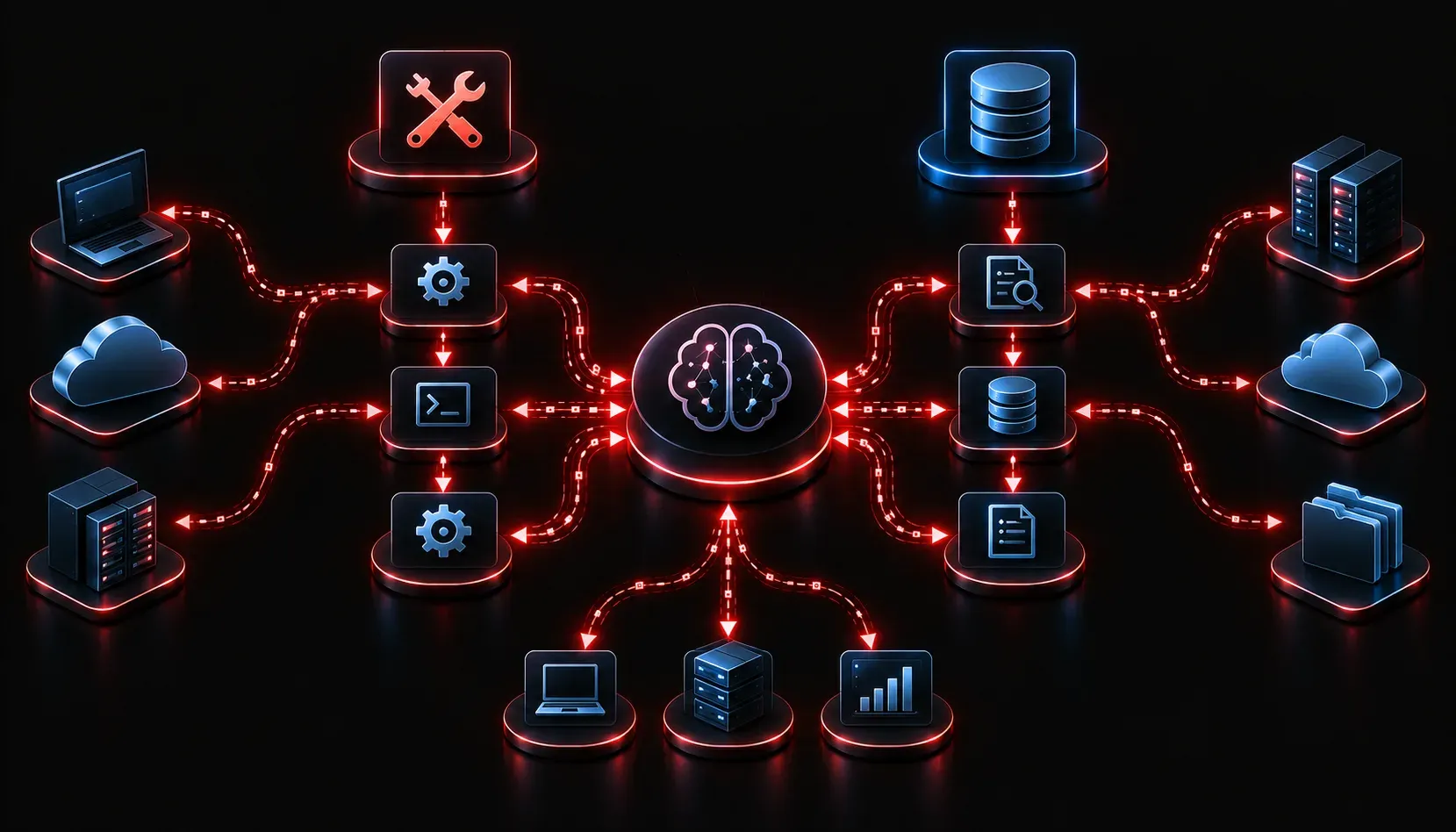
If you are just getting started with the Model Context Protocol (MCP), one of the first things you will need to understand is how it organizes the different things an AI agent can interact with. Two of the most fundamental building blocks are Tools and Resources. They sound similar, but they serve very different purposes, and knowing the difference will help you design more efficient and effective AI agent systems.
What Is MCP and Why Do Primitives Matter?
MCP is an open protocol, originally introduced by Anthropic, that defines how AI models communicate with external systems, data sources, and capabilities. Think of it as a universal protocol that lets a language model reach outside of itself to do real work in the world. Within that protocol, primitives are the basic categories of things that a server can expose to a client (the AI model or the agent orchestrating it).
Getting the primitives right is critical for AI efficiency. If you expose the wrong type of capability in the wrong primitive, your agent will either behave unpredictably or fail to take advantage of what the server has to offer.
MCP Tools: Action-Oriented Capabilities
A Tool in MCP is something the AI can call to do something. Tools are action-oriented and typically have side effects. When a model invokes a Tool, it is asking the server to execute a function and return a result.
Think of Tools like API endpoints or functions you would call in a program. Examples include:
- Querying a database
- Sending an email
- Running a terminal command
- Calling a third-party API
- Creating or deleting a file
A Tool definition includes a name, a description (which the model uses to decide when to call it), and an input schema that describes what parameters the Tool accepts. Here is a simplified example of what a Tool definition looks like in JSON:
{
  "name": "send_email",
  "description": "Sends an email to a specified recipient.",
  "inputSchema": {
    "type": "object",
    "properties": {
      "to": { "type": "string" },
      "subject": { "type": "string" },
      "body": { "type": "string" }
    },
    "required": ["to", "subject", "body"]
  }
}
The key characteristic: Tools are model-controlled. The AI decides when and how to call them based on the task at hand.
MCP Resources: Readable Data
A Resource in MCP is something the AI can read. Resources are data-oriented and are generally read-only. They give the model access to content it would not otherwise have, without triggering any real-world action.
Resources are identified by a URI (a unique address) and can represent things like:
- A file on the server
- A database record
- A live data feed or log
- A web page or document
- Configuration data
A Resource definition includes a URI, a name, and a MIME type so the client knows how to handle the content. A simple example looks like this:
{
  "uri": "file:///var/log/app.log",
  "name": "Application Log",
  "mimeType": "text/plain"
}
Importantly, Resources are application-controlled. The host application or the user decides which Resources get loaded into the model's context, not the model itself.
Side-by-Side MCP Comparison
Here is a quick reference to keep the distinction clear:
- Purpose: Tools perform actions; Resources provide data.
- Control: Tools are model-controlled; Resources are application-controlled.
- Side Effects: Tools often have side effects (sending, creating, deleting); Resources are read-only.
- Identified By: Tools use a name and input schema; Resources use a URI.
- Use Case: Tools are for doing things; Resources are for knowing things.
How This Improves AI Efficiency
Keeping Tools and Resources separate is a deliberate design choice that improves AI efficiency in several ways. First, it gives the AI a clear mental model: when it needs information, it looks at Resources; when it needs to take action, it calls a Tool. This reduces ambiguity and helps prevent the model from accidentally triggering actions when it only meant to read data.
Second, it gives the application developer fine-grained control. You can expose a sensitive dataset as a Resource for reading while keeping destructive operations locked behind a Tool that requires explicit invocation. That separation of concerns makes your AI agent systems safer and easier to audit.
What's Next
Now that you understand the difference between Tools and Resources, the next primitive worth exploring is Prompts: reusable, parameterized instructions that MCP servers can expose to guide model behavior in structured ways. Prompts complete the three-primitive picture and will help you understand how to build fully-featured MCP servers that are both powerful and predictable.