
AI's Role Across the Software Development Lifecycle: A Comprehensive Guide
This guide examines how AI tools integrate into every stage of the software development lifecycle, from requirements gathering through deployment. It provides practical examples and specific tool recommendations for IT professionals and developers looking to leverage AI for workflow automation. Eac

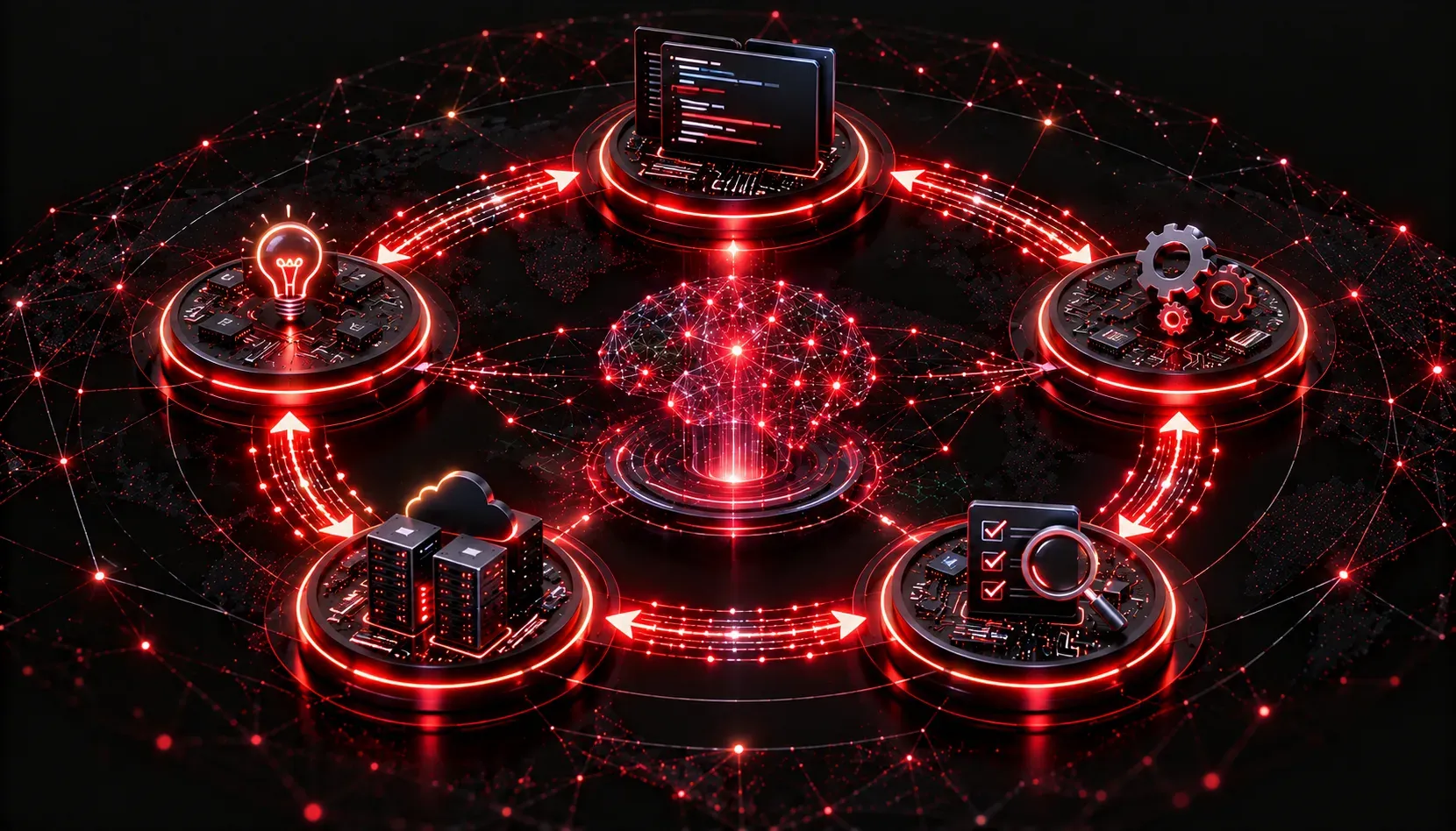
The software development lifecycle (SDLC) has always had a reputation for being complex, time-consuming, and prone to human error. AI is changing that. Whether you are a developer, a network engineer who writes scripts, or an IT professional building automation tools, understanding how AI fits into each stage of the SDLC gives you a serious edge. This guide walks through every major phase and shows you where AI adds the most value.
What Is the AI Software Development Lifecycle?
The traditional SDLC covers the full journey of building software: from gathering requirements to shipping and maintaining a finished product. When we talk about the AI software development lifecycle, we mean using AI tools and models as active participants in that journey, not just passive assistants. Think of AI as a junior engineer on your team who never sleeps, reads documentation instantly, and generates first drafts in seconds.
The five stages where AI integration makes the biggest impact are:
- Requirements gathering
- Prototyping and design
- Implementation (coding)
- Testing and quality assurance
- Deployment and maintenance
Stage 1: Requirements Gathering
This stage is traditionally slow. Stakeholders have ideas; developers have questions; and somewhere in the middle, misunderstandings get baked into the project from day one.
AI tools like ChatGPT and Claude can help you turn vague stakeholder notes into structured user stories. You can paste a rough meeting transcript and ask the model to extract functional requirements, flag ambiguities, and suggest edge cases the team may have missed. This is not magic; it is workflow automation applied to a phase that usually relies entirely on human memory and note-taking.
Stage 2: Prototyping and Design
Before writing a single line of production code, teams build prototypes to validate ideas. AI accelerates this dramatically. Tools like GitHub Copilot can scaffold an entire project structure from a plain-English description. AI image generators and UI tools like Uizard can turn a rough sketch into a clickable wireframe.
For network automation scripts specifically, you can describe the desired behavior in natural language and get a working prototype in Python using libraries like netmiko or nornir within minutes. The prototype will not be perfect, but it gives you something concrete to react to immediately.
Stage 3: Implementation
This is where most people have already encountered AI integration through tools like GitHub Copilot, Cursor, or Amazon CodeWhisperer. These tools provide real-time code suggestions, complete functions from a comment, and even explain what existing code does.
A practical example: you are writing a Python script to pull interface statistics from a Cisco device via RESTCONF. You type a comment describing the goal and the AI completes the requests call, handles the JSON parsing, and adds error handling. What might take 20 minutes of documentation reading takes 2.
# Fetch CPU utilization from a Cisco IOS-XE device via RESTCONF
import requests

url = "https://192.168.1.1/restconf/data/Cisco-IOS-XE-process-cpu-oper:cpu-usage"
headers = {"Accept": "application/yang-data+json"}
response = requests.get(url, headers=headers, auth=("admin", "password"), verify=False)
print(response.json())
Stage 4: Testing and Quality Assurance
Testing is one of the development stages most often skipped or rushed. AI makes it easier to build comprehensive test coverage without spending hours writing boilerplate. Tools like CodiumAI and Diffblue Cover analyze your code and generate unit tests automatically.
Beyond unit tests, AI can review pull requests for security vulnerabilities, flag logic errors, and suggest improvements to test coverage. This is workflow automation applied to quality, not just speed.
Stage 5: Deployment and Maintenance
After code ships, AI continues to add value. AI-powered monitoring tools like Datadog with AI Ops features detect anomalies in logs and metrics, correlate alerts, and even suggest root causes before your on-call engineer wakes up. AI can also generate runbooks, summarize incident postmortems, and predict failure patterns based on historical data.
Putting It All Together
AI integration across the SDLC is not about replacing engineers. It is about removing the friction at every stage so you can focus on higher-level thinking. The teams adopting AI tools across all development stages are shipping faster, catching bugs earlier, and spending less time on repetitive documentation and boilerplate work.
The key is to start where the pain is greatest. If requirements are always unclear, start there. If testing is always skipped, start there. Pick one stage, experiment with one tool, and build from there.
What's Next
Now that you have a strategic overview of AI across the full SDLC, it is time to go deeper. The next post in this series focuses specifically on using AI for requirements gathering and documentation, including hands-on prompting strategies that produce clean, actionable user stories from messy stakeholder input.