
CCNA Lab: Router-on-a-stick inter-VLAN routing
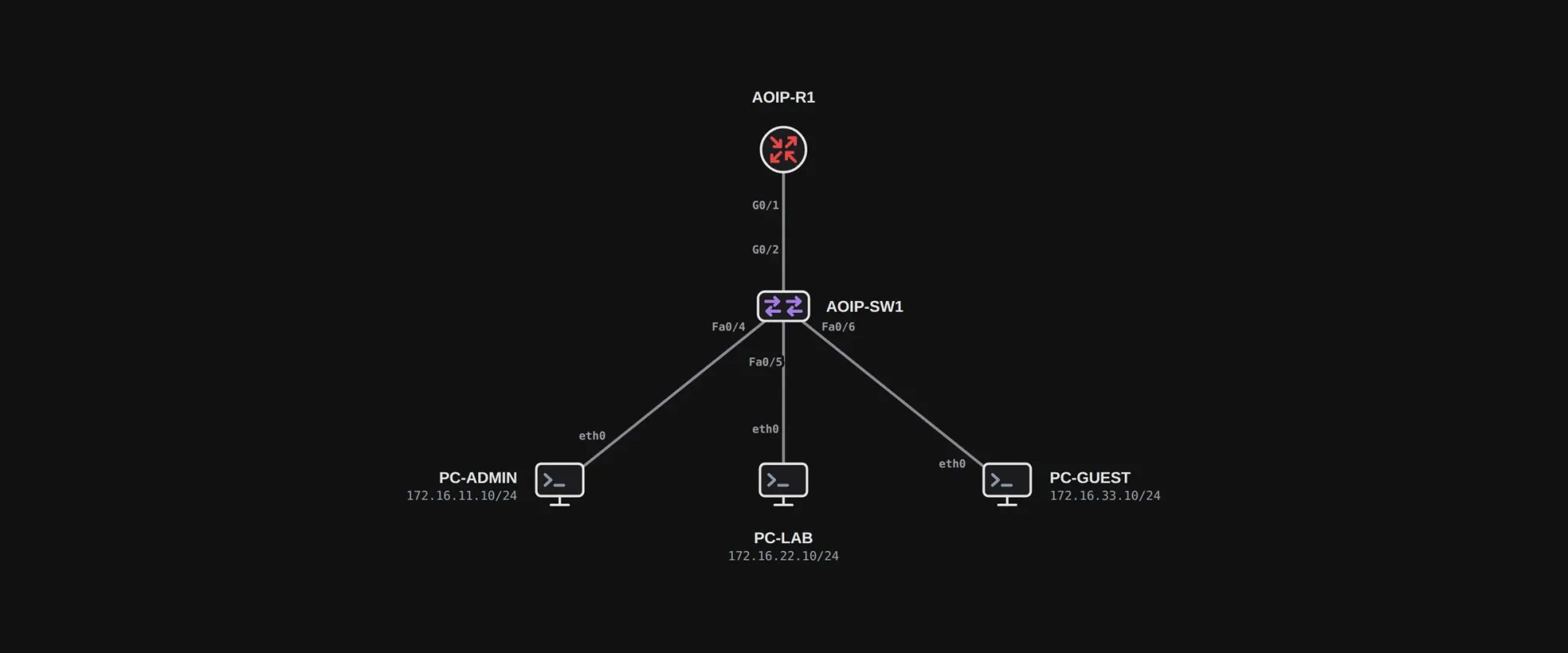
Enable a router port, build one 802.1Q subinterface per VLAN, trunk the switch port to the router and route between three VLANs. Every step tells you what to do and why, shows the commands if you want them, and ticks itself off when the device is really configured. Nothing to install: the routers, switches and PCs run in your browser.
Done? Test yourself without the guide: the CCNA practice exams include a timed simulation on this topic with different values and no hints. Go to the CCNA practice exams.