
How Do Email Protocols Work?
This post breaks down how email protocols work, covering SMTP for sending mail, and IMAP and POP3 for retrieving it. It explains each protocol's role, the ports they use, and how they work together to deliver a message from sender to recipient. Key port numbers and a practical flow example are incl

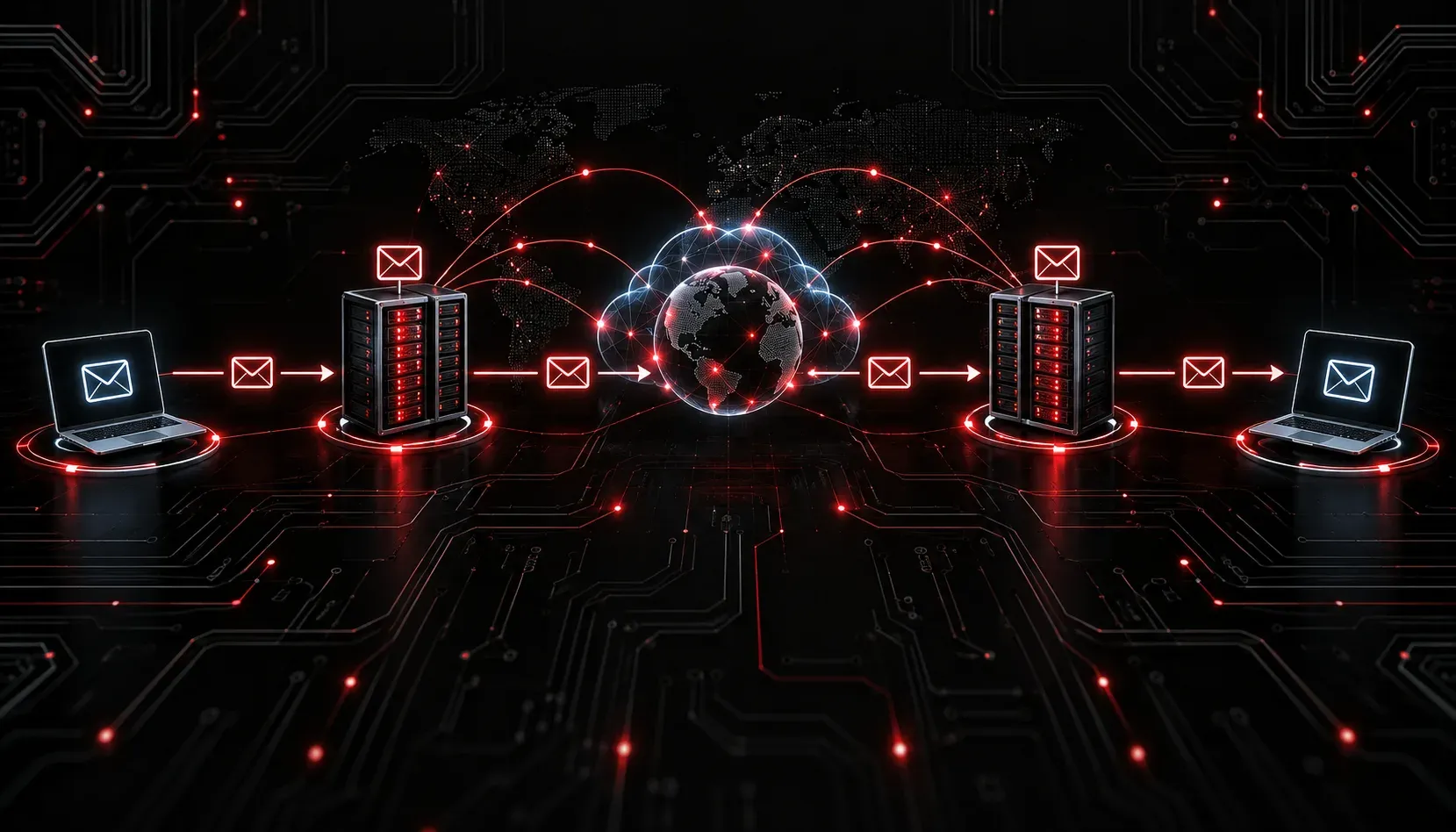
Email feels instant and simple from the user's side. You type a message, hit send, and it arrives in someone's inbox seconds later. But behind the scenes, several protocols are working together to make that happen. Understanding how email works at the protocol level is a key concept for the CCST Networking exam, and it also gives you a real appreciation for why the internet is designed the way it is.
The Three Core Email Protocols
Email communication is split into two distinct jobs: sending mail and retrieving mail. Different protocols handle each job, and knowing which does what will help you answer exam questions correctly and troubleshoot email issues in real environments.
SMTP: The Sending Protocol
Simple Mail Transfer Protocol (SMTP) is responsible for sending email from a client to a mail server, and then relaying that email between mail servers until it reaches its destination. Think of SMTP as the postal carrier. When you click "send," your email client connects to your outgoing mail server using SMTP and hands off the message.
SMTP uses TCP port 25 for server-to-server communication. For client-to-server submission, you will commonly see port 587 (with STARTTLS encryption) or port 465 (with SSL/TLS). Port 587 is the modern standard for most email clients.
Here is an example of what an SMTP conversation looks like at a basic level:
EHLO mail.example.com
250-mail.destination.com Hello
MAIL FROM:
250 OK
RCPT TO:
250 OK
DATA
354 Start input, end with "."
Subject: Hello Bob
This is a test message.
.
250 OK: Message queued
QUIT
221 Bye
Each command and response follows a defined structure. This is exactly how two mail servers negotiate and transfer a message over the internet.
POP3: Download and Done
Post Office Protocol version 3 (POP3) is one of the older protocols used by email clients to retrieve messages from a mail server. Using the postal analogy again, POP3 is like picking up your mail from a P.O. box. Once you collect it, it is gone from the box.
By default, POP3 downloads messages to your local device and removes them from the server. This works well if you only access email from one device, but it creates problems if you check email on both a laptop and a smartphone. POP3 uses TCP port 110 for unencrypted connections and port 995 for SSL/TLS encrypted sessions.
IMAP: Sync Across Devices
Internet Message Access Protocol (IMAP) is the modern solution to POP3's limitations. Instead of downloading and deleting messages, IMAP keeps messages stored on the server and synchronizes your email client with that server. This means you can read the same inbox on your phone, laptop, and work computer and all three will stay in sync.
IMAP uses TCP port 143 for standard connections and port 993 for encrypted connections. Most email services today, including Gmail and Outlook, default to IMAP for this reason.
How They Work Together
These protocols do not work in isolation. Here is the flow of a typical email:
- You compose a message in your email client.
- Your client uses SMTP to send the message to your outgoing mail server.
- Your mail server uses SMTP to relay the message to the recipient's mail server.
- The recipient's email client uses IMAP or POP3 to retrieve the message from their mail server.
A quick way to remember the distinction: SMTP pushes mail out, while IMAP and POP3 pull mail in.
Port Summary
- SMTP: Port 25 (server-to-server), Port 587 (client submission with STARTTLS), Port 465 (SSL/TLS)
- POP3: Port 110 (unencrypted), Port 995 (SSL/TLS)
- IMAP: Port 143 (unencrypted), Port 993 (SSL/TLS)
Memorizing these port numbers is worth your time. They appear frequently on the CCST Networking exam and in real-world firewall and troubleshooting scenarios.
What's Next
Now that you understand how email protocols work, the next logical step is exploring other application-layer protocols that keep networks running, including how devices automatically receive IP addresses using DHCP and how domain names get translated to IP addresses using DNS. Both are closely related to how email is routed and delivered, and both are covered in the CCST Networking exam objectives.