
Understanding QoS Profiles in WLANs
QoS profiles in WLANs allow network administrators to prioritize traffic types across different wireless networks using four built-in profiles: Platinum, Gold, Silver, and Bronze. These profiles tie into the WMM standard and help ensure time-sensitive traffic like voice and video gets the airtime i

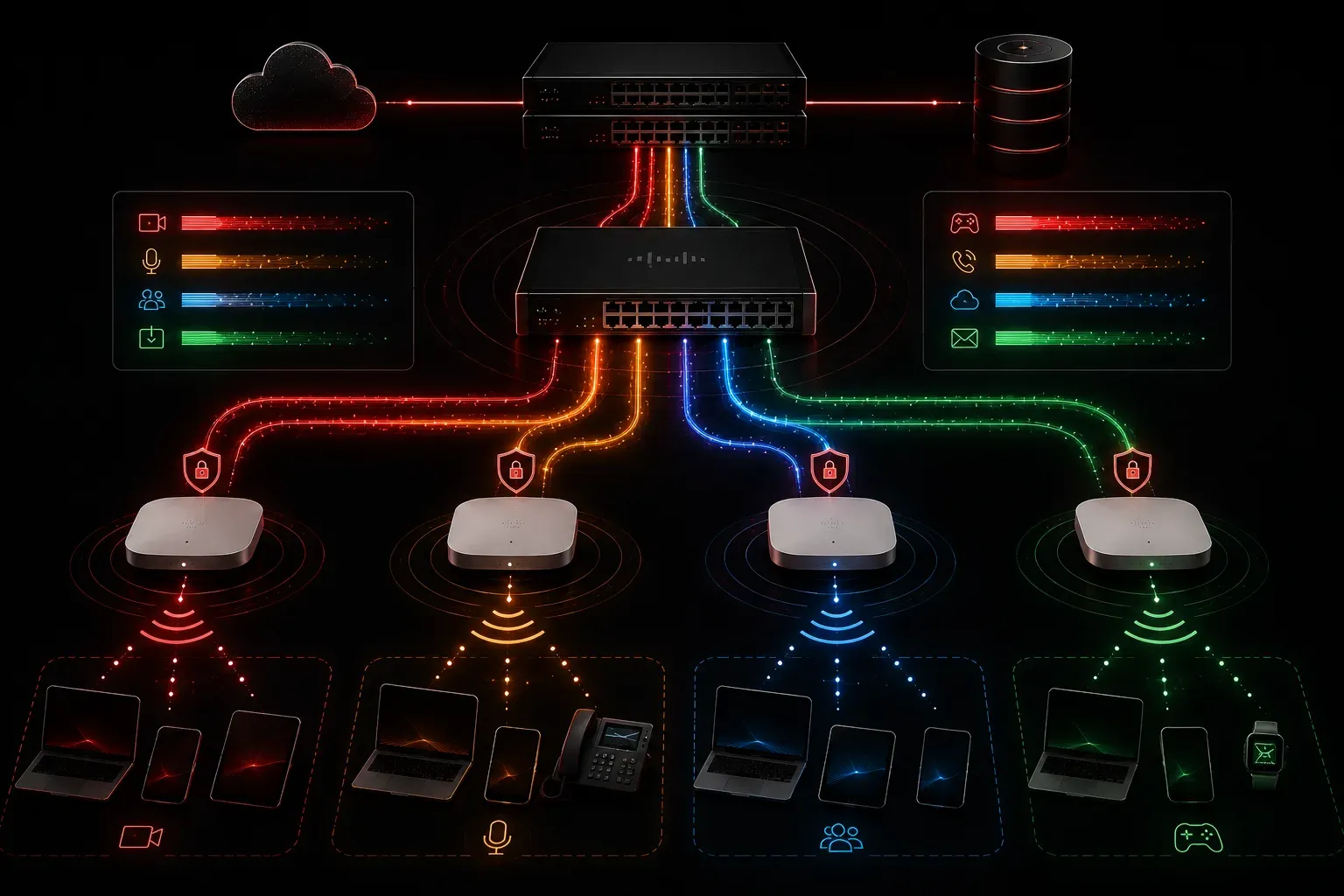
If you've ever noticed voice calls cutting out while someone else on the network is downloading a large file, you've experienced what happens without proper quality of service (QoS) in place. In wireless networks, this problem gets even more pronounced because the wireless medium is shared. QoS profiles are one of the key tools for managing this challenge and are relevant to the wireless networking and QoS topics covered in the CCNA 200-301 exam. Verify the specific objective numbering against the current Cisco exam blueprint, as objectives can shift between exam versions.
What Is Quality of Service?
Before diving into profiles specifically, let's ground ourselves in the concept. Quality of service refers to a set of techniques that prioritize certain types of network traffic over others. Rather than treating every packet the same, QoS allows the network to say, "Voice packets get through first, and that large file download waits in line."
In a WLAN environment, this matters a lot. Wireless is a half-duplex, shared medium. Every device on the same channel competes for airtime. Without QoS, a video stream and a critical VoIP call are treated as equals, which causes real problems for the time-sensitive traffic.
Where QoS Profiles Fit In
On a Cisco wireless network, QoS profiles are configurations applied to WLANs through the Wireless LAN Controller (WLC). They define how traffic is handled for devices connected to that specific WLAN. Think of a QoS profile as a ruleset that gets stamped on all traffic entering or leaving a particular wireless network.
Cisco WLCs come with four built-in QoS profiles:
- Platinum: designed for voice traffic, the highest priority level
- Gold: intended for video traffic
- Silver: the default profile, suited for general data traffic
- Bronze: the lowest priority, often used for guest or background traffic
Each WLAN can be assigned one of these profiles. So if you have a WLAN dedicated to VoIP handsets, you'd assign it the Platinum profile. Your guest Wi-Fi WLAN might get Bronze, ensuring it never interferes with business-critical traffic.
How QoS Profiles Work Under the Hood
These profiles align with the Wi-Fi Multimedia (WMM) standard, which is based on the IEEE 802.11e amendment. WMM defines four access categories that map to two widely used marking schemes:
- DSCP (Differentiated Services Code Point): a 6-bit value in the IP header used to classify and prioritize packets across routed networks. Common values include EF (Expedited Forwarding) for voice and AF (Assured Forwarding) classes for other traffic types.
- 802.1p: a 3-bit priority field carried inside an 802.1Q VLAN tag on Ethernet frames, used to signal priority at Layer 2 before a packet reaches a router.
The four WMM access categories, in order of priority, are:
- Voice (AC_VO): highest priority
- Video (AC_VI): second priority
- Best Effort (AC_BE): default traffic
- Background (AC_BK): lowest priority
When a QoS profile is assigned to a WLAN, the WLC uses it to set the maximum allowed priority for traffic on that WLAN. For example, if a WLAN is set to Silver, even if a client device tries to mark its traffic as high-priority voice, the WLC will cap it at the Silver profile level. This prevents rogue devices from grabbing more than their fair share of bandwidth.
Viewing and Configuring QoS Profiles on a WLC
On an older Cisco WLC (the kind you'll see referenced in CCNA study materials), QoS profiles are configured through the web GUI under Wireless > QoS > Profiles. You can also assign a profile to a WLAN directly in the WLAN configuration page under the QoS tab.
Cisco's Catalyst Center (formerly DNA Center) is a higher-level network management platform that handles QoS policy in a more abstracted, intent-based way. It is not a core focus of the CCNA exam itself, but understanding the WLC-based model covered in the CCNA gives you the foundation to make sense of how these modern management systems build on the same underlying principles.
A Practical Example
Imagine a hospital network with three WLANs:
- Staff-Voice: used by IP phones and softphone apps, assigned
Platinum - Staff-Data: used for laptops and tablets, assigned
Silver - Guest-WiFi: patient and visitor access, assigned
Bronze
With this setup, a nurse making a critical call will always get clean audio, even if a visitor is streaming video on the guest network. The QoS profile assignment is what enforces that separation.
Why This Matters for the CCNA Exam
You need to understand what QoS profiles are, the four profile types (Platinum, Gold, Silver, Bronze), and how they relate to WLAN performance. You won't need to configure them from scratch, but you should be able to identify them and know what profile to choose in a given scenario. Always cross-reference the current Cisco exam blueprint to confirm which wireless QoS objectives apply to the version of the exam you are sitting.
If you want to dig deeper into the topic, the Cisco Press CCNA 200-301 Official Cert Guide by Wendell Odom covers wireless QoS in the context of the full WLAN architecture, which is worth reading alongside this.
What's Next
Now that you understand how QoS profiles shape traffic on a WLAN, the next logical step is understanding how wireless clients actually associate with an access point and what happens during that process. In an upcoming post, we'll walk through the wireless client association and authentication process, which ties directly into how those QoS settings get applied in real time.
Tools and resources for this topic
- Wendell Odom CCNA Vol 2 — Covers advanced routing, WAN, infrastructure services, and security.