
Understanding AI Agent Design Principles
This post covers the fundamental principles of AI agent design, including single responsibility, explicit tool definitions, human-in-the-loop checkpoints, structured outputs, and failure planning. It is written for IT professionals who are ready to move beyond basic AI prompts and build reliable, p

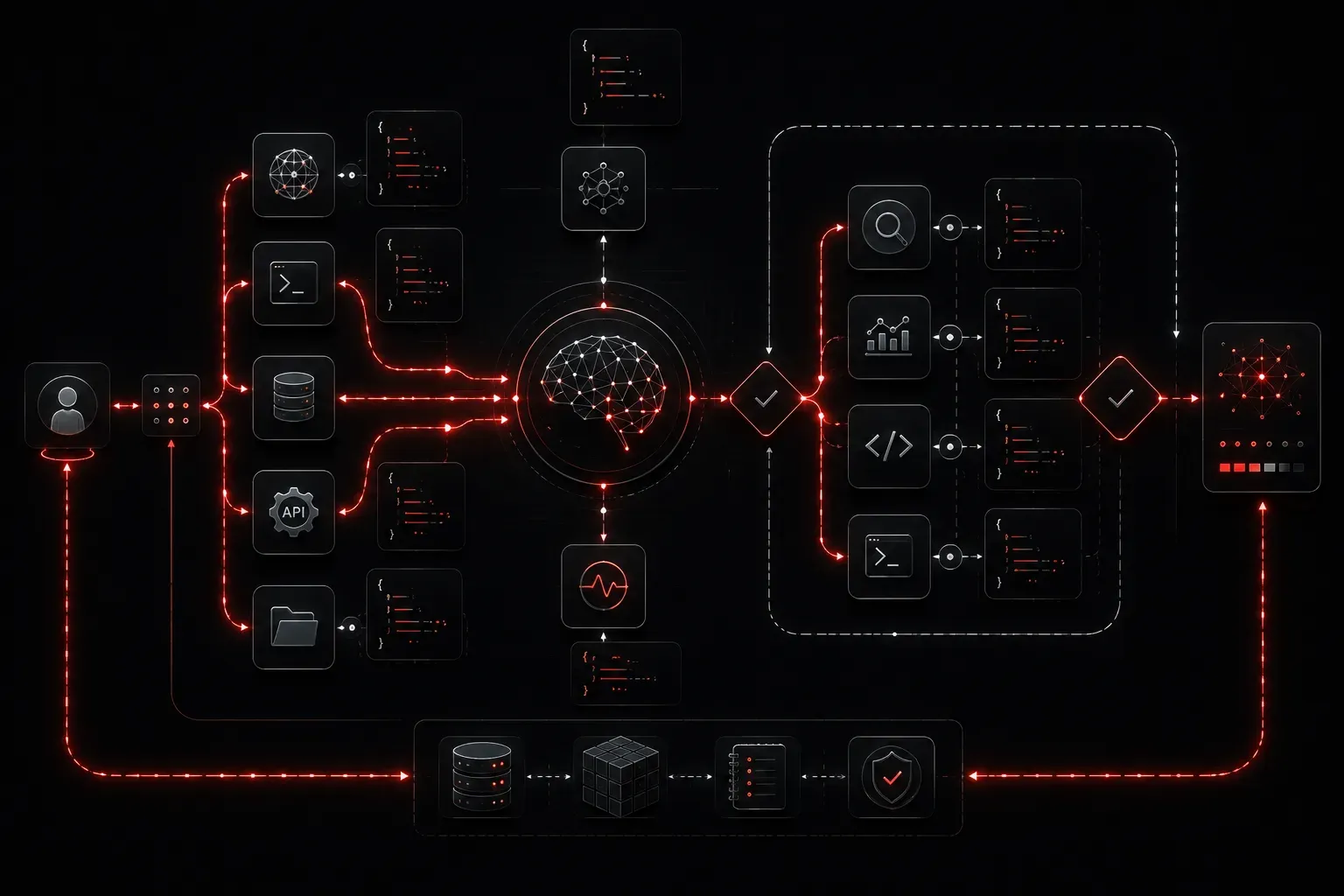
If you have been exploring AI tools and wondering how to move beyond simple chatbot prompts into something more powerful, AI agents are your next step. Designing them well requires understanding a few core principles that keep your agents reliable, maintainable, and actually useful in real IT environments.
What Is an AI Agent, Really?
Before diving into design principles, let us clarify what we mean. An AI agent is a system that uses a large language model (LLM) as its reasoning engine, combines it with tools and memory, and operates with some degree of autonomy to complete multi-step tasks. Unlike a simple prompt-response interaction, an agent can plan, act, observe results, and adjust its approach.
Think of it this way: a basic ChatGPT conversation is a single exchange. An AI agent is more like an employee who can read your email, check a database, run a script, and come back with a completed report.
Core AI Agent Design Principles
1. Single Responsibility per Agent
The most reliable agents do one thing well. Resist the temptation to build a "do everything" agent. Instead, design agents with a clearly scoped purpose: a network log analyzer, a ticket triage agent, or a vulnerability summary agent.
When an agent has a focused role, it is easier to test, debug, and trust. In IT applications, this also maps cleanly to existing workflows and team responsibilities.
2. Define Tools Explicitly
An agent's power comes from its tools: functions it can call, APIs it can query, and scripts it can run. Every tool you give an agent should have a clear name, a plain-language description, and defined input/output parameters.
A poorly described tool leads to an agent using it incorrectly. A well-described tool looks like this:
tool_name: "get_device_status"
description: "Queries the network management system and returns the operational
              status of a specified device by hostname."
parameters:
  hostname: string (required)
returns: string ("up", "down", "unreachable")
When your tools are explicit and well-documented, your agent makes better decisions about when and how to use them.
3. Build in Human-in-the-Loop Checkpoints
Not every action should be fully autonomous. For IT applications, especially those touching production systems, you want human approval gates at critical decision points. This is sometimes called a human-in-the-loop pattern.
Design your agent to pause and request confirmation before executing high-impact actions, such as restarting a service, modifying an access control list, or sending a customer-facing notification. This keeps the agent useful while maintaining operational safety.
4. Use Structured Outputs
When an agent completes a task, it should return structured, predictable output rather than freeform text. This makes it far easier to feed results into downstream systems, dashboards, or other agents in a larger AI workflow.
For example, instead of having your agent return a paragraph summarizing ticket priority, have it return a JSON object:
{
  "ticket_id": "INC-4821",
  "priority": "high",
  "category": "network_outage",
  "recommended_action": "escalate_to_noc"
}
Structured output makes your agents composable, meaning you can chain them together reliably.
5. Plan for Failure
AI agents will occasionally hallucinate, misuse a tool, or get stuck in a reasoning loop. Good AI agent design accounts for this from the start. Include retry limits, fallback behaviors, and clear error messages that surface to the human operator when something goes wrong.
A simple rule: every tool call should have a maximum retry count, and every agent task should have a timeout. Without these guardrails, a misbehaving agent can consume API credits, trigger unintended actions, or simply hang indefinitely.
Putting It Together
Great AI agent design is not magic; it is disciplined engineering applied to a new class of systems. Start small, define clear boundaries, equip your agent with well-documented tools, and build in safety checks before you scale complexity. IT professionals already think this way about systems and automation, which means you are already equipped for this shift.
What's Next
Now that you understand the principles behind AI agent design, the next step is exploring how agents actually perceive and process information through context windows, memory types, and retrieval-augmented generation (RAG). Understanding how an agent "thinks" will make you a much more effective designer. That topic is coming up next in this series.