
AI Voice Tools: Streamlining IT Communication
AI voice tools are transforming IT communication through real-time transcription, automated documentation, and enhanced stakeholder interaction. These tools help IT professionals streamline meetings, capture technical knowledge, and bridge communication gaps between technical and business teams.

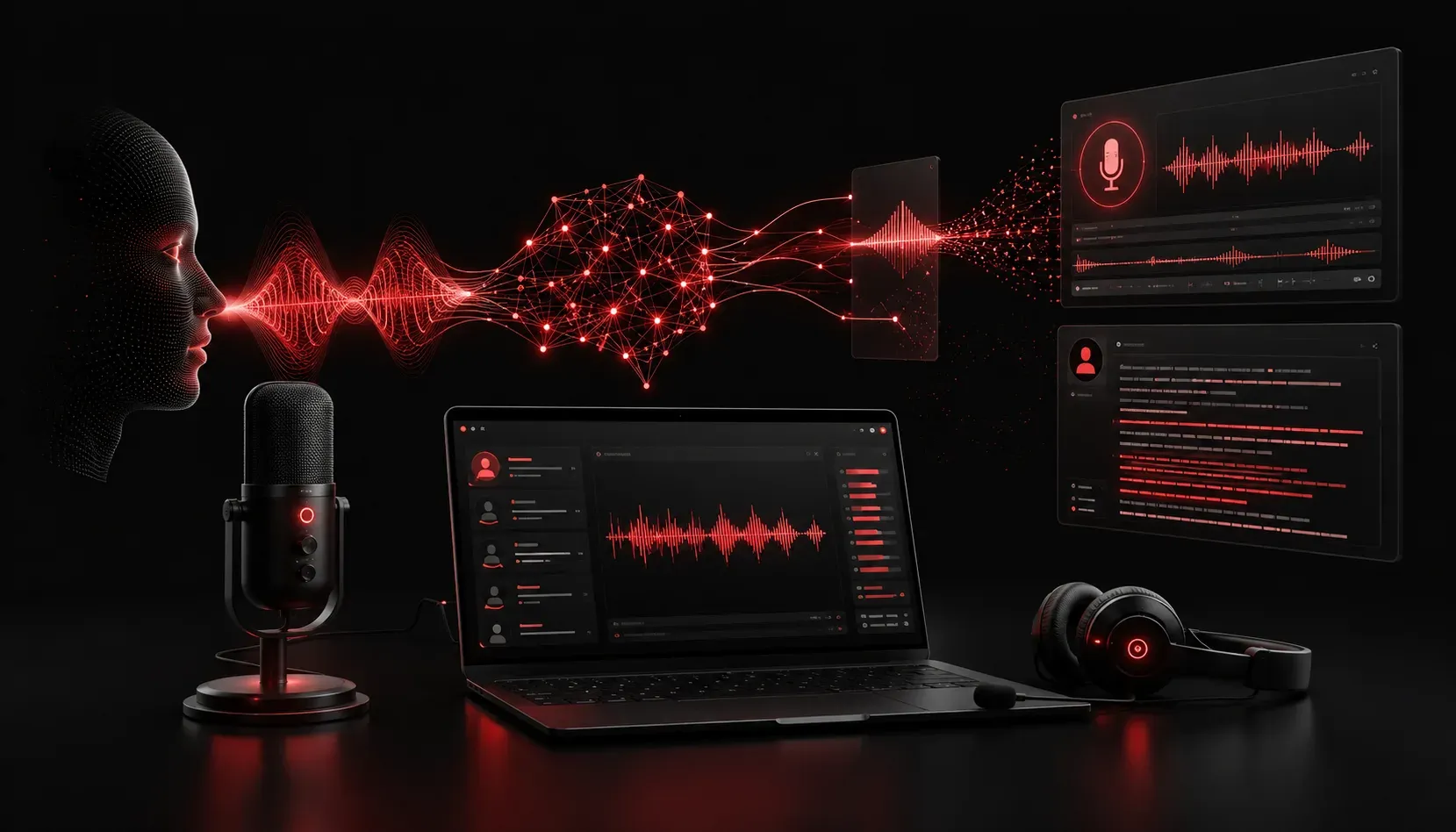
Communication bottlenecks plague IT teams daily. Whether it's explaining complex technical issues to stakeholders, conducting lengthy troubleshooting calls, or documenting meeting outcomes, traditional communication methods often slow down critical work. AI voice tools are revolutionizing how IT professionals handle these challenges, offering new ways to streamline conversations, automate documentation, and improve team collaboration.
Real-Time Transcription and Meeting Intelligence
Tools like Otter.ai and Fireflies.ai have transformed IT meetings by providing automatic transcription and intelligent summaries. During incident response calls, these tools capture technical discussions, action items, and decision points without requiring dedicated note-takers.
For example, during a critical database outage call, Fireflies.ai can automatically identify when team members discuss specific error codes, server names, or remediation steps. The tool generates searchable transcripts and highlights key technical details, making post-incident reviews more thorough and accessible.
Meeting Summary Generated:
- Issue: Database connection timeout errors on prod-db-01
- Root Cause: Connection pool exhaustion
- Resolution: Increased max_connections from 100 to 200
- Action Items: Monitor connection usage, review connection pooling config
AI-Powered Documentation and Knowledge Capture
Voice-to-text AI applications excel at converting verbal explanations into structured documentation. Tools like Whisper by OpenAI and Assembly AI can process recorded technical walkthroughs and generate step-by-step guides or troubleshooting procedures.
Consider a senior network engineer explaining a complex OSPF configuration to junior team members. Instead of manually typing detailed notes, the explanation can be recorded and processed through AI voice tools to create comprehensive documentation. The AI can identify technical terminology, command sequences, and logical flow, producing formatted guides that become valuable team resources.
Practical Implementation Example
A system administrator records a 15-minute explanation of their backup verification process. Using whisper-1 through OpenAI's API, the audio converts to text, which ChatGPT then structures into a formal procedure document complete with numbered steps, prerequisite checks, and troubleshooting tips.
Enhancing Stakeholder Communication
AI voice tools bridge the technical communication gap between IT teams and business stakeholders. Descript and Murf.ai enable IT professionals to create polished audio explanations of system changes, security updates, or project status reports.
These tools offer particular value when explaining complex technical concepts to non-technical audiences. An IT manager can record a casual explanation of a network security upgrade, then use AI to clean up the audio, remove filler words, and generate a professional presentation that stakeholders can easily understand and reference later.
Voice-Driven Automation and Commands
Advanced AI voice tools integrate with IT automation platforms, enabling voice-controlled infrastructure management. While still emerging, tools like custom implementations using Google Speech-to-Text API combined with automation frameworks allow IT professionals to execute routine tasks through voice commands.
For instance, "Check the status of all web servers in the production environment" could trigger automated monitoring scripts, with results delivered through text-to-speech synthesis. This hands-free approach proves valuable during multi-tasking scenarios or when working in server rooms where typing is inconvenient.
Security and Privacy Considerations
When implementing AI voice tools for IT communication, security remains paramount. Many tools offer on-premises deployment options or enterprise security features. Microsoft Cognitive Services Speech and AWS Transcribe provide enterprise-grade security controls, ensuring sensitive technical discussions remain protected.
IT teams should establish clear policies about which types of information can be processed through external AI voice tools, particularly when discussing proprietary systems, security vulnerabilities, or confidential client data.
What's Next
As AI voice tools continue advancing, the next logical step is exploring how these technologies integrate with existing IT workflows and automation platforms. In our next post, we'll examine specific integration strategies and walk through setting up automated workflows that leverage AI voice recognition for incident response and system monitoring tasks.