
Automating Documentation with AI: Benefits and Tools
AI documentation automation tools can transform documentation from a dreaded afterthought into a fast, consistent part of your workflow. This post covers why documentation accuracy suffers, what automated documentation tools actually produce, and how to get started with tools like GitHub Copilot, N

If you've spent any time in IT, you know the feeling: the project is done, the configs are deployed, the tickets are closed, and now someone needs documentation. It's the task everyone knows is important, but it always seems to fall to the bottom of the pile. AI documentation automation is changing that, and in a meaningful way.
This post walks through what automated documentation actually looks like in practice, which tools are worth your time, and how to start using them without overhauling your entire workflow.
Why Documentation Always Falls Behind
Documentation fails for a predictable reason: it's a secondary task that requires primary effort. Engineers are paid to build and operate systems, not to write about them. When time is tight, writing takes the hit.
The result is usually one of three things: documentation that doesn't exist, documentation that exists but is wrong, or documentation that's six months out of date. None of those are useful. Documentation accuracy isn't just a nice-to-have, it directly affects how fast you can troubleshoot, onboard new team members, and respond to audits.
AI tools address this by shifting documentation from a manual writing task into something that happens alongside the work, or even automatically after it.
What AI Documentation Automation Actually Does
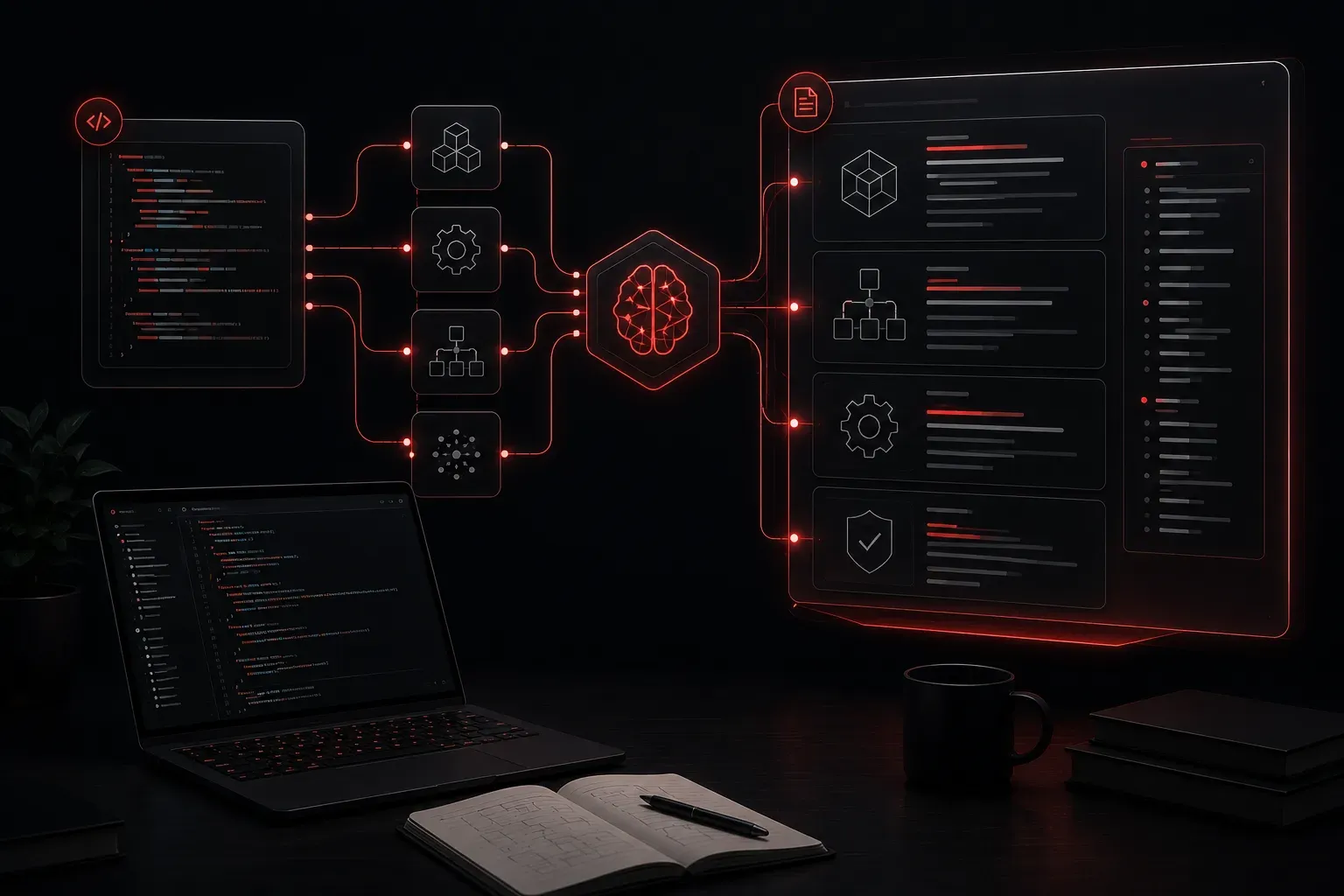
At its core, AI documentation automation takes some form of input, a codebase, a meeting transcript, a network configuration, a conversation, and produces structured written output. Depending on the tool and use case, that output might be:
- A README file generated from source code
- Meeting notes summarized from a transcript
- A runbook built from observed CLI commands
- Inline code comments added to an existing script
- A change log derived from a Git commit history
The key shift here is that you're no longer starting from a blank page. You're reviewing, editing, and approving. That's a much faster workflow than writing from scratch.
Tools Worth Knowing
GitHub Copilot
GitHub Copilot does more than autocomplete code. It can generate docstrings and inline comments directly inside your editor, primarily for languages with strong support such as Python, JavaScript, TypeScript, and Go. For other languages, results may be less consistent. You can highlight an existing function and prompt Copilot to add a docstring, which typically takes seconds. That said, Copilot works best when the code itself is reasonably well-structured; heavily obfuscated or domain-specific logic may produce generic or incomplete documentation that still requires significant manual review.
In a network engineering context, Copilot is most useful when you're writing automation scripts, for example Python scripts that use Netmiko or NAPALM to interact with network devices. Highlighting a function that pulls interface statistics and asking Copilot to document its inputs and outputs is a practical, low-effort win.
Notion AI
Notion AI is built into the Notion workspace and is useful for teams that already manage their documentation there. It can summarize long pages, draft new sections based on bullet points you provide, and clean up rough notes into readable documentation. It works well for meeting summaries, project writeups, and onboarding guides. However, Notion AI performs best on straightforward prose-based input. Highly technical content, such as raw configuration snippets or structured data exports, may require you to pre-format or annotate the input before Notion AI can produce useful output. It is not designed to parse or document code directly.
Swimlane and n8n for Workflow Docs
If you're working with automation pipelines, tools like Swimlane and n8n can generate visual documentation of workflows. These platforms show what each step does and how data flows between them, which is invaluable when handing off automations to another team member. In a network operations context, an n8n workflow that polls device health via SNMP and creates tickets in ServiceNow becomes self-documenting through the visual canvas, with each node describing its function. Swimlane adds a security operations angle, often used to document and automate incident response playbooks.
ChatGPT and Claude for Ad Hoc Documentation
ChatGPT and Claude are both capable of taking raw input and turning it into polished documentation. A practical example: paste in a Python script with no comments and ask for a full explanation of what it does, formatted as an internal wiki page. The output will need review, but it's a strong starting point. Both tools are language-agnostic for documentation purposes, though accuracy depends on how clearly the input conveys intent. Neither tool has access to your live environment, so they rely entirely on what you paste in.
For network engineers, a common use case is pasting a device configuration, such as a sanitized Cisco IOS or Juniper Junos config, and asking the model to produce a human-readable summary of what the configuration does, which VLANs are defined, what routing protocols are running, and what access policies are in place.
Prompt example:
"Here is a Python script used for network inventory collection.
Please generate documentation that includes: a summary of what the
script does, a description of each function, the required inputs,
and expected outputs. Format it as a Confluence wiki page."
Prompt example (network config):
"Here is a sanitized router configuration. Please produce a
plain-English summary covering: routing protocols in use,
interface assignments, access control policies, and any notable
design decisions you can infer from the config."Getting Started Without Changing Everything
You don't need to commit to a new platform to start benefiting from automated documentation tools. Start small:
- Pick one recurring documentation task that you dread, like writing meeting summaries or commenting scripts.
- Try running that task through ChatGPT or Claude once, using a clear, structured prompt.
- Review the output, adjust what doesn't fit, and save your prompt for reuse.
Over time, you build a library of prompts that consistently produce quality output. That's the foundation of a real documentation workflow powered by AI.
What's Next
Now that you understand what AI documentation automation can do and which tools support it, the next step is learning how to write prompts that reliably produce good documentation output. In the next post, we'll look at prompt engineering specifically for technical writing tasks, including templates you can use immediately for common IT documentation scenarios.