
What Are Cloud Computing Basics?
An introduction to cloud computing fundamentals covering the three main service types (IaaS, PaaS, SaaS) and four deployment models (public, private, hybrid, community). Explains core concepts and benefits for networking beginners.
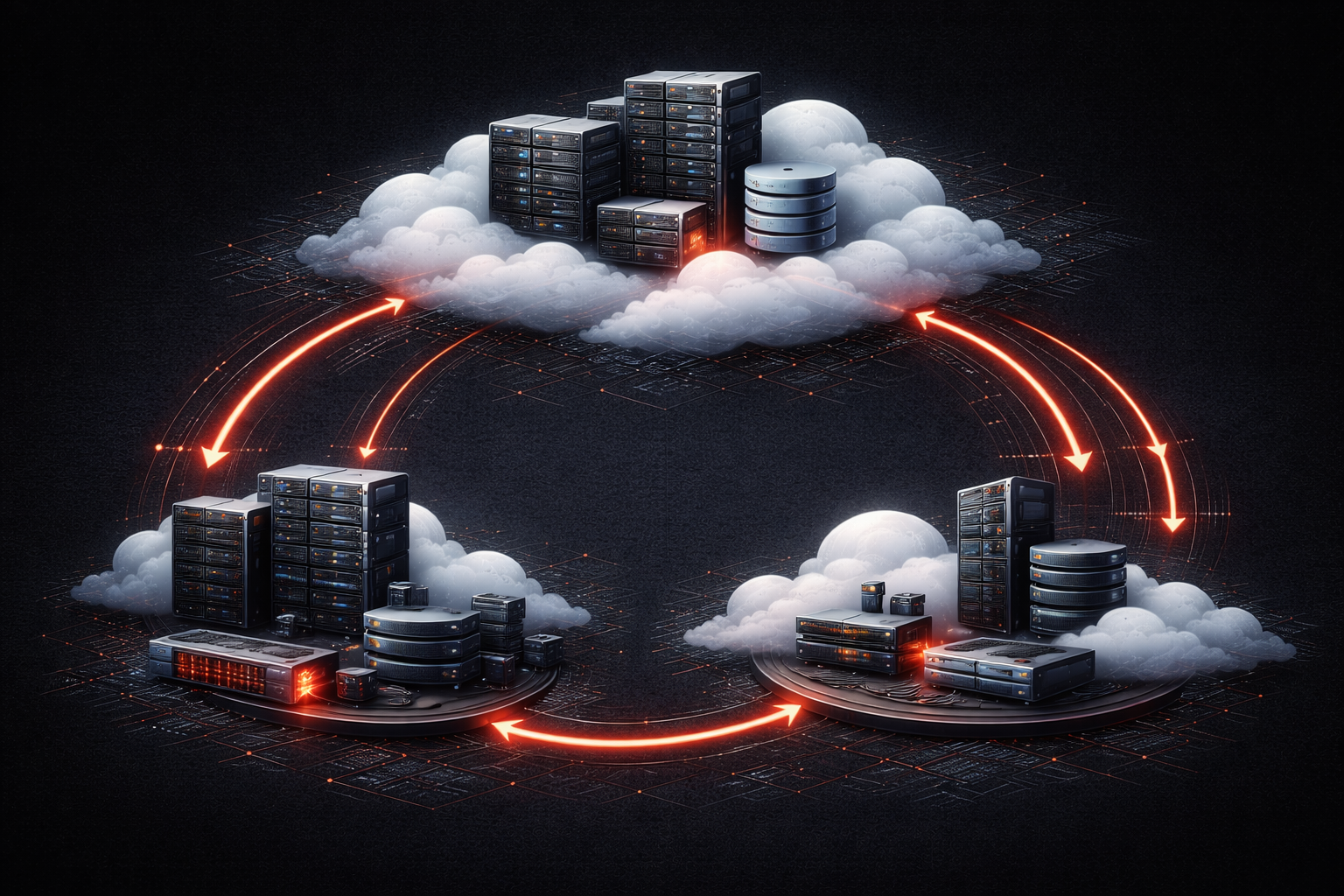
Cloud computing has transformed how we think about IT infrastructure and services. Instead of owning and maintaining physical servers in your office, you can access computing resources over the internet from providers like Amazon, Microsoft, or Google. Think of it like switching from owning a car to using ride-sharing services; you get the transportation you need without the overhead of ownership.
What Is Cloud Computing?
Cloud computing basics start with a simple concept: delivering computing services over the internet. These services include servers, storage, databases, networking, software, and analytics. The "cloud" is essentially someone else's computer that you access remotely.
The key characteristics that define cloud computing include:
- On-demand self-service: You can provision resources automatically without human intervention
- Broad network access: Services are available over the network from various devices
- Resource pooling: Computing resources are shared among multiple customers
- Rapid elasticity: Resources can be scaled up or down quickly based on demand
- Measured service: You pay only for what you use
Types of Cloud Services
Cloud services are typically categorized into three main models, often called the "cloud stack":
Infrastructure as a Service (IaaS)
IaaS provides the basic building blocks of cloud IT. You rent virtual machines, storage, and networks instead of buying physical hardware. Examples include Amazon EC2, Google Compute Engine, and Microsoft Azure Virtual Machines. With IaaS, you still manage the operating system, applications, and data, but the cloud provider handles the underlying infrastructure.
Platform as a Service (PaaS)
PaaS removes the need to manage underlying infrastructure and focuses on application deployment and management. You provide the code, and the platform handles everything else, from the operating system to runtime environments. Examples include Google App Engine, Microsoft Azure App Service, and Heroku. This model is popular among developers who want to focus on coding rather than server management.
Software as a Service (SaaS)
SaaS delivers complete applications over the internet. You simply use the software through a web browser without worrying about installation, maintenance, or updates. Common examples include Gmail, Dropbox, Salesforce, and Microsoft 365. This is the most hands-off approach to cloud computing.
Cloud Deployment Models
Cloud deployment models describe how cloud services are made available and who can access them:
Public Cloud
Public clouds are owned and operated by third-party providers who make their services available to the general public over the internet. Resources are shared among multiple organizations, but each customer's data remains isolated. Public clouds offer the greatest cost savings and scalability, but may have compliance limitations for certain industries.
Private Cloud
Private clouds are dedicated to a single organization and can be hosted on-premises or by a third party. They offer greater control and security but require more management and typically cost more than public cloud options. Many large enterprises choose private clouds for sensitive workloads.
Hybrid Cloud
Hybrid clouds combine public and private cloud environments, allowing data and applications to move between them. This model provides flexibility; you can keep sensitive data in a private cloud while using public cloud resources for less critical workloads or to handle traffic spikes.
Community Cloud
Community clouds are shared by several organizations with common requirements, such as compliance needs or security concerns. They're less common but useful in scenarios where organizations need to collaborate while maintaining certain standards.
Benefits and Considerations
Cloud technology offers significant advantages: reduced upfront costs, scalability, automatic updates, and global accessibility. However, it also raises concerns about data security, internet dependency, and potential vendor lock-in. Understanding these trade-offs helps you make informed decisions about cloud adoption.
What's Next
Now that you understand the basics of cloud computing, the next step is to explore specific cloud security considerations and how network professionals protect data and applications in cloud environments. We'll dive into cloud security models, shared responsibility concepts, and best practices for securing cloud deployments.