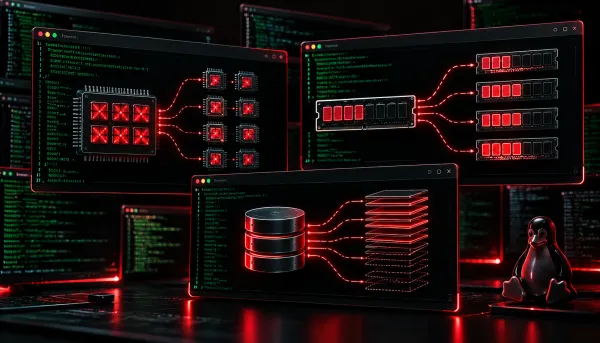
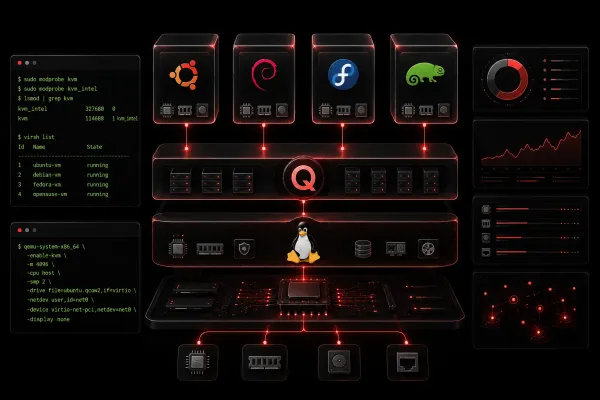
Linux+ Resources Management in VM Operations: Storage, RAM, and CPU This post explains how to manage storage, RAM, and CPU for virtual machines on Linux systems. It covers qcow2 disk images, virsh memory and vCPU commands, thin provisioning, memory ballooning, and CPU overcommitment with practical terminal examples.
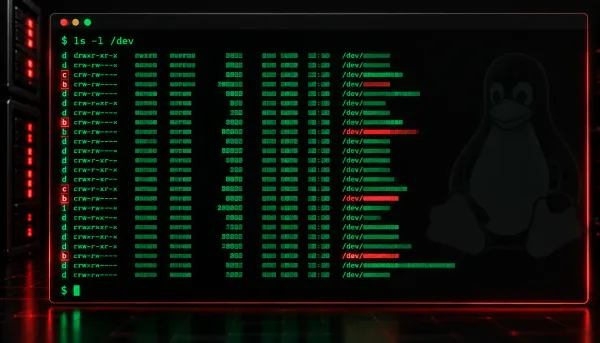
Linux+ Guide to Linux Device Types in the /dev Directory This post explains the device files found in the Linux /dev directory, focusing on the two primary Linux device types: block devices and character devices. It covers how to identify each type using ls -l output, provides real command examples, and highlights common devices like hard drives, termina
Linux+ A Beginner's Guide to Starting and Stopping Linux Services This beginner-friendly guide explains how to start, stop, restart, and manage Linux services using the systemctl command. It covers practical examples for controlling services immediately and across reboots, with a quick reference table for the most common Linux service commands.
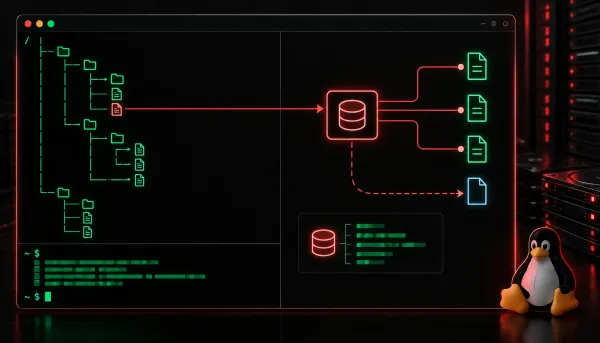
Linux+ Understanding Symbolic and Hard Links in Linux This post explains the difference between symbolic and hard links in Linux, how to create each type using the ln command, and when to use one over the other. It covers key concepts like inodes, cross-filesystem limitations, and what happens when the original file is deleted.
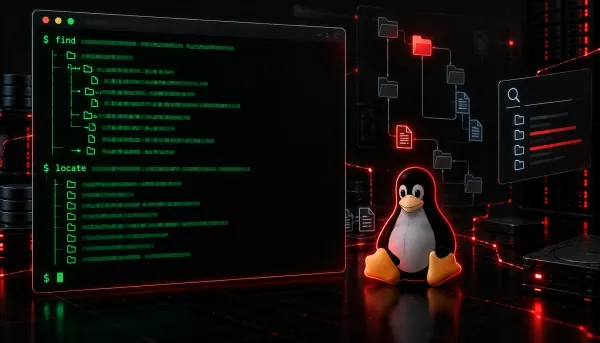
Linux+ How to Use the Find and Locate Commands in Linux This post covers how to use the find and locate commands to search for files and directories on a Linux system. It explains the key differences between the two commands, provides beginner-friendly examples, and shows how to combine find with the -exec flag for powerful file operations.
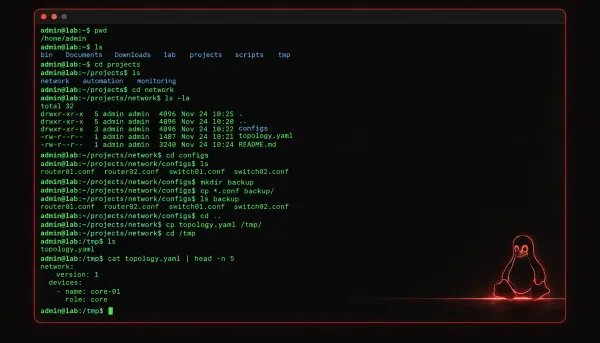
Linux+ Essential Linux File Utilities Explained This post introduces three essential Linux file utilities: cd, ls, and cp. Beginners will learn how to navigate the filesystem, list directory contents, and copy files and directories using practical terminal examples aligned with the CompTIA Linux+ exam.
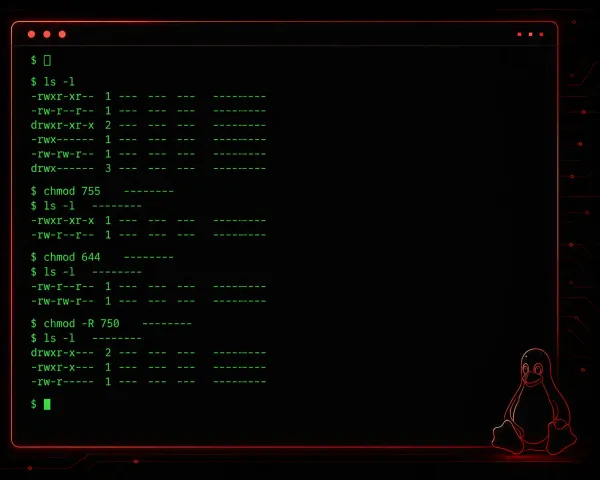
Linux+ Understanding Linux User Permissions This post introduces Linux user permissions for beginners, covering the three permission categories (owner, group, others), how to read permission output with ls -l, and how to set permissions using chmod in both symbolic and numeric modes. It also covers changing file ownership with chown and appl
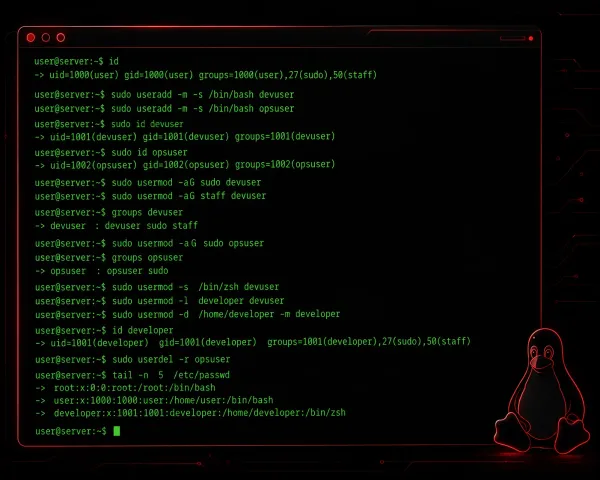
Linux+ How to Manage User Accounts in Linux This beginner-friendly guide walks through the essential Linux user management commands: useradd, usermod, and userdel. It covers how to create, modify, and delete user accounts in Linux with practical terminal examples and explains where Linux stores user information.
Linux+ Introduction to Linux Services This post introduces Linux services (daemons) and explains how systemd manages them using the systemctl command. It covers starting, stopping, enabling, and checking the status of services, with practical terminal examples throughout. It is aimed at beginners preparing for the CompTIA Linux+ exam.
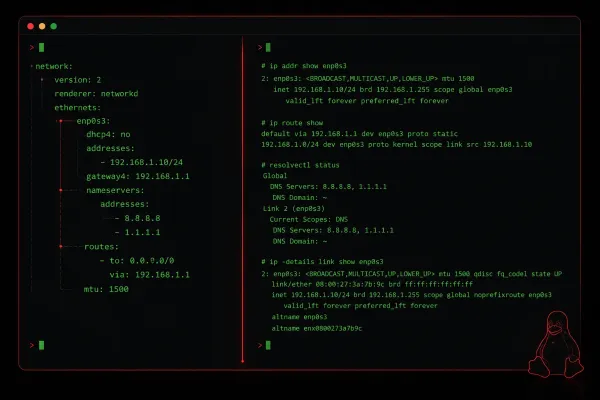
Linux+ NetworkManager vs Netplan: Which to Use on Linux? NetworkManager and Netplan are both popular Linux network configuration tools, but they serve different use cases. This post compares the two tools, explains how each works, and helps beginners decide which to use based on their environment.
Linux+ Understanding Data Recovery with Dd and Ddrescue on Linux This post explains how to use dd and ddrescue for data recovery on Linux, covering how each tool works, when to use them, and the key differences in how they handle errors. Readers learn practical commands for imaging drives and recovering data from damaged media. Real-world usage tips and safety a
Linux+ Essential Linux Shell Utilities for Beginners This post introduces three essential Linux shell utilities — grep, awk, and sed — with practical examples for beginners. It covers how each tool works individually and how to combine them using pipes for powerful one-liners. Relevant to CompTIA Linux+ exam objective 1.5.5.
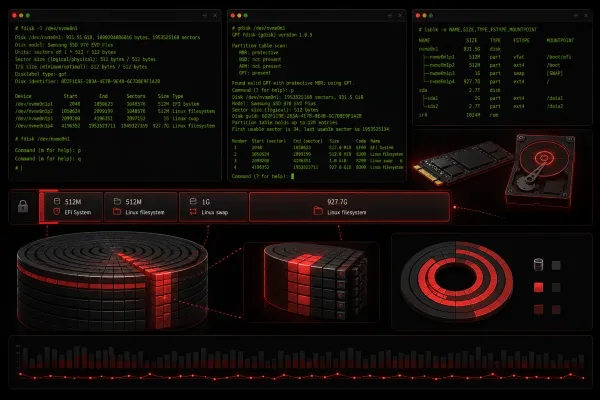
Linux+ How to Create and Resize Partitions in Linux Learn how to create and resize partitions in Linux using fdisk for MBR partitions, gdisk for GPT partitions, and growpart for online resizing. Includes practical examples and safety tips for managing disk storage effectively.
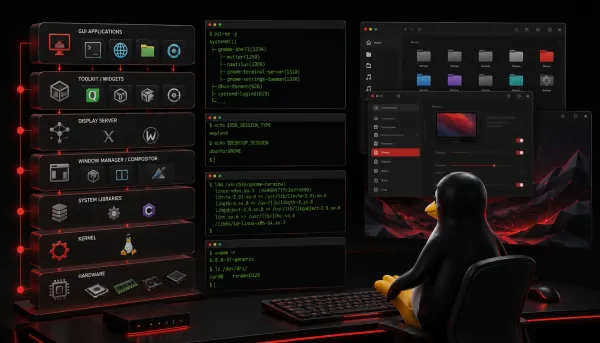
Linux+ Getting Started with Linux GUIs An introduction to Linux GUI architecture covering display servers (X Server and Wayland), window managers, and display managers. Essential knowledge for understanding how Linux desktop environments work and troubleshooting GUI issues.
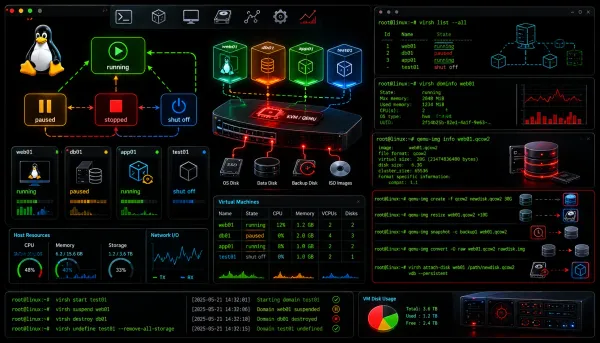
Linux+ Managing Virtual Machines: Disk Operations and VM States Learn essential VM disk operations including creating, resizing, and snapshotting virtual disks, plus managing VM states like running, paused, and saved in Linux environments. Covers practical commands using KVM/virsh for effective virtual machine management.
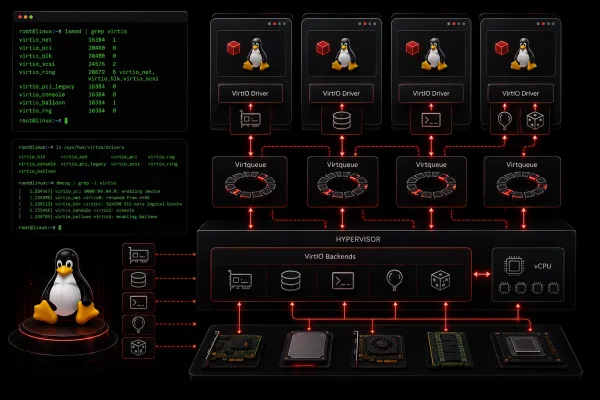
Linux+ How Paravirtualized Drivers and VirtIO Enhance VM Performance Paravirtualized drivers and VirtIO enhance Linux VM performance by enabling direct communication between guest OS and hypervisor, eliminating traditional hardware emulation overhead. This results in significantly improved network throughput, disk I/O, and reduced CPU utilization in virtualized envi
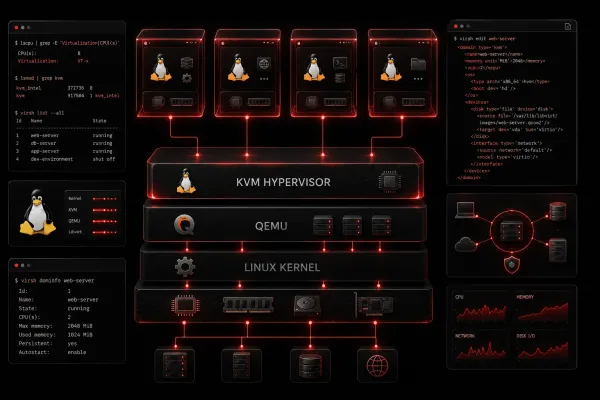
Linux+ Understanding Linux Hypervisors: QEMU and KVM Learn about QEMU and KVM, the two primary hypervisor technologies in Linux systems. Understand their individual roles, how they work together, and when to use each for optimal virtualization performance.
Linux+ Introduction to Virtualization on Linux An introduction to virtualization on Linux covering the basic concepts, types of virtualization (full, para, and container), key benefits, and essential components like hypervisors and management tools.
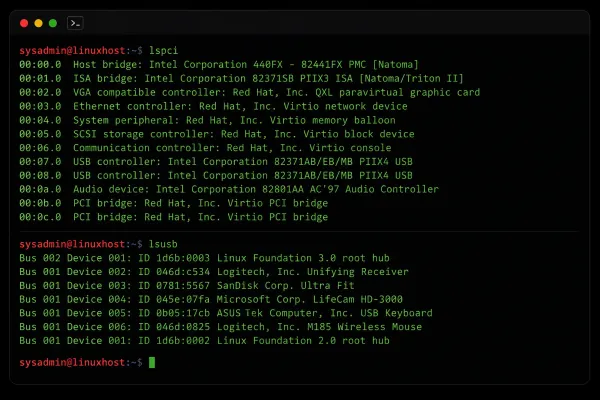
Linux+ Using Linux Device Management Commands Learn essential Linux device management commands including dmesg, lscpu, lsusb, lspci, lshw, and lm_sensors for hardware discovery and troubleshooting. Step-by-step guide perfect for beginners learning system administration.
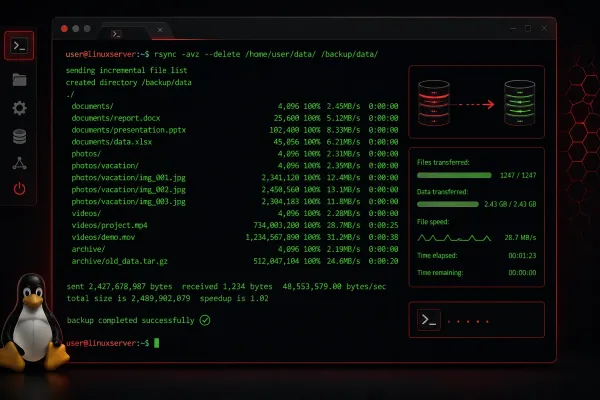
Linux+ Using Rsync for Efficient Backups on Linux Learn how to use rsync for efficient incremental backups on Linux systems. This guide covers basic commands, essential options, automation scripts, and advanced backup strategies with practical examples.
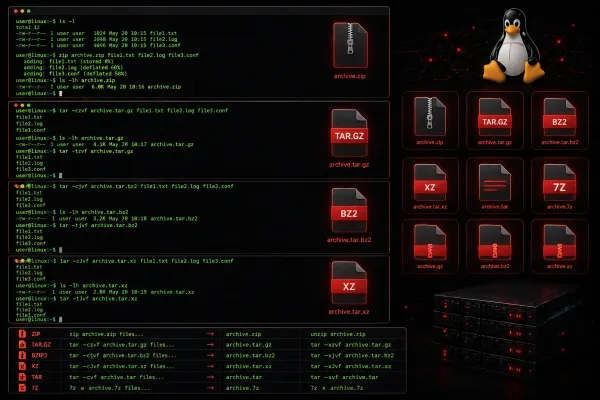
Linux+ Choosing the Right Compression Tool: 7-Zip, Bzip2, Gzip, Unzip, and Xz A comprehensive comparison of Linux compression tools including gzip, bzip2, xz, 7-Zip, and unzip, covering their strengths, use cases, and command examples to help administrators choose the right tool for different scenarios.
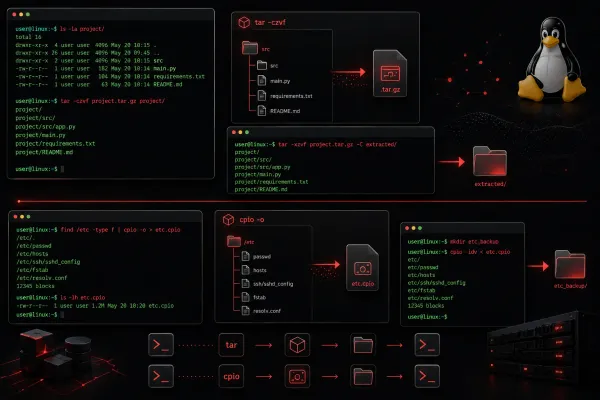
Linux+ How to Use Tar and Cpio for Archiving on Linux Learn the essential tar and cpio commands for Linux archiving. This guide covers basic operations, when to use each tool, and practical scenarios for backup operations.
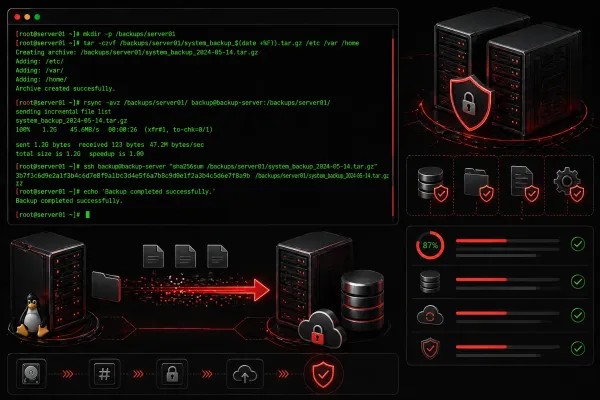
Linux+ Understanding Backup and Restore for Linux Servers Learn the fundamentals of backup and restore operations for Linux servers, including different backup strategies, essential tools like tar and rsync, and best practices for data protection and disaster recovery planning.
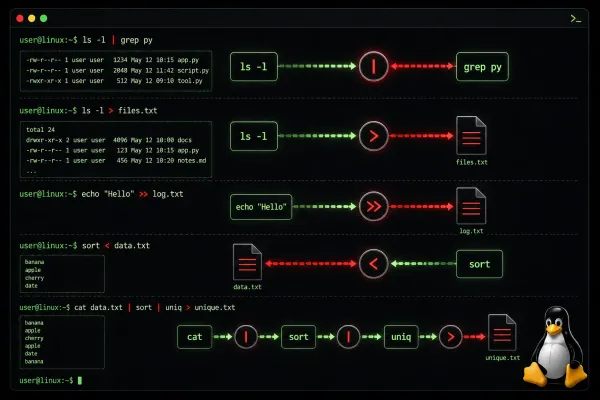
Linux+ Linux Channel Redirection Explained Linux channel redirection manages input and output streams through stdin, stdout, and stderr. Learn to redirect output to files, pipe commands together, and handle error messages effectively for better system administration.
Linux+ Troubleshooting Network Issues on Linux Servers Learn systematic network troubleshooting on Linux servers using essential tools like ip, ping, netstat, and firewall commands. This guide covers step-by-step diagnosis from physical layer to application services.