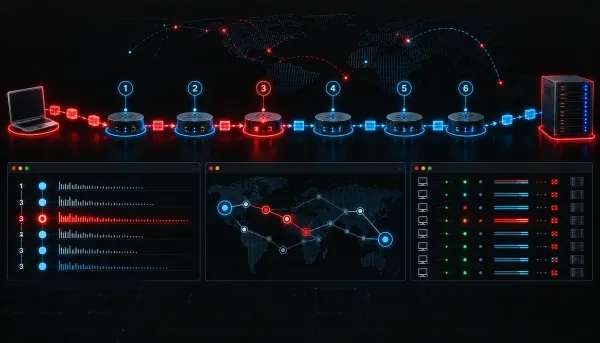
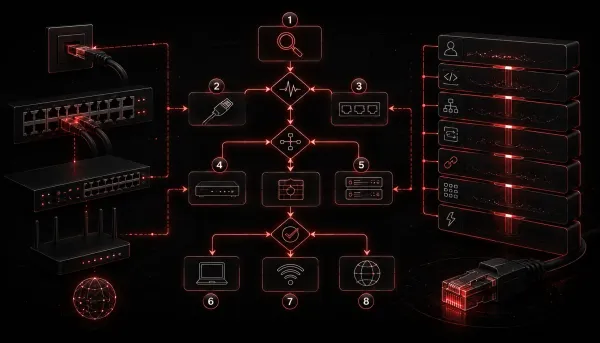
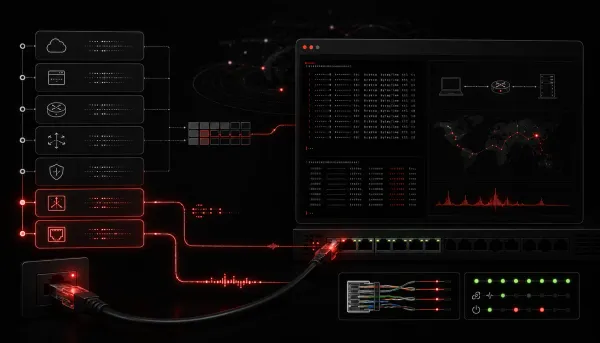
Network+ What Are Common Network Troubleshooting Tools? This post introduces the most common network troubleshooting tools covered on the CompTIA Network+ exam, including ping, traceroute, and netstat. Each tool is explained with real CLI examples and practical guidance on interpreting output. Additional tools like nslookup, arp, and Wireshark are also
Network+ What Causes Slow Network Speeds and How to Fix Them This post covers the most common causes of slow network speeds, including bandwidth congestion, duplex mismatches, faulty cabling, wireless interference, and overloaded devices. It provides a practical step-by-step troubleshooting approach and quick fixes to improve network performance. Written for
Network+ Common Issues with Network Transceivers and How to Fix Them This post covers the most common network transceiver issues including incompatibility, dirty fiber connectors, wavelength mismatches, and out-of-range receive power. It provides a practical step-by-step troubleshooting approach with real CLI examples to help learners diagnose and fix transceiver pr
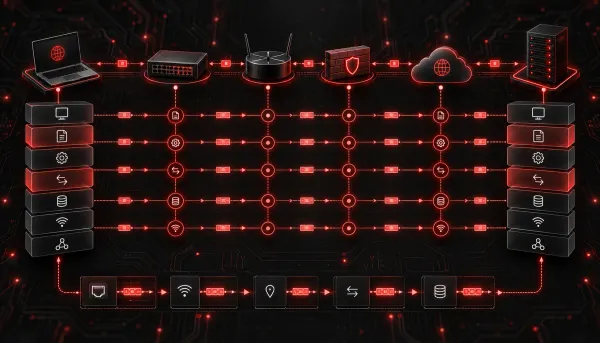
Network+ Common Networking Ports and Protocols: A Beginner's Guide This beginner-friendly guide covers the most critical networking ports and protocols for the CompTIA Network+ exam. It explains how ports and protocols work together, provides a categorized breakdown of essential port numbers, and includes a quick reference table for study. Practical grouping strat
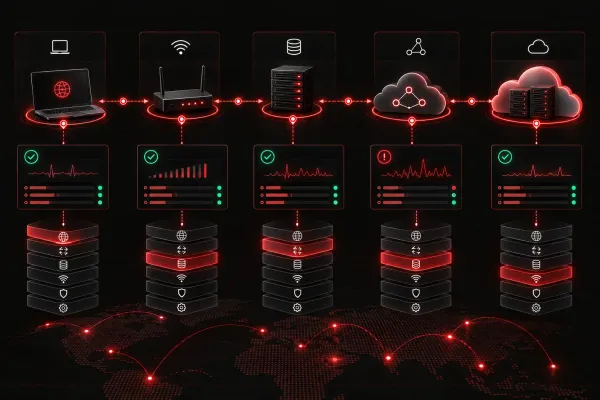
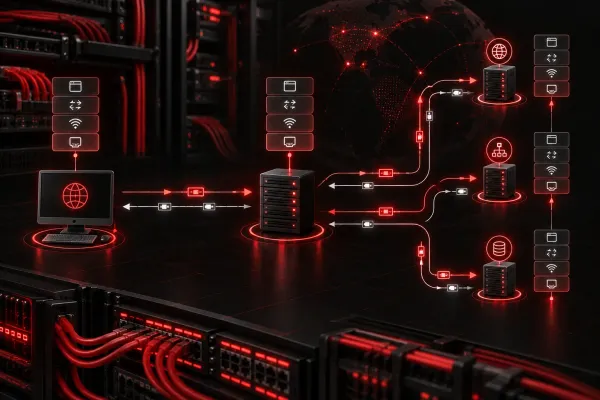
Network+ Troubleshooting Common Cloud Connectivity Issues This post walks through the most common cloud connectivity issues Network+ students and IT professionals encounter, including DNS failures, firewall blocks, proxy misconfigurations, and routing problems. It provides a structured, methodical troubleshooting approach with practical CLI examples. Read
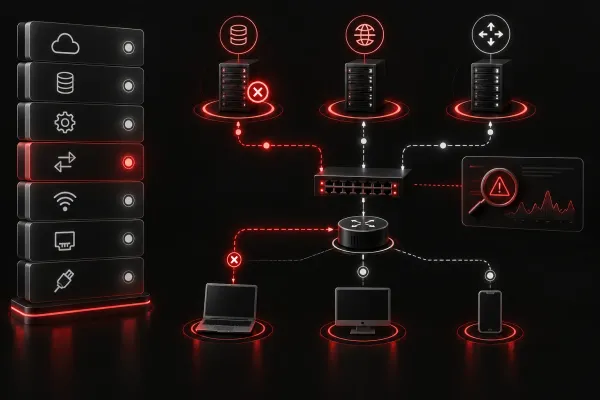
Network+ Troubleshooting Common Network Appliance Issues This post walks beginners through a methodical approach to troubleshooting common network appliance issues, covering problems like no connectivity, intermittent drops, slow performance, and management access failures. It uses practical CLI commands and a repeatable troubleshooting workflow grounded
Network+ Troubleshooting Common DNS Issues for Beginners This post walks network beginners through the most common DNS issues they're likely to encounter, from stale cache entries to misconfigured DNS server settings. It provides a practical, step-by-step troubleshooting workflow using built-in tools like nslookup and ipconfig. Aligned with CompTIA Netwo
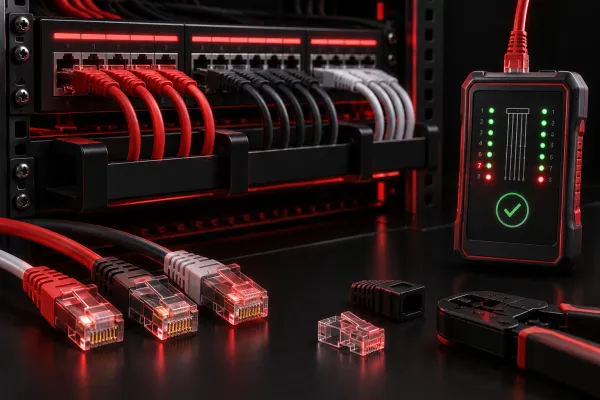
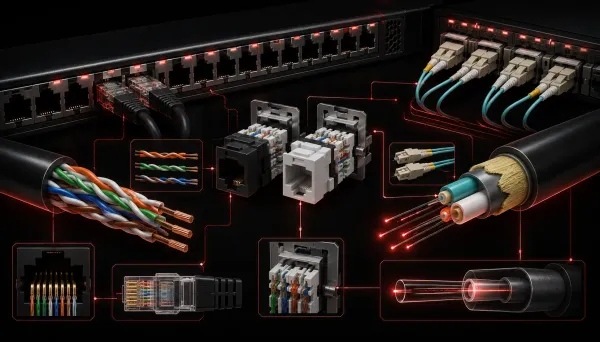
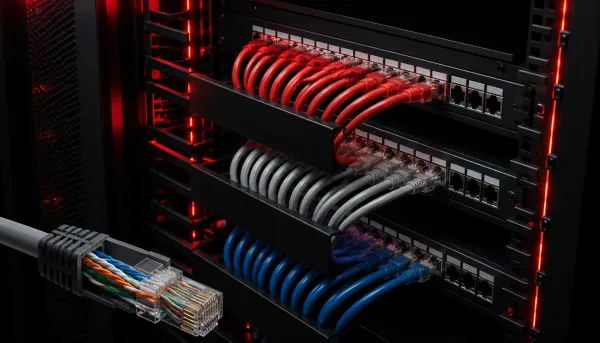
Network+ Troubleshooting Network Cabling: Step-by-Step Guide This beginner-friendly guide walks through a logical step-by-step process for troubleshooting network cabling issues, covering physical inspection, cable types, testing tools, patch panel verification, and documentation. It aligns with CompTIA Network+ Exam Objective 5.2 and helps readers confident
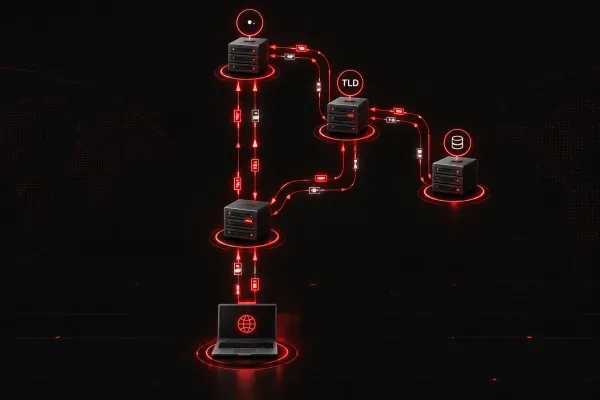
Network+ Understanding DNS and How It Affects Network Services This post explains how DNS works, why it affects nearly every network service, and how to troubleshoot common DNS problems using practical commands. It covers the DNS resolution process step by step and maps to CompTIA Network+ exam objective 5.3.
Network+ Basic Tools for Troubleshooting Network Services This post introduces two foundational troubleshooting network tools, ping and traceroute, explaining how each works and when to use them. Using a practical analogy and real CLI output, readers learn how to systematically diagnose network connectivity issues step by step. It is aimed at Network+ lea
Network+ How to Identify Network Service Problems This post introduces beginners to common network service problems, covering symptoms of DHCP, DNS, gateway, and NTP failures. It provides a practical four-step troubleshooting sequence with real CLI commands to help learners quickly identify which service is failing.
Network+ Common Cabling Issues in Networking This post covers the most common cabling issues that cause network problems, including miswiring, opens and shorts, crosstalk, excessive cable length, and physical damage. It explains symptoms associated with each problem and provides a practical troubleshooting checklist. Both copper and fiber opt
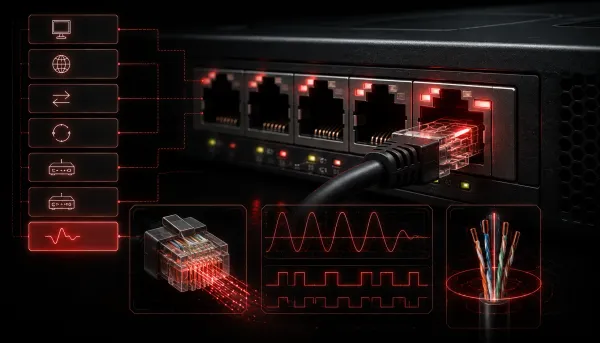
Network+ How to Identify Physical Interface Problems This post walks beginners through identifying and troubleshooting physical interface problems in networking equipment. It covers common symptoms, CLI commands for checking interface status on Cisco devices, and practical hands-on checks to isolate hardware issues at Layer 1.
Network+ Cabling Types and Their Uses Explained This post breaks down the three main cabling types used in networking: twisted pair, coaxial, and fiber optic. It explains cable categories, connector types, and how to match the right cable to the right job, making it ideal for Network+ beginners.
Network+ Why Structured Troubleshooting Saves Time in IT Structured troubleshooting is a step-by-step methodology that helps IT professionals solve problems faster and more consistently. This post introduces the seven-step process from CompTIA Network+ Objective 5.1 and shows how it saves time with a practical real-world example. Newcomers will learn why
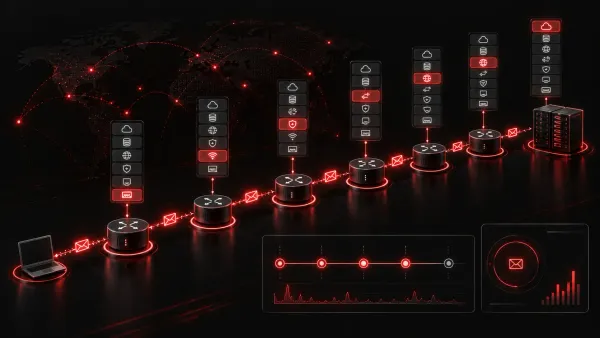
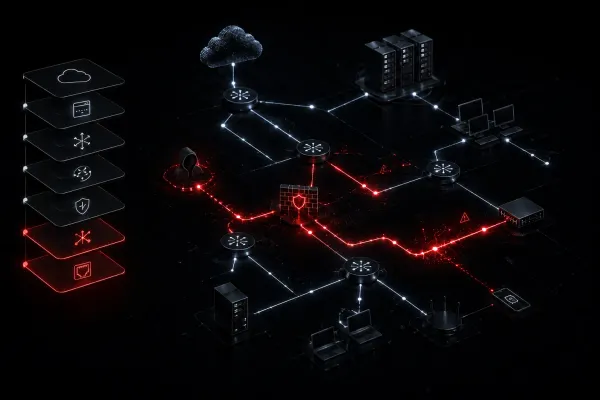
Network+ How to Recognize Signs of a Network Attack This post covers how to recognize the early signs of a network attack, including unusual traffic spikes, unexpected login attempts, unknown devices, and unusual outbound traffic. It provides practical CLI examples and a simple response framework for beginners. The content aligns with CompTIA Networ
Network+ Common Network Troubleshooting Techniques for Beginners This post introduces foundational network troubleshooting techniques for beginners, covering CompTIA's structured methodology, physical layer checks, ping and IP configuration commands, and strategic rebooting. It is designed to help new IT learners approach problems with confidence before diving i
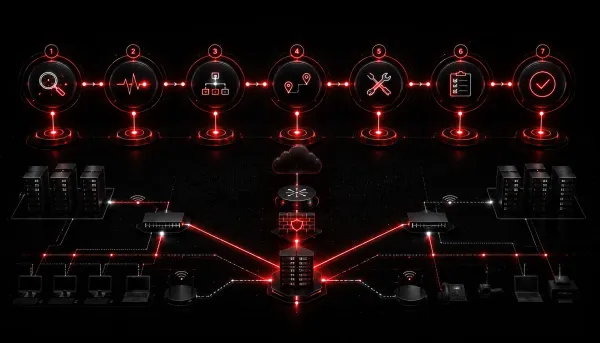
Network+ Step-by-Step Network Troubleshooting Process Explained This post explains the CompTIA Network+ seven-step network troubleshooting process in plain language with practical examples. It covers everything from identifying the problem to documenting the solution, using analogies and real CLI commands to reinforce each step. Ideal for beginners building fou
Network+ What is Network Troubleshooting: A Beginner's Guide This post introduces network troubleshooting for beginners, explaining what it is, why it matters, and how to apply the CompTIA Network+ seven-step troubleshooting methodology. It includes a practical example and an overview of common built-in tools used in IT support.
Network+ Understanding Encryption and Its Role in Network Security This post breaks down the fundamentals of encryption and its role in network security, covering symmetric vs. asymmetric encryption, common algorithms, and real-world protocols like TLS, SSH, and IPSec. It's written for Network+ learners studying Domain 4.1 and anyone new to the concept of secure c
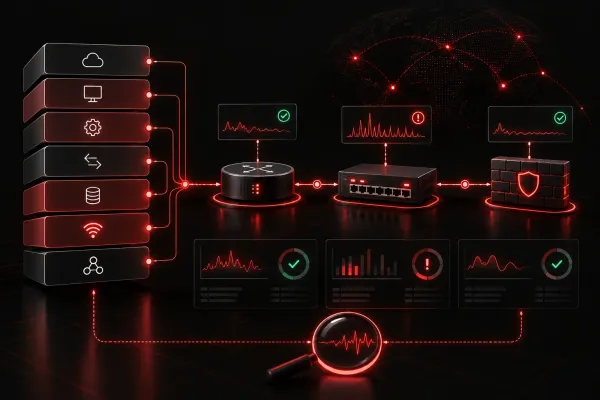
Network+ Common Network Monitoring Mistakes and How to Avoid Them This post walks beginners through the most common network monitoring mistakes, including relying solely on ping checks, skipping baselines, and creating alert fatigue. Practical tips help readers build effective monitoring habits aligned with Network+ exam objectives under Domain 3.2.
Network+ Comparing Different Network Process Models This post compares major network process models including ITIL, PPDIOO, Agile/DevOps, and CompTIA's troubleshooting model. It helps beginners understand which frameworks are best suited for different organizational needs and how process effectiveness ties to the right model choice. Relevant to Comp
Network+ Common Mistakes in Network Installations Physical network installations are full of small mistakes that cause big headaches. This post covers the six most common errors beginners make, from skipping cable labels to ignoring PoE power budgets, with practical tips to avoid each one.
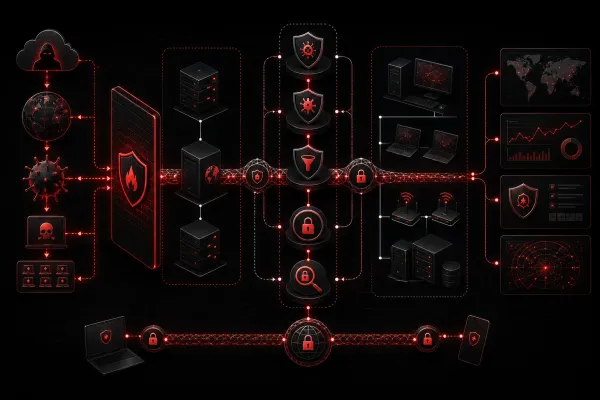
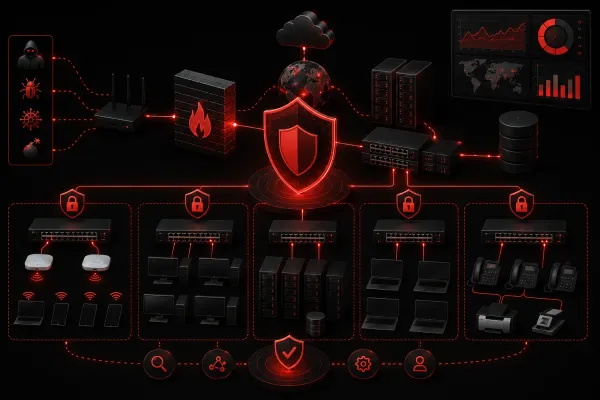
Network+ Comparing Network Security Solutions: What Works Best for Beginners This guide compares different network security solutions to help beginners choose the right protection for their needs. It covers firewalls, antivirus software, network monitoring, VPNs, and password managers with practical recommendations for building a layered security approach.
Network+ How to Implement Basic Network Security Solutions A beginner-friendly guide covering essential steps to implement basic network security solutions, including physical security, access controls, firewalls, network segmentation, updates, and monitoring.