
Concept and Configuring VLAN'S

Concept of VLANs
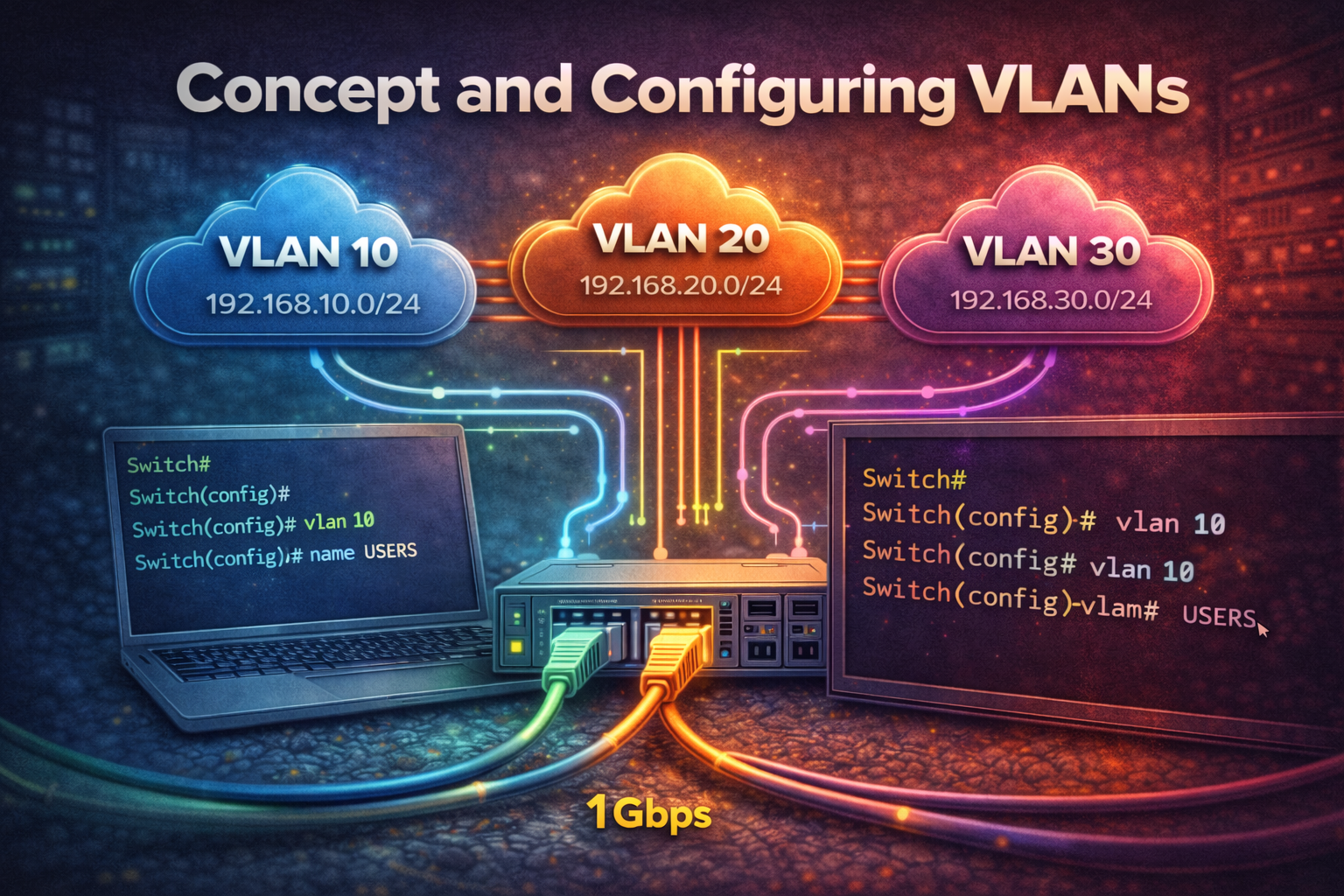
A VLAN (Virtual Local Area Network) is a logical grouping of devices on a network, regardless of their physical location. VLANs allow network administrators to segment a single physical network into multiple logical networks, providing better security, performance, and management.
Benefits of VLANs
- Security: Isolates traffic between different groups
- Performance: Reduces broadcast domains
- Flexibility: Devices can be moved without recabling
- Cost Reduction: Less physical infrastructure needed
VLAN Types
Data VLAN: Carries user-generated traffic
Management VLAN: Used for switch management traffic
Native VLAN: Handles untagged traffic on trunk links
Voice VLAN: Dedicated to Voice over IP (VoIP) traffic
VLAN Configuration
Creating VLANs
To create a VLAN on a Cisco switch:
Switch(config)# vlan 10
Switch(config-vlan)# name Sales
Switch(config-vlan)# exit

Switch(config)# vlan 20
Switch(config-vlan)# name Engineering
Switch(config-vlan)# exit
Assigning Ports to VLANs
To assign access ports to specific VLANs:
Switch(config)# interface fastethernet0/1
Switch(config-if)# switchport mode access
Switch(config-if)# switchport access vlan 10
Switch(config-if)# exit

Switch(config)# interface fastethernet0/5
Switch(config-if)# switchport mode access
Switch(config-if)# switchport access vlan 20
Switch(config-if)# exit
Configuring Trunk Ports
Trunk ports carry traffic for multiple VLANs between switches:
Switch(config)# interface fastethernet0/24
Switch(config-if)# switchport mode trunk
Switch(config-if)# switchport trunk allowed vlan 10,20
Switch(config-if)# switchport trunk native vlan 1
Switch(config-if)# exit
VLAN Verification Commands
Use these commands to verify VLAN configuration:
Switch# show vlan brief
Switch# show vlan id 10
Switch# show interfaces trunk
Switch# show interfaces fastethernet0/1 switchport
Inter-VLAN Routing
By default, VLANs cannot communicate with each other. To enable inter-VLAN communication, you need a Layer 3 device such as a router or Layer 3 switch.
Router-on-a-Stick Configuration
Configure subinterfaces on a router to route between VLANs:
Router(config)# interface gigabitethernet0/0
Router(config-if)# no shutdown
Router(config-if)# exit

Router(config)# interface gigabitethernet0/0.10
Router(config-subif)# encapsulation dot1q 10
Router(config-subif)# ip address 192.168.10.1 255.255.255.0
Router(config-subif)# exit

Router(config)# interface gigabitethernet0/0.20
Router(config-subif)# encapsulation dot1q 20
Router(config-subif)# ip address 192.168.20.1 255.255.255.0
Router(config-subif)# exit
Best Practices
- Plan your VLAN numbering scheme before implementation
- Use descriptive VLAN names
- Keep the native VLAN unused for security
- Document all VLAN assignments
- Use VTP (VLAN Trunking Protocol) cautiously in production environments
VLANs are fundamental to modern network design, providing the flexibility and security needed in today's enterprise networks. Proper VLAN configuration and management are essential skills for network administrators.