
Configuring an Access port with PortFast

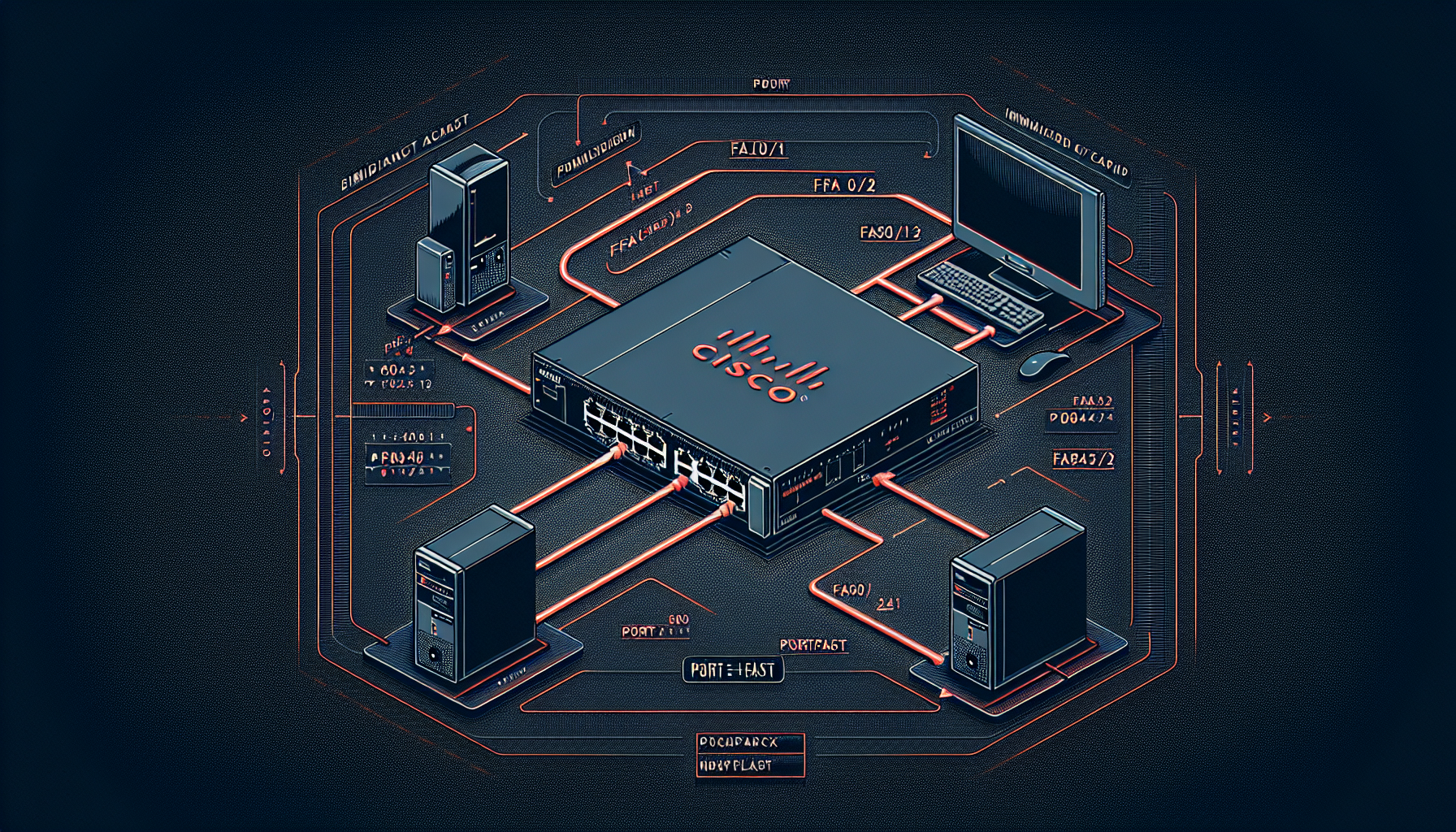
In this tutorial we will look at how to configure an access port on a Cisco switch. Let's look at the topology:
Topology:
PC-A ---- Fa0/1[Switch]Fa0/2 ---- PC-BBoth PC-A and PC-B are connected to switch ports Fa0/1 and Fa0/2 respectively. Both PCs are in VLAN 1 (default VLAN).
Let's configure the access ports:
Step 1: Enter global configuration mode
Switch> enable
Switch# configure terminal
Switch(config)#
Step 2: Configure interface Fa0/1
Switch(config)# interface FastEthernet0/1
Switch(config-if)# switchport mode access
Switch(config-if)# switchport access vlan 1
Switch(config-if)# spanning-tree portfast
Switch(config-if)# exit
Step 3: Configure interface Fa0/2
Switch(config)# interface FastEthernet0/2
Switch(config-if)# switchport mode access
Switch(config-if)# switchport access vlan 1
Switch(config-if)# spanning-tree portfast
Switch(config-if)# exit
Step 4: Save the configuration
Switch(config)# exit
Switch# copy running-config startup-config
Command Explanation:
switchport mode access- Configures the port as an access portswitchport access vlan 1- Assigns the port to VLAN 1spanning-tree portfast- Enables PortFast on the port to bypass STP listening and learning states
What is PortFast?
PortFast is a Spanning Tree Protocol (STP) feature that allows a port to immediately transition to the forwarding state, bypassing the listening and learning states. This is useful for access ports connected to end devices like PCs, printers, or servers, as these devices don't participate in STP.
Benefits of PortFast:
- Faster connectivity - Devices connect immediately without waiting for STP convergence
- Reduced network downtime during device connections
- Improved user experience with faster boot times
Important Note: Only enable PortFast on access ports connected to end devices. Never enable it on ports connected to switches, hubs, or other networking devices as this can cause bridging loops.
To verify your configuration, use the following commands:
Switch# show interfaces FastEthernet0/1 switchport
Switch# show spanning-tree interface FastEthernet0/1 portfast
This completes the configuration of access ports with PortFast enabled. The ports are now ready to provide immediate connectivity to connected end devices.