
Configuring SPAN on a Cisco Switch

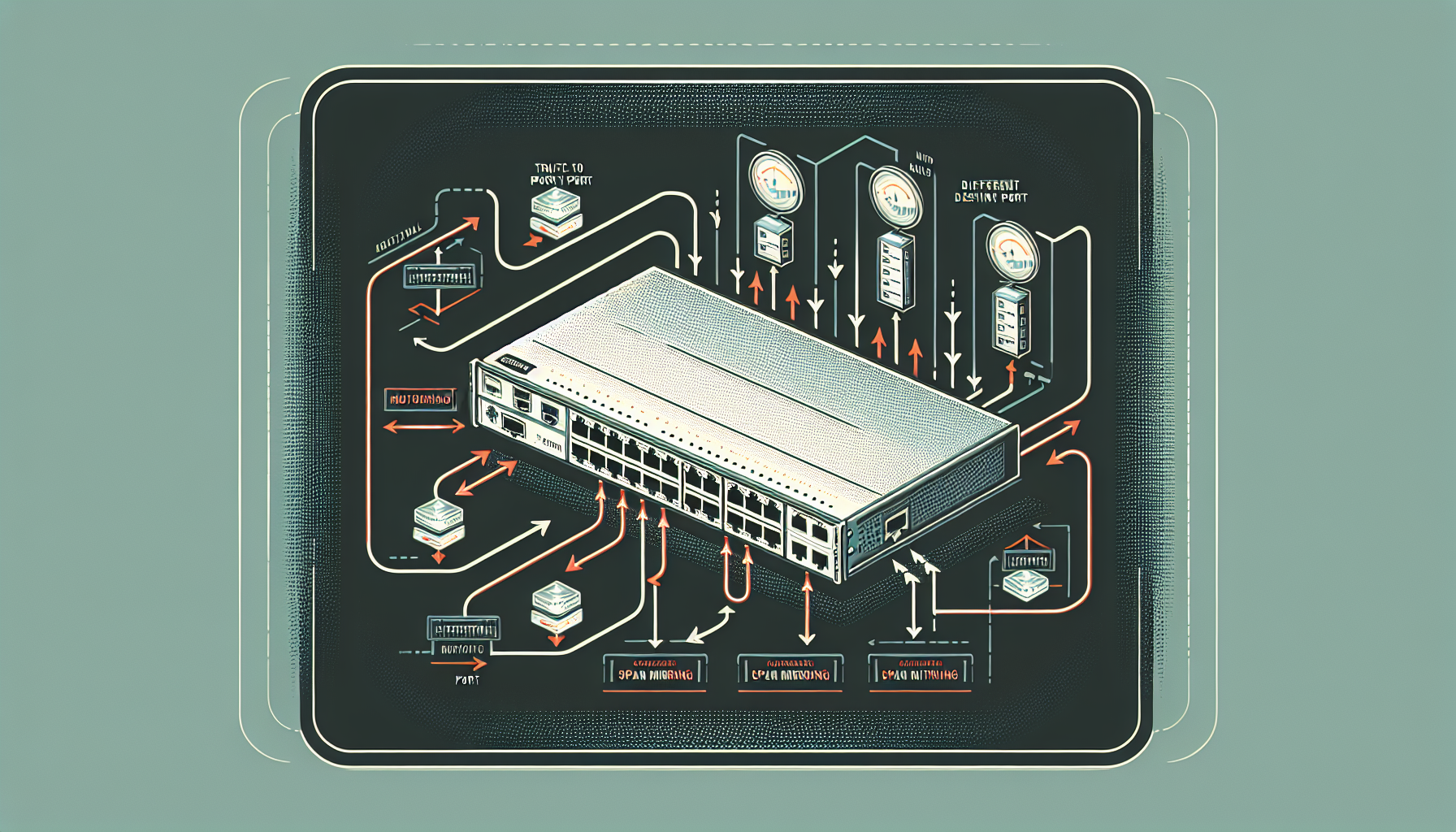
SPAN (Switch Port Analyzer) is a feature available on Cisco switches that allows you to mirror traffic from one or more source ports to a destination port for monitoring purposes. This is particularly useful for network troubleshooting, security monitoring, and traffic analysis.
Understanding SPAN
SPAN works by copying packets from source ports, VLANs, or both to a destination port where a network analyzer or monitoring tool is connected. The destination port is dedicated to receiving this mirrored traffic and should not be used for regular network communication.
There are several types of SPAN sessions:
- Local SPAN - Source and destination ports are on the same switch
- Remote SPAN (RSPAN) - Source and destination ports are on different switches
- Encapsulated Remote SPAN (ERSPAN) - Uses GRE tunneling to span across Layer 3 networks
Configuring Local SPAN
Let's start with a basic local SPAN configuration. The syntax is:
Switch(config)# monitor session session_number source {interface interface_id | vlan vlan_id} [rx | tx | both]
Switch(config)# monitor session session_number destination interface interface_id
Example Configuration
Here's an example where we want to monitor all traffic on FastEthernet0/1 and send it to FastEthernet0/24 where our monitoring tool is connected:
Switch(config)# monitor session 1 source interface FastEthernet0/1
Switch(config)# monitor session 1 destination interface FastEthernet0/24
To monitor only incoming traffic on the source port:
Switch(config)# monitor session 1 source interface FastEthernet0/1 rx
Switch(config)# monitor session 1 destination interface FastEthernet0/24
To monitor only outgoing traffic:
Switch(config)# monitor session 1 source interface FastEthernet0/1 tx
Switch(config)# monitor session 1 destination interface FastEthernet0/24
Monitoring Multiple Ports
You can monitor multiple source ports in a single SPAN session:
Switch(config)# monitor session 1 source interface FastEthernet0/1
Switch(config)# monitor session 1 source interface FastEthernet0/2
Switch(config)# monitor session 1 source interface FastEthernet0/3
Switch(config)# monitor session 1 destination interface FastEthernet0/24
Or use a range:
Switch(config)# monitor session 1 source interface FastEthernet0/1-3
Switch(config)# monitor session 1 destination interface FastEthernet0/24
Monitoring VLANs
Instead of monitoring specific ports, you can monitor all traffic in a VLAN:
Switch(config)# monitor session 1 source vlan 10
Switch(config)# monitor session 1 destination interface FastEthernet0/24
To monitor multiple VLANs:
Switch(config)# monitor session 1 source vlan 10,20,30
Switch(config)# monitor session 1 destination interface FastEthernet0/24
Verification Commands
To verify your SPAN configuration, use these show commands:
Switch# show monitor session 1
Switch# show monitor session all
Switch# show monitor
The output will display the session number, source ports/VLANs, destination port, and session status.
Important Considerations
- Destination port limitations: The destination port should be dedicated to SPAN and not used for regular traffic. It will not forward normal traffic while serving as a SPAN destination.
- Bandwidth considerations: Ensure the destination port has sufficient bandwidth to handle all mirrored traffic. If the combined source traffic exceeds the destination port's capacity, packets will be dropped.
- Session limits: Most Cisco switches support up to 2 local SPAN sessions simultaneously.
- Duplex settings: The destination port should be set to full duplex to handle both ingress and egress mirrored traffic.
Removing SPAN Configuration
To remove a SPAN session:
Switch(config)# no monitor session 1To remove only the source or destination:
Switch(config)# no monitor session 1 source interface FastEthernet0/1
Switch(config)# no monitor session 1 destination interface FastEthernet0/24
Troubleshooting SPAN
Common issues with SPAN configurations include:
- No traffic on destination port: Verify the SPAN session is active and the source ports are generating traffic
- Packet drops: Check if the destination port bandwidth can handle the mirrored traffic volume
- Session not active: Ensure both source and destination are configured and operational
Use show monitor session to verify the session status and troubleshoot any configuration issues.