
Console Access: Directly Connecting to Network Devices
Console access provides direct, physical connection to network devices using a special console cable. This out-of-band management method is essential for initial device configuration, password recovery, and troubleshooting when network connectivity fails.

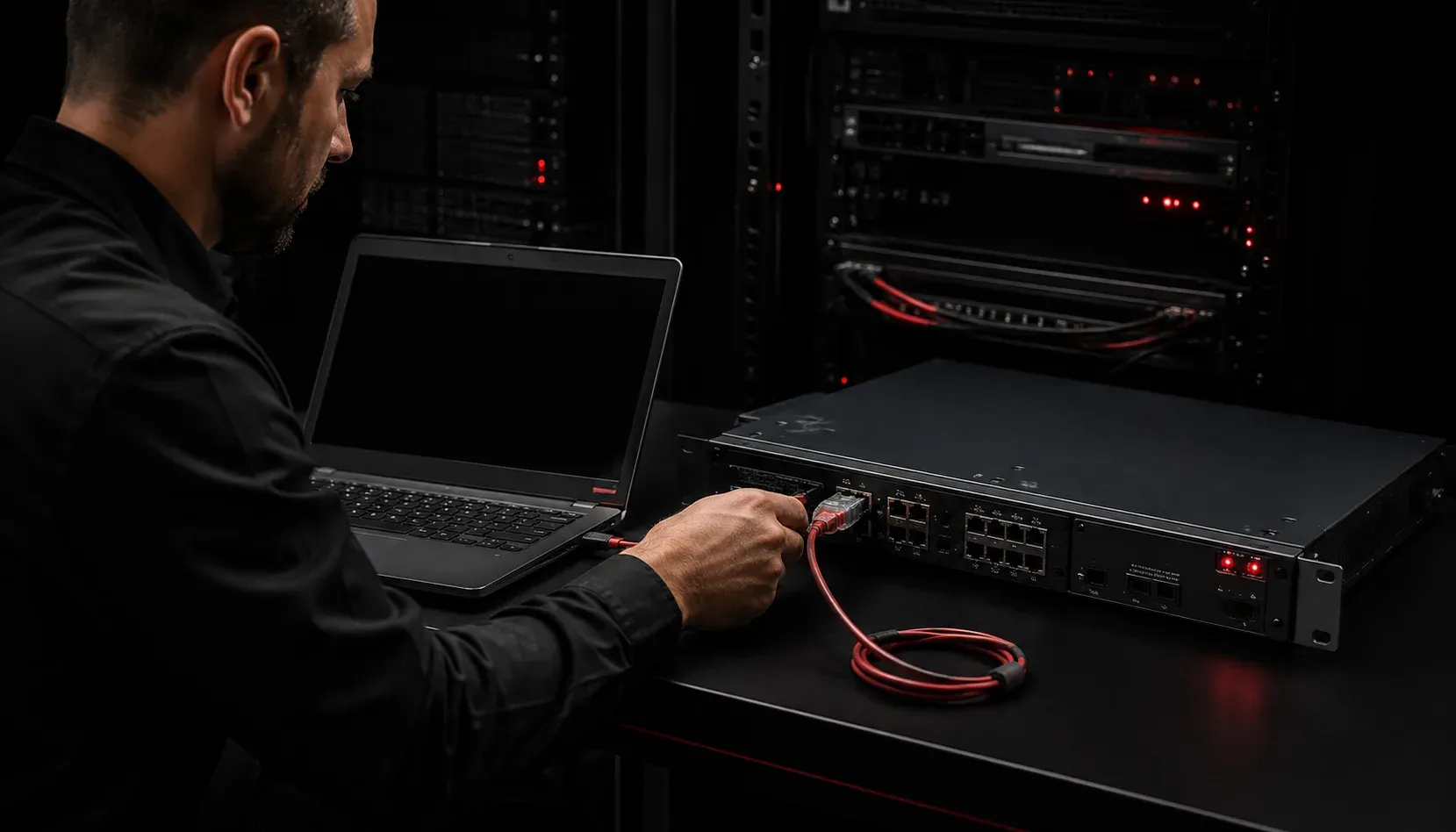
When you're working with network devices like routers and switches, there's one connection method that every network engineer must understand: console access. This direct connection method serves as your lifeline to network devices, especially when other management methods aren't available or working properly.
What is Console Access?
Console access is a direct, physical connection between your computer and a network device using a special cable. Unlike remote management methods that rely on network connectivity, console access provides an out-of-band management path that works regardless of the device's network configuration or status.
Think of it as the "emergency entrance" to your network device. Even if the device has no IP address configured, network interfaces are down, or passwords are forgotten, console access still allows you to manage and configure the device.
The Console Cable Connection
Console access requires a specific type of cable that varies depending on the device's console port type:
Traditional Console Cables (Rollover Cables): Older devices with RJ45 console ports use console cables, also known as rollover cables. These cables have a unique pin configuration where the wires are "rolled over" - pin 1 connects to pin 8, pin 2 to pin 7, and so on. These cables are typically light blue in color to distinguish them from regular network cables.
USB Console Cables: Modern devices often use USB console ports (USB mini-B, USB-C, or micro-USB) that connect directly to your computer's USB port. These cables do not use the rollover pin configuration and may not follow the traditional light blue color convention.
The typical console cable setup includes:
- Device-specific connector (RJ45, USB mini-B, USB-C, or micro-USB) for the console port
- Computer connector (DB9 serial, USB-A, or USB-C) for your computer
- Some modern USB console connections may require specific device drivers to be installed
When Console Access is Essential
Console access network devices becomes critical in several scenarios:
Initial Device Configuration: Brand new devices have no network configuration. Console access is the only way to perform the initial setup, configure IP addresses, and enable remote management protocols.
Password Recovery: When administrative passwords are lost or forgotten, console access allows you to perform password recovery procedures that aren't available through network connections.
Network Troubleshooting: If a device becomes unreachable over the network due to misconfiguration or hardware issues, console access provides direct connection for diagnosis and repair.
Firmware Updates: Critical firmware updates, especially those that require device reboots or recovery procedures, are often safer to perform through console access.
Setting Up Console Access
To establish console access, you'll need terminal emulation software on your computer. Popular options include:
PuTTY(Windows)Tera Term(Windows)screenorminicom(Linux/macOS)
For traditional serial console connections, the standard console port settings are:
Speed: 9600 baud
Data bits: 8
Parity: None
Stop bits: 1
Flow control: None
These settings are often remembered by the shorthand "9600 8-N-1" in networking documentation. USB console connections typically handle these settings automatically through the device driver.
Console Access vs. Remote Management
While console access provides direct connection and guaranteed access, it has limitations. You must be physically present at the device location, and it only allows one user at a time. This is why network management typically combines console access for initial setup and emergencies with remote management methods like SSH, HTTPS, or SNMP for day-to-day operations.
However, console access remains the foundation of network device management. Even in highly automated environments, network engineers rely on console access when remote methods fail or when performing critical maintenance tasks.
What's Next
Now that you understand console access fundamentals, the next step is learning about remote management methods like SSH and HTTPS. These protocols build upon the initial configuration you establish through console access, enabling secure network management from anywhere on the network.
Tools and resources for this topic
- CCNA Official Cert Guide (Wendell Odom) — The definitive CCNA study resource. Both volumes cover the 200-301 exam blueprint in full.
- Wendell Odom CCNA Vol 1 — Covers networking fundamentals, switching, and routing basics.
- Wendell Odom CCNA Vol 2 — Covers advanced routing, WAN, infrastructure services, and security.