
eBGP Configuration and Best Path Selection Explained
This post covers eBGP neighbor configuration between directly connected and multihop peers, then walks through the full 12-step BGP best path selection algorithm with CLI verification examples. Troubleshooting guidance addresses the most common session and advertisement failures engineers encounter

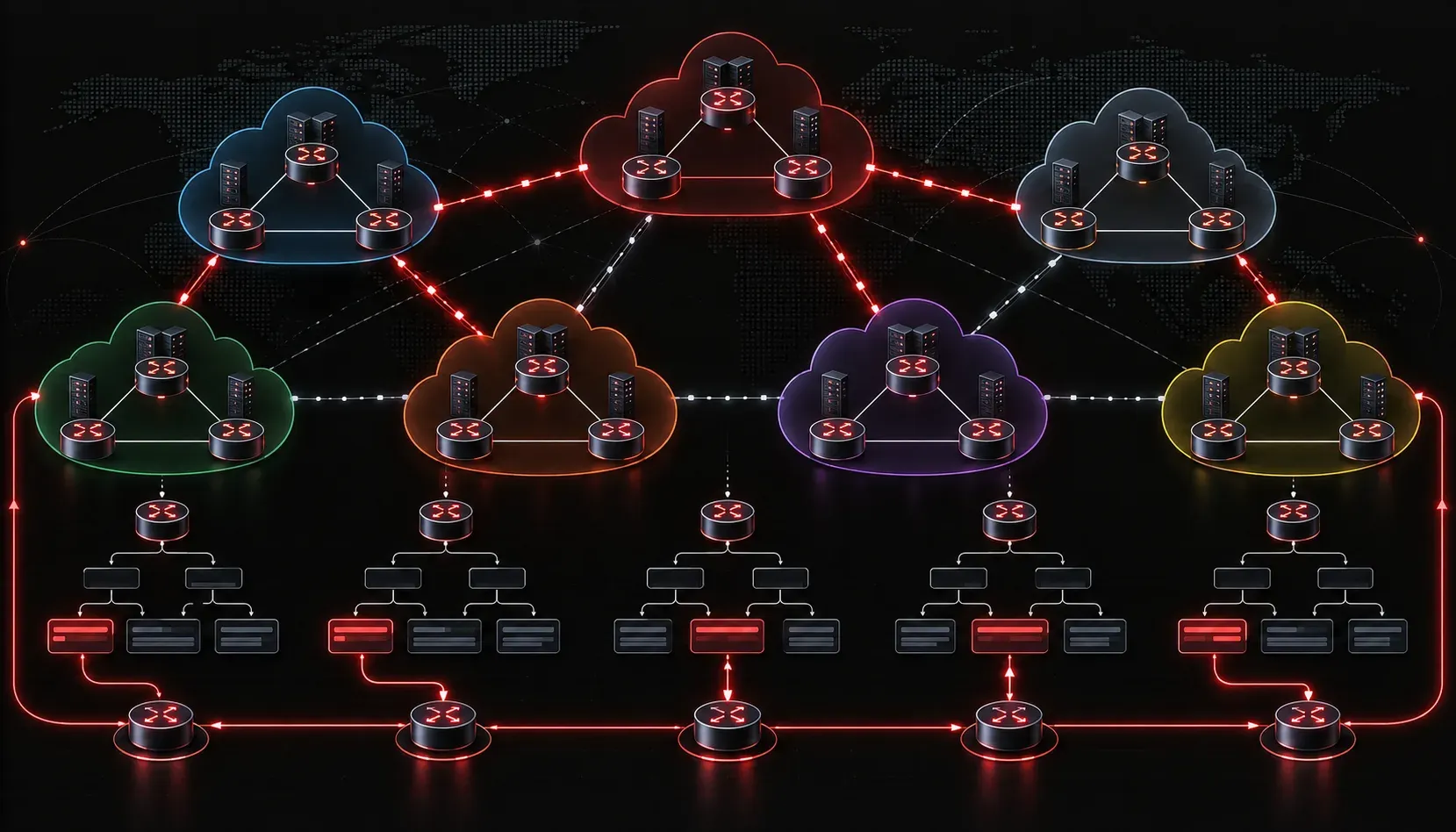
eBGP Neighbor Relationships: The Foundation
eBGP operates between routers in different autonomous systems and, by default, expects neighbors to be directly connected. Unlike iBGP, which relies on the IGP for reachability, eBGP uses a TTL of 1 on its TCP segments, enforcing that constraint at the IP level. Before touching the path selection algorithm, you need a solid eBGP configuration foundation, because if the session doesn't establish cleanly, nothing else matters.
A basic eBGP neighbor configuration looks like this:
router bgp 65001
 bgp router-id 1.1.1.1
 neighbor 10.0.0.2 remote-as 65002
 neighbor 10.0.0.2 description TO_AS65002_ISP
 neighbor 10.0.0.2 password STRONGKEY
 address-family ipv4 unicast
  neighbor 10.0.0.2 activate
  neighbor 10.0.0.2 send-community both
  no auto-summary
  no synchronization
On the peer side in AS 65002:
router bgp 65002
 bgp router-id 2.2.2.2
 neighbor 10.0.0.1 remote-as 65001
 address-family ipv4 unicast
  neighbor 10.0.0.1 activate
Verify the session with show bgp summary or show bgp neighbors 10.0.0.2. Look for the state to reach Established and confirm the Up/Down timer is incrementing, not resetting.
Multihop eBGP
When the eBGP peer is not directly connected (loopback-sourced sessions, route reflector scenarios crossing multiple hops), you must override the default TTL restriction:
neighbor 10.0.0.2 ebgp-multihop 2
neighbor 10.0.0.2 update-source Loopback0
Without ebgp-multihop, the TCP SYN packet is dropped by the remote router because the TTL reaches zero before arriving. Always pair multihop with update-source when using loopbacks so the source IP is reachable end-to-end.
BGP Path Selection: The Algorithm in Full
This is where experienced engineers separate themselves. The BGP best path selection algorithm is deterministic but nuanced, and the ENCOR exam tests you on the order, the defaults, and the conditions under which each attribute applies.
Cisco IOS evaluates paths in this exact order. The first step where one path wins terminates the process:
- Weight: Cisco-proprietary, locally significant only. Higher wins. Default is 0 for learned routes, 32768 for locally originated routes.
- Local Preference: Sent within the AS via iBGP. Higher wins. Default is 100. Not propagated to eBGP peers.
- Locally Originated: Routes originated via
networkorredistributeon this router win over routes learned from a neighbor. Aggregate routes viaaggregate-addressalso qualify. - AS Path Length: Shorter wins. This is the primary knob ISPs use for inbound traffic engineering when they prepend their own AS to make a path look longer.
- Origin Code: IGP (i) beats EGP (e) beats Incomplete (?). In modern networks, you'll nearly always see either IGP or Incomplete.
- MED (Multi-Exit Discriminator): Lower wins. Only compared between paths from the same neighboring AS by default. Used to influence which entry point an upstream AS uses to reach your network.
- eBGP over iBGP: Paths learned via eBGP are preferred over paths learned via iBGP.
- IGP Metric to Next Hop: For iBGP paths, the path with the lowest IGP cost to the BGP next hop wins. This is why IGP optimization matters in large-scale iBGP deployments.
- Oldest eBGP Path: If
bgp bestpath compare-routeridis not configured, the oldest eBGP path (lowest uptime churn) wins. This favors stability over determinism. - Router ID: Lowest BGP Router ID wins. This is deterministic and preferred in production over relying on path age.
- Cluster List Length: Relevant in route reflector environments. Shorter list wins.
- Neighbor IP Address: Lowest neighbor IP address wins as the final tiebreaker.
Examining Path Selection in the CLI
Use show bgp ipv4 unicast 192.168.0.0/24 to inspect all candidate paths for a prefix:
BGP routing table entry for 192.168.0.0/24, version 12
Paths: (2 available, best #1, table default)
  Advertised to update-groups:
     1
  Refresh Epoch 1
  65002
    10.0.0.2 from 10.0.0.2 (2.2.2.2)
      Origin IGP, metric 0, localpref 100, weight 0, valid, external, best
      rx pathid: 0, tx pathid: 0x0
  65003
    10.0.0.6 from 10.0.0.6 (3.3.3.3)
      Origin IGP, metric 50, localpref 100, weight 0, valid, external
      rx pathid: 0, tx pathid: 0
The best tag on the first path confirms selection. Notice both paths have equal Weight, Local Preference, and AS Path length of 1. The tiebreaker here is the lower Router ID of the peer at 2.2.2.2 versus 3.3.3.3, assuming bgp bestpath compare-routerid is configured.
Enable deterministic Router ID comparison in production:
router bgp 65001
 bgp bestpath compare-routerid
Common eBGP Troubleshooting Scenarios
Session Won't Establish
- AS mismatch: The
remote-asconfigured locally must match the actual AS of the peer. Verify withshow bgp neighbors | include remote AS. - Router ID conflict: Duplicate Router IDs within the same AS cause iBGP issues, but a missing or duplicate ID between eBGP peers can also create problems. Always set
bgp router-idexplicitly. - MD5 mismatch: Session will show as
Activeindefinitely. Checkdebug ip bgp 10.0.0.2 eventsfor authentication failures. - ACL blocking TCP 179: BGP uses TCP port 179. Both directions must be permitted through any stateless ACL.
Routes Not Being Advertised
A route must exist in the IP routing table for network statements to work. If you configure network 10.1.0.0 mask 255.255.255.0 but that exact prefix is absent from the RIB, BGP will not advertise it. Verify with show ip route 10.1.0.0 255.255.255.0 before debugging further.
Unexpected Best Path
When a peer is selecting a suboptimal path, run through the algorithm sequentially using show bgp ipv4 unicast [prefix] and compare each attribute column. Weight and Local Preference are the most common culprits in enterprise environments where policies have been applied inconsistently across routers.
What's Next
Now that eBGP configuration and path selection are clear, the next step is understanding how to manipulate the algorithm intentionally using BGP policy tools such as route maps, prefix lists, and attribute manipulation with set weight, set local-preference, and AS path prepending. These are the production-grade traffic engineering mechanisms that put the algorithm to work in your favor.
Tools and resources for this topic
- CCNP ENCOR 350-401 Official Cert Guide — The definitive ENCOR study resource by Brad Edgeworth. Covers enterprise infrastructure, virtualisation, and automation.