
Common Networking Ports and Protocols: A Beginner's Guide
This beginner-friendly guide covers the most critical networking ports and protocols for the CompTIA Network+ exam. It explains how ports and protocols work together, provides a categorized breakdown of essential port numbers, and includes a quick reference table for study. Practical grouping strat

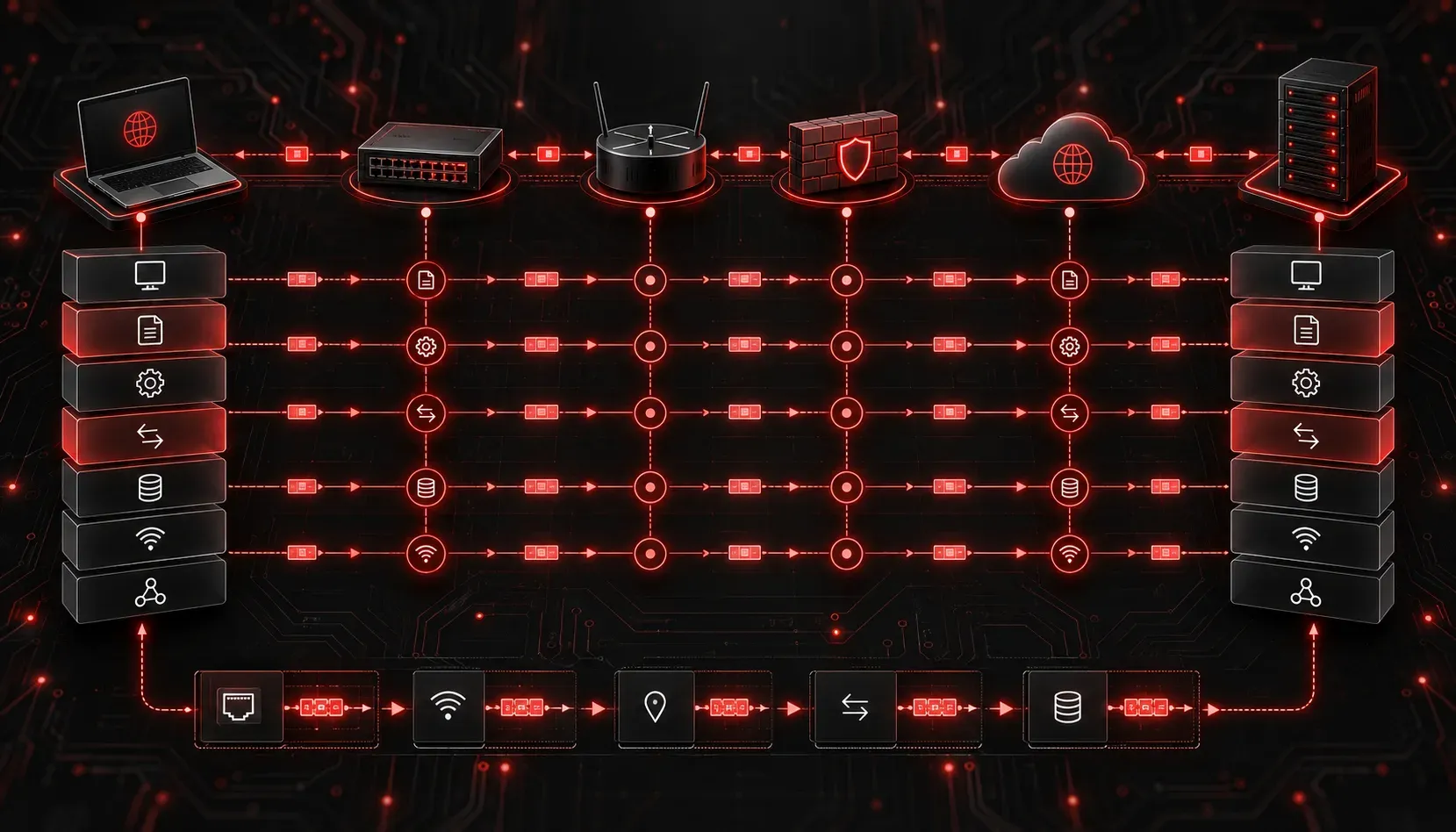
If you've ever wondered what happens when you type a web address into your browser or send an email, the answer involves ports and protocols working together behind the scenes. Understanding how they relate to each other is one of the most practical skills you can build early in your networking journey, and it's also a key focus area on the CompTIA Network+ exam.
Think of a protocol as a language that two devices agree to use when communicating. A port is the specific "door" on a device through which that communication travels. Together, they give network traffic a clear path and a set of rules to follow.
What Is a Port?
A port is a logical number assigned to a specific type of network traffic. Your operating system uses port numbers to direct incoming data to the right application. For example, when your browser receives web data, the operating system knows to hand that data to the browser because it arrived on port 80 or 443.
Ports range from 0 to 65535 and are divided into three categories:
- Well-known ports (0-1023): Reserved for common services like HTTP, FTP, and DNS
- Registered ports (1024-49151): Used by applications that register with IANA, such as databases and messaging services
- Dynamic/ephemeral ports (49152-65535): Temporarily assigned by the OS for outgoing connections
The Protocols and Ports You Need to Know
For the Network+ exam and real-world networking, the following protocol and port combinations are essential. Study them until they feel automatic.
Web Traffic
- HTTP (Port 80): Hypertext Transfer Protocol transfers unencrypted web pages between browsers and servers
- HTTPS (Port 443): HTTP Secure adds TLS encryption, making it the standard for modern websites
Email Protocols
- SMTP (Port 25): Simple Mail Transfer Protocol sends email between servers; port
587is used for authenticated client submissions - IMAP (Port 143): Internet Message Access Protocol retrieves email while keeping it on the server; encrypted version uses port
993 - POP3 (Port 110): Post Office Protocol 3 downloads email to a local device; encrypted version uses port
995
File Transfer
- FTP (Ports 20/21): File Transfer Protocol uses port
21for control commands and port20for data transfer; it sends data in cleartext - SFTP (Port 22): SSH File Transfer Protocol encrypts file transfers using the SSH channel, making it far more secure than FTP
- TFTP (Port 69): Trivial File Transfer Protocol is a lightweight, connectionless protocol used for transferring files like router configurations or PXE boot images
Remote Access
- SSH (Port 22): Secure Shell provides encrypted remote command-line access; it replaced Telnet as the secure standard
- Telnet (Port 23): An older remote access protocol that transmits everything in cleartext; avoid using it in production environments
- RDP (Port 3389): Remote Desktop Protocol gives you a full graphical remote session to a Windows machine
Network Services
- DNS (Port 53): Domain Name System translates human-readable hostnames into IP addresses; uses both UDP and TCP
- DHCP (Ports 67/68): Dynamic Host Configuration Protocol automatically assigns IP addresses; the server listens on
67, the client listens on68 - SNMP (Port 161/162): Simple Network Management Protocol monitors and manages network devices; traps (alerts) are sent to port
162 - NTP (Port 123): Network Time Protocol synchronizes clocks across devices; accurate time is critical for authentication and logging
- LDAP (Port 389): Lightweight Directory Access Protocol queries directory services like Active Directory; secure version (LDAPS) uses port
636
Network Infrastructure
- SMB (Port 445): Server Message Block handles Windows file and printer sharing across a network
- SIP (Port 5060/5061): Session Initiation Protocol sets up and manages VoIP calls; port
5061is the encrypted version
A Quick Reference Summary
Protocol    Port(s)     Transport   Use Case
--------    -------     ---------   --------
FTP         20, 21      TCP         File transfer (cleartext)
SSH/SFTP    22          TCP         Secure remote access / file transfer
Telnet      23          TCP         Remote access (cleartext)
SMTP        25, 587     TCP         Email sending
DNS         53          UDP/TCP     Name resolution
DHCP        67, 68      UDP         IP address assignment
TFTP        69          UDP         Lightweight file transfer
HTTP        80          TCP         Web traffic (unencrypted)
HTTPS       443         TCP         Web traffic (encrypted)
POP3        110         TCP         Email retrieval (download)
IMAP        143         TCP         Email retrieval (server-side)
SNMP        161, 162    UDP         Network monitoring
LDAP        389         TCP         Directory services
SMB         445         TCP         Windows file sharing
RDP         3389        TCP         Windows remote desktop
SIP         5060, 5061  UDP/TCP     VoIP call setup
How to Remember Them
Rather than brute-force memorizing every number, group them by category. Security-related protocols cluster around port 22. Web traffic lives at 80 and 443. Email protocols sit in the 25, 110, and 143 range. Network services like DNS and DHCP fall under 53, 67, and 68. Grouping by function gives your memory a structure to hold onto.
Also pay attention to the transport layer protocol used. Most services use TCP because it guarantees delivery. DNS and DHCP use UDP because speed matters more than reliability for those short transactions. TFTP also uses UDP for the same reason.
What's Next
Now that you have a solid map of common ports and protocols, the next step is understanding how traffic is filtered and controlled using those port numbers. In the next post, we'll look at how firewalls and Access Control Lists (ACLs) use port and protocol information to allow or block specific types of traffic, which is where this knowledge becomes directly actionable in a real network environment.
Tools and resources for this topic
- CompTIA Network+ Study Guide — Comprehensive N10-009 exam preparation covering all five domains.