
Fetching JSON from a REST API
This post teaches beginners how to fetch JSON data from a REST API using Python's requests library. It covers the basics of HTTP GET requests, status codes, parsing JSON responses, and inspecting raw output with practical, working code examples.

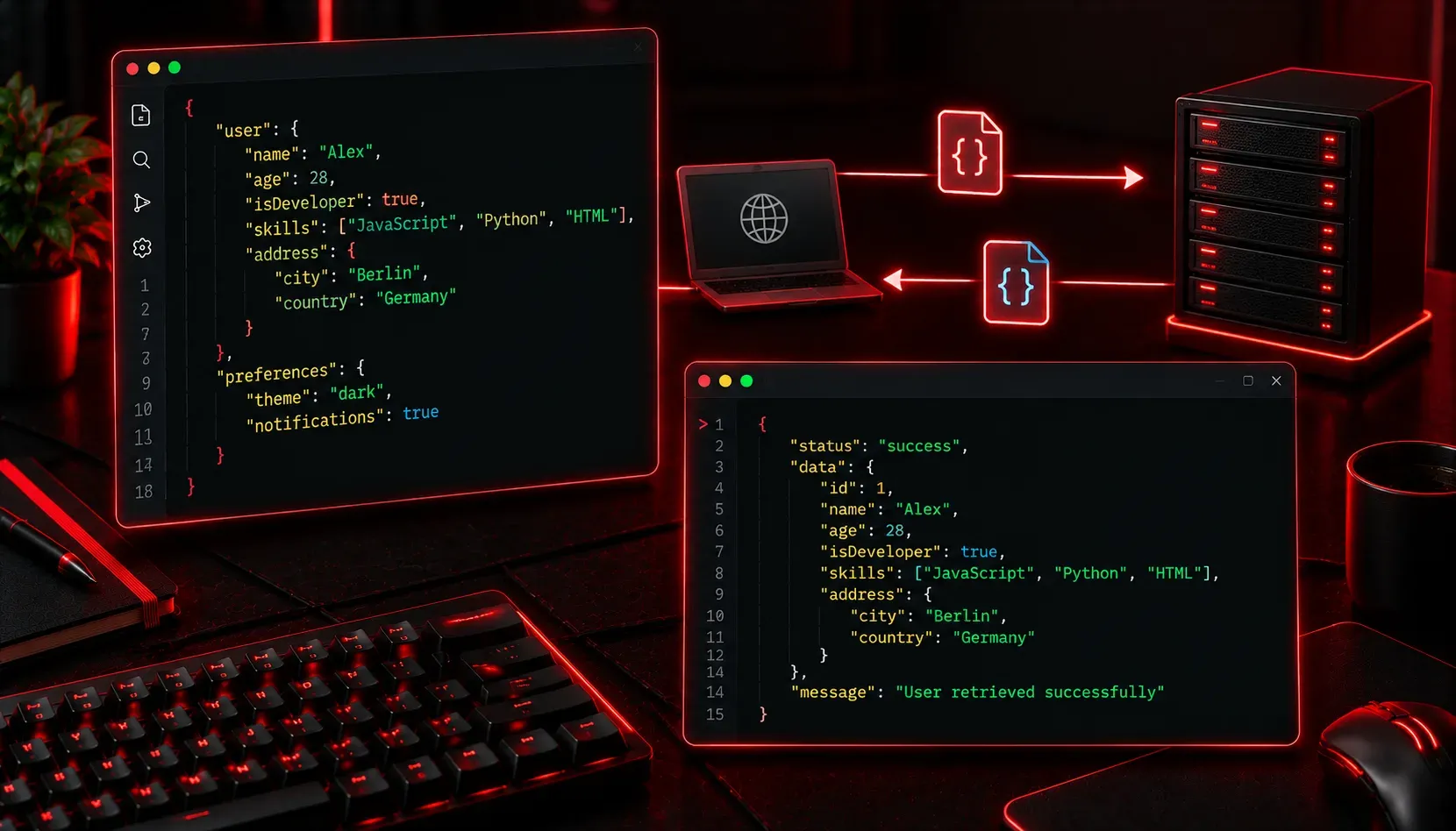
If you have spent any time exploring web development or network automation, you have probably heard the term REST API thrown around. REST APIs are how applications talk to each other over the internet, and almost every modern API communicates using JSON (JavaScript Object Notation). Learning how to fetch JSON from a REST API is one of the most practical skills you can develop as a beginner programmer.
What Is a REST API?
A REST API (Representational State Transfer Application Programming Interface) is a way for a client (your program) to request data from a server using standard HTTP methods. The most common method for retrieving data is GET. When you make a GET request to an API endpoint, the server responds with data, and that data is almost always formatted as JSON.
Think of it like ordering at a restaurant: you make a request (place an order), and the server brings back a response (your food). The menu is the API documentation, and JSON is the language the kitchen uses to describe what it is sending back.
A Simple Example: Fetching Data with Python
Python is one of the best languages for beginners to practice API calls because it has a clean, readable library called requests. If you do not have it installed, run this in your terminal first:
pip install requestsNow, let's fetch some real data. We will use https://jsonplaceholder.typicode.com, a free fake REST API designed specifically for testing and learning. Here is a basic script that fetches a list of users:
import requests

url = "https://jsonplaceholder.typicode.com/users"

response = requests.get(url)

if response.status_code == 200:
    data = response.json()
    for user in data:
        print(user["name"], "-", user["email"])
else:
    print(f"Request failed with status: {response.status_code}")
When you run this, you will see output similar to:
Leanne Graham - [email protected]
Ervin Howell - [email protected]
Clementine Bauch - [email protected]
Breaking Down What Just Happened
Let's walk through each key part of that script:
requests.get(url): This sends an HTTP GET request to the URL and stores the response object.response.status_code: This is the HTTP status code returned by the server. A code of200means success. You may also encounter404(not found) or403(forbidden).response.json(): This method automatically parses the JSON response body and converts it into a Python dictionary or list, so you can work with it like normal Python data.user["name"]: Once parsed, the JSON object becomes a Python dictionary, and you access values using their keys.
Inspecting the Raw JSON Response
It is always helpful to look at the raw JSON structure before you start parsing it. You can print the full response body like this:
import requests
import json

url = "https://jsonplaceholder.typicode.com/users/1"
response = requests.get(url)

print(json.dumps(response.json(), indent=2))
This will output the JSON in a readable, formatted structure:
{
  "id": 1,
  "name": "Leanne Graham",
  "username": "Bret",
  "email": "[email protected]",
  "address": {
    "street": "Kulas Light",
    "city": "Gwenborough"
  }
}
Seeing the structure first tells you exactly which keys to target when you write your parsing logic. This habit will save you a lot of guesswork.
One Thing to Always Check: Headers
Some APIs require you to send headers with your request, such as an API key or a content type declaration. You pass headers as a dictionary:
headers = {
    "Authorization": "Bearer YOUR_API_KEY",
    "Accept": "application/json"
}

response = requests.get(url, headers=headers)
Always check the API's documentation to see if authentication headers are required before you start coding.
Free Resources to Practice
- JSONPlaceholder:
https://jsonplaceholder.typicode.comfor safe, no-auth testing - Python Requests docs:
https://requests.readthedocs.iofor the full library reference - freeCodeCamp:
https://www.freecodecamp.orgfor structured Python and API exercises
What's Next
Now that you can fetch JSON from a REST API, the next logical step is learning how to parse and manipulate that JSON data in more complex ways: filtering results, looping through nested objects, and writing the data to a file or database. That is where the real power of working with APIs starts to show itself. Stay tuned for the next post in this series.