
Understanding Code Modules for Automation
This post explains what code modules are, how to create and import them in Python, and why they are essential for organizing automation projects. It covers built-in modules, third-party modules, and practical code organization strategies relevant to the CCNA DevNet exam.

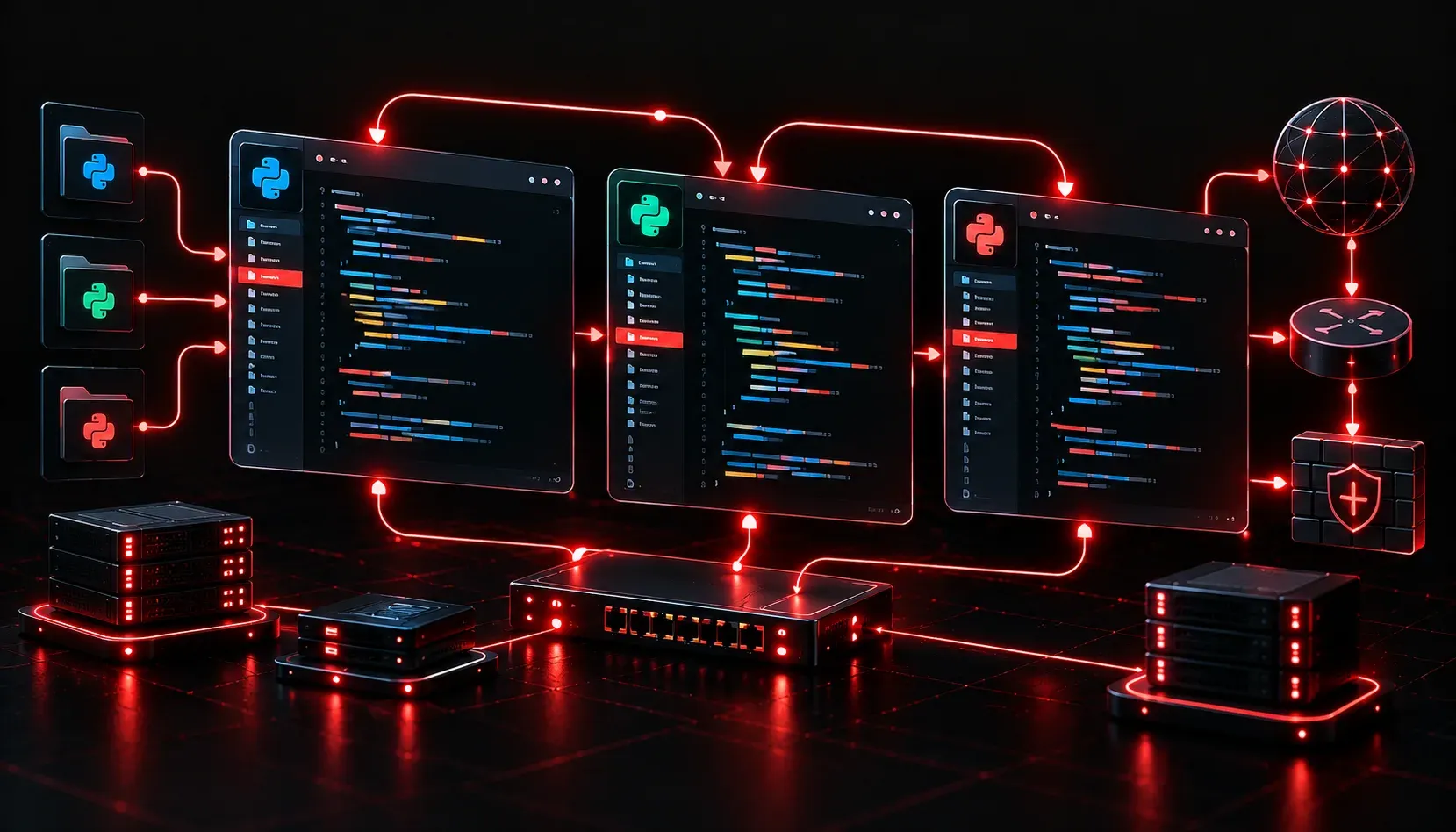
When you start writing automation scripts, everything fits neatly in one file. A few variables, a loop, maybe a function or two, and you're done. But as your projects grow, that single file becomes harder to read, harder to debug, and nearly impossible to share with teammates. This is exactly where code modules solve a real problem.
What Is a Code Module?
A module is simply a file containing Python code that you can import and reuse in other scripts. Think of it like a toolbox: instead of carrying every tool in your hands, you organize them into a box and grab what you need when you need it.
In Python, any file ending in .py is technically a module. If you create a file called helpers.py and define a function inside it, you can pull that function into any other script using the import statement.
Here is a simple example. Suppose you have a file called helpers.py:
def get_device_banner(hostname):
    return f"Connecting to device: {hostname}"

def format_ip(ip_address):
    return ip_address.strip()
Now in your main automation script, you can use those functions without rewriting them:
import helpers

device = "SW1"
ip = "  192.168.1.1  "

print(helpers.get_device_banner(device))
print(helpers.format_ip(ip))
The output would be:
Connecting to device: SW1
192.168.1.1
Clean, readable, and reusable. That is the core idea behind understanding code modules.
Why Modules Matter for Automation Projects
Network automation projects often involve repetitive tasks: connecting to devices, parsing outputs, sending API calls, handling errors. Without modules, you end up copying and pasting the same code across multiple scripts. When something needs to change, you have to hunt down every copy and fix them all.
Modules solve this by giving you a single source of truth. Fix the function once, and every script that imports it benefits immediately.
Here are the core module benefits in an automation context:
- Reusability: Write a function once and import it into as many scripts as you need.
- Readability: Shorter files focused on one job are much easier to understand at a glance.
- Maintainability: When logic changes, you update one file instead of many.
- Testability: Isolated modules are easier to test independently before wiring them into a larger project.
- Collaboration: Teammates can work on separate modules without constantly overwriting each other's code.
Python's Built-In and Third-Party Modules
You do not always have to write your own modules. Python ships with a large standard library of built-in modules ready to use immediately. For automation work, a few commonly used ones include:
os: interact with the operating system and file pathssys: access system-specific parameters and functionsjson: parse and generate JSON datare: work with regular expressions for parsing CLI output
Beyond the standard library, the Python ecosystem includes powerful third-party modules installed via pip. For network automation specifically, you will frequently encounter netmiko for SSH connections, requests for REST API calls, and nornir for task-based automation.
Importing a built-in module looks like this:
import json

data = '{"hostname": "R1", "ip": "10.0.0.1"}'
parsed = json.loads(data)

print(parsed["hostname"])
Output:
R1
Good Code Organization Starts Early
A practical habit when starting any automation project is to plan your module structure before writing much code. A common pattern separates concerns into distinct files:
connection.py: handles device connectionsparsers.py: cleans and parses CLI outputreports.py: formats and writes output filesmain.py: ties everything together
This kind of code organization keeps each file focused and your overall project navigable, even months later when you have forgotten the fine details of how it was built.
What's Next
Now that you understand what modules are and why they matter, the natural next step is learning how Python packages work. A package is a collection of modules organized into a directory structure, and it is how larger automation frameworks like Nornir are built. In the next post, we will look at how packages extend the module concept and how you can structure your own automation projects using them.
For deeper coverage of Python fundamentals in a networking context, the Cisco Press CCNA DevNet Associate DEVASC 200-901 Official Cert Guide is the recommended companion resource for this exam domain.