
How to Read and Write JSON Manually
JSON is a universal data format that appears in APIs, configuration files, and automation tools. This post teaches beginners how to read and write JSON manually, covering objects, arrays, data types, and common mistakes to avoid.

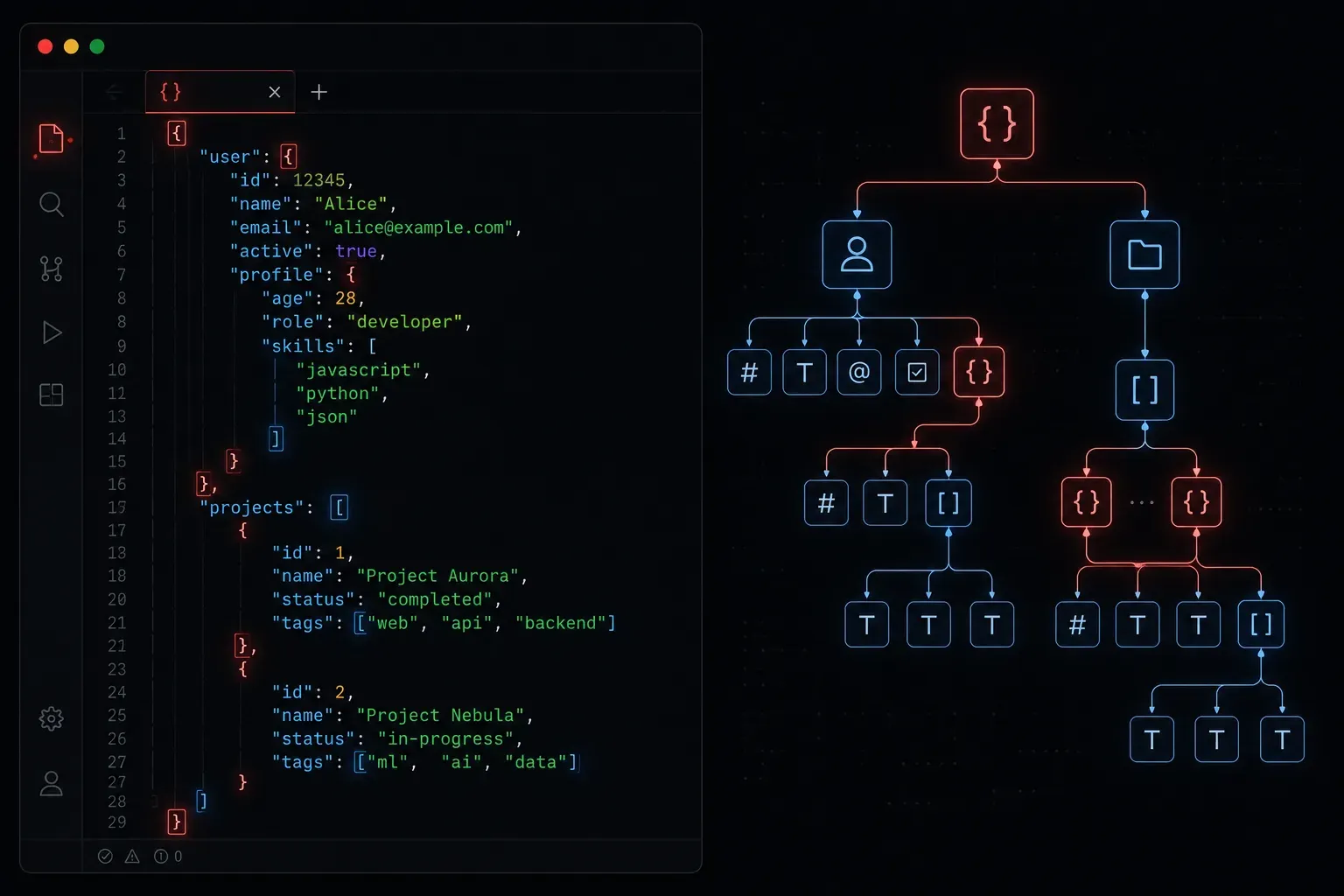
If you have spent any time working with web APIs, configuration files, or network automation tools, you have probably seen JSON. It shows up everywhere, and for good reason. JSON is lightweight, human-readable, and easy for machines to parse. Learning to read and write it manually is one of the most practical skills you can pick up as a beginner.
What Is JSON?
JSON stands for JavaScript Object Notation. Despite the name, it is not tied to JavaScript. It is a universal data format used across almost every modern programming language and platform. Think of it as a structured way to represent data, similar to how a spreadsheet organises information into rows and columns, but more flexible.
JSON is built around two core structures:
- Objects: collections of key-value pairs, wrapped in curly braces
{} - Arrays: ordered lists of values, wrapped in square brackets
[]
Reading JSON: Breaking It Down
Here is a simple JSON object representing a network device:
{
  "hostname": "core-sw-01",
  "ip_address": "192.168.1.1",
  "vendor": "Cisco",
  "interfaces": 48,
  "active": true
}
Reading this is straightforward once you know the rules. Each entry is a key-value pair, separated by a colon. The key is always a string in double quotes. The value can be several types:
- String: text in double quotes, like
"Cisco" - Number: a plain number, like
48 - Boolean: either
trueorfalse(no quotes, lowercase) - Null: represents an empty value, written as
null - Array: a list of values
- Object: a nested JSON object
Commas separate each key-value pair. The last item in an object or array does not get a trailing comma. That is one of the most common mistakes beginners make.
Arrays in JSON
An array holds a list of values. Here is an example with a list of VLANs configured on a switch:
{
  "hostname": "core-sw-01",
  "vlans": [10, 20, 30, 100]
}
Arrays can also hold objects, which is where JSON becomes really powerful:
{
  "hostname": "core-sw-01",
  "interfaces": [
    {
      "name": "GigabitEthernet0/1",
      "status": "up",
      "vlan": 10
    },
    {
      "name": "GigabitEthernet0/2",
      "status": "down",
      "vlan": 20
    }
  ]
}
This structure is extremely common in API responses. You have a top-level object, with a key whose value is an array of objects. Take your time reading these from the outside in, one layer at a time.
Writing JSON Manually
When you write JSON by hand, keeping a few rules in mind will save you hours of debugging:
- Always use double quotes for keys and string values. Single quotes are not valid JSON.
- Do not add a trailing comma after the last item in an object or array.
- Boolean and null values are lowercase and unquoted:
true,false,null. - Nest objects and arrays as deeply as you need, but keep your indentation consistent to stay sane.
A quick way to check your JSON is valid is to paste it into JSONLint. It will highlight exactly where any errors are. Get into the habit of validating before you use a file in a script or API call.
A Real-World Example
Imagine you are writing a configuration file for a network automation script. You might create a file called devices.json that looks like this:
[
  {
    "hostname": "router-01",
    "ip": "10.0.0.1",
    "platform": "ios"
  },
  {
    "hostname": "router-02",
    "ip": "10.0.0.2",
    "platform": "nxos"
  }
]
Notice that this file starts with an array at the top level, not an object. That is perfectly valid JSON. Your Python script can then load this file and loop through each device automatically.
Resources to Practice
- json.org: the official JSON specification, short and worth reading
- JSONLint: free online validator
- MDN Web Docs: Working with JSON: clear beginner guide with examples
What's Next
Now that you can read and write JSON manually, the natural next step is learning how to work with it programmatically. In the next post, we will look at how Python handles JSON using the built-in json module, including how to load a JSON file, access values, and write data back out. That is where manual understanding turns into real automation power.