
What is a Network? Understanding the Basics
This post introduces the concept of a computer network for complete beginners, explaining what a network is, why we use them, and the main types including LAN, WAN, MAN, and PAN. It also briefly covers how devices communicate using protocols and addresses.

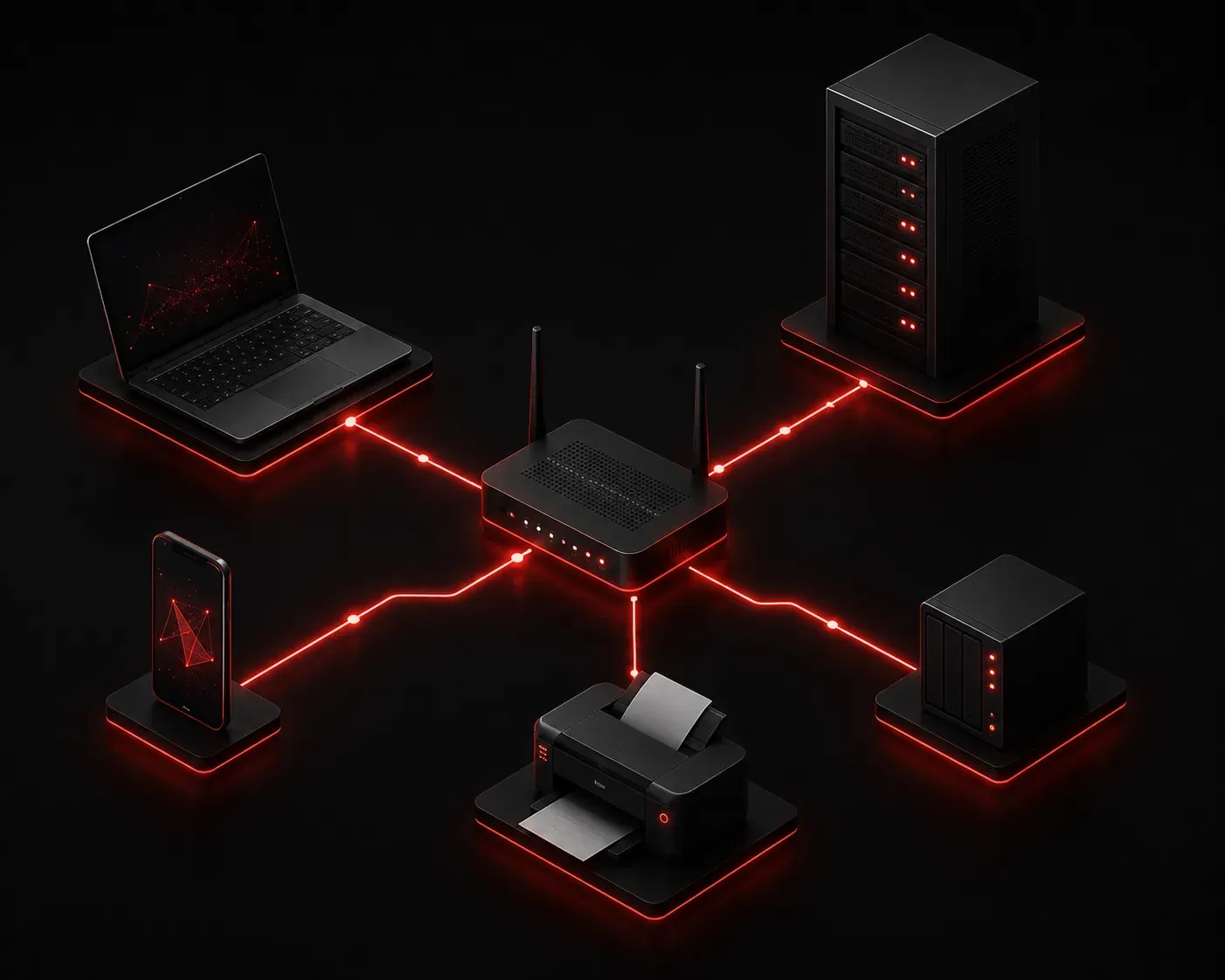
If you've ever sent a text message, loaded a webpage, or printed a document wirelessly, you've used a network. But what exactly is a network? Let's break it down from the ground up.
The Simple Definition
A network is two or more devices connected together so they can share information and resources. That's it. At its core, networking for beginners really does start that simply.
Those devices can be computers, smartphones, printers, servers, or even smart home gadgets. The connection between them can be a physical cable or a wireless signal. What matters is that the devices can talk to each other.
Why Do We Build Networks?
Before networks existed, if you wanted to share a file with a coworker, you copied it to a floppy disk and walked it over. Networks changed everything by allowing devices to share:
- Data: files, emails, messages, and documents
- Resources: printers, storage drives, and internet connections
- Applications: software that runs on a central server and is accessed by multiple users
Today, networks are the foundation of nearly everything we do digitally, from streaming video to processing credit card payments.
Types of Networks
Not all networks are the same size or scope. Understanding the types of networks helps you picture where a network begins and ends.
LAN (Local Area Network)
A LAN is a network that covers a small geographic area, like a single office, school, or home. Your home Wi-Fi network is a LAN. Devices on a LAN can communicate with each other at high speeds with minimal delay.
WAN (Wide Area Network)
A WAN connects networks that are geographically separated, sometimes across cities, countries, or continents. The internet itself is the largest WAN in existence. A company with offices in New York and London would use a WAN to connect them.
MAN (Metropolitan Area Network)
A MAN sits between a LAN and a WAN in terms of size. It typically covers a city or campus. A university with multiple buildings connected across a city might use a MAN.
PAN (Personal Area Network)
A PAN is the smallest type of network, usually centered around a single person. When you connect your phone to a Bluetooth headset or sync a smartwatch, you're using a PAN.
How Devices Communicate on a Network
For devices to communicate, they need a few things in common: a shared physical or wireless medium, a common language (called a protocol), and a way to identify each other (called an address).
Think of it like mailing a letter. The road is the medium, the language on the letter is the protocol, and the address on the envelope tells it where to go. On a real network, the most common protocol used is TCP/IP, and devices are identified by an IP address like 192.168.1.10.
We'll dive much deeper into protocols and addressing in upcoming posts. For now, just know that these rules and addresses are what make organized communication possible.
A Quick Real-World Example
Imagine you open a browser and type in a website address. Here's a simplified version of what happens on the network:
- Your laptop sends a request out through your home router.
- That request travels across your ISP's network (a WAN).
- It reaches a web server somewhere in the world.
- The server sends the webpage data back the same way.
- Your browser displays the page.
All of that happens in a fraction of a second because of the network basics we just covered.
What's Next
Now that you understand what a network is and the basic types, the next step is learning how data actually moves across a network. In the next post, we'll look at the OSI model, the seven-layer framework that describes exactly how data travels from one device to another. It's one of the most important concepts in all of networking, and understanding it will make everything else click into place.