
Introduction to Network Management Systems
Network Management Systems (NMS) provide centralized visibility and control over network infrastructure, helping engineers monitor device health, manage configurations, and diagnose problems efficiently. This post covers the FCAPS framework, SNMP basics, and common management tools relevant to the

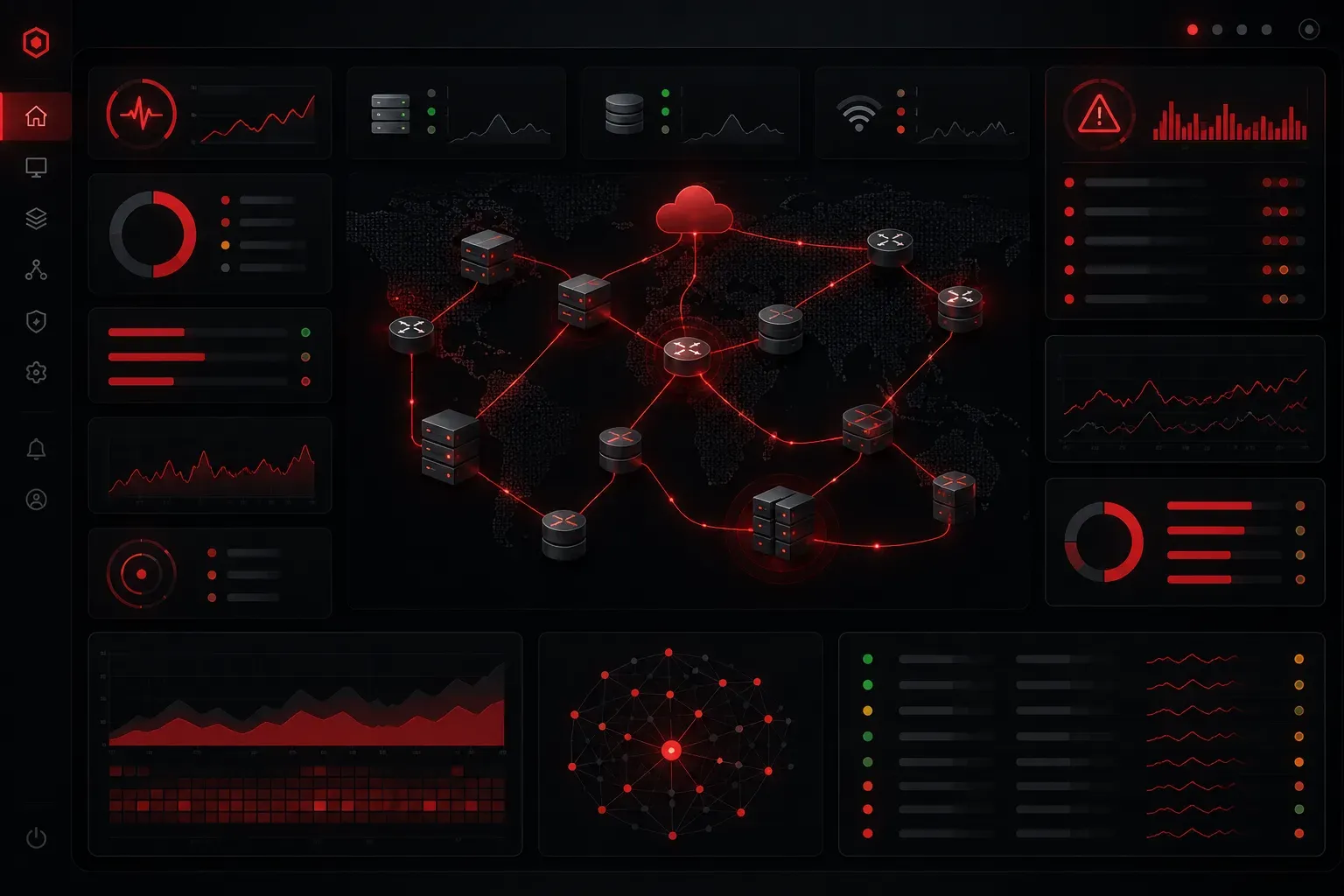
When you're responsible for even a modest number of network devices, things get complicated fast. How do you know if a router is struggling? How do you spot a misconfigured switch before it causes an outage? This is exactly where network management systems come in. They give you visibility and control across your entire infrastructure from a single pane of glass.
What Is a Network Management System?
A Network Management System, commonly called an NMS, is a platform (or collection of tools) that lets network engineers monitor, configure, and troubleshoot network devices from a centralized location. Instead of logging into each router and switch one at a time, an NMS collects data from all your devices and presents it in a unified dashboard.
Think of it like a control tower at an airport. The aircraft (your devices) are out there doing their jobs, but the control tower has real-time awareness of everything happening and can intervene when something goes wrong.
The Core Functions of Network Management
The networking industry organizes NMS functionality into a framework called FCAPS. Each letter represents a management category:
- Fault Management: Detecting and alerting on failures or errors in the network
- Configuration Management: Tracking and managing device configurations
- Accounting Management: Monitoring resource usage and bandwidth consumption
- Performance Management: Measuring metrics like latency, packet loss, and throughput
- Security Management: Controlling access and monitoring for threats
FCAPS is a traditional framework that has been used to describe network management responsibilities for decades. Not every NMS tool covers all five categories equally, and modern network management platforms sometimes extend beyond these boundaries, incorporating automation, orchestration, and analytics. Still, understanding FCAPS gives you a solid baseline for evaluating what any given tool actually offers.
How Devices Communicate With an NMS
The most widely used protocol for network monitoring is SNMP, which stands for Simple Network Management Protocol. Devices like routers, switches, and firewalls run an SNMP agent that responds to queries from the NMS and can also send unsolicited alerts called traps. SNMP is well-suited for polling device health and receiving event notifications, and it remains ubiquitous across virtually all managed network hardware.
On a Cisco device, enabling basic SNMP looks like this:
Router(config)# snmp-server community PUBLIC ro
Router(config)# snmp-server host 192.168.1.100 version 2c PUBLIC
Router(config)# snmp-server enable traps
The first line sets a read-only community string (essentially a password). The second line tells the device where to send SNMP traps, and the third enables trap notifications. The NMS at 192.168.1.100 can now poll this router for statistics and receive alerts when something changes.
A newer protocol worth knowing is NETCONF, which uses XML-based data and runs over SSH. Rather than replacing SNMP outright, NETCONF complements it by providing more granular, transactional control over device configuration, making it especially useful in network automation workflows. Where SNMP excels at monitoring and alerting, NETCONF is better suited for programmatic configuration changes and state retrieval. Both protocols are used in modern networks, often alongside each other.
Common Network Management Tools
There are many options in this space, ranging from free open-source platforms to enterprise-grade commercial solutions. A few worth knowing about at this level include:
- SolarWinds Network Performance Monitor: A widely used commercial platform with strong visualization and alerting features
- PRTG Network Monitor: Popular in small-to-medium environments with a straightforward interface
- Zabbix: A powerful open-source option that supports SNMP, ICMP, and agent-based monitoring
- Cisco DNA Center: Cisco's intent-based networking platform for managing Cisco infrastructure at scale. Intent-based networking means you define what the network should do: the desired outcome: and the platform handles translating that intent into device-level configurations automatically.
For the CCST exam, you do not need to be an expert in any specific tool. What matters is understanding what these management tools do and why they are valuable for diagnosing network problems.
Why This Matters for Troubleshooting
Network management systems are not just for large enterprises. Even in a small office environment, having network monitoring in place means you can answer questions like:
- Which device went offline and when?
- Is a particular interface showing high error counts?
- Has a device's configuration changed unexpectedly?
Without these tools, answering those questions means manually checking each device, which is slow and error-prone. With proper device control through an NMS, you get alerts before users even notice an issue.
What's Next
Now that you understand what network management systems do and how they communicate with devices, the next step is getting familiar with the specific data they collect. In the next post, we will look at network performance metrics like bandwidth utilization, latency, and packet loss, and why each one matters when you are diagnosing a slow or unreliable network.