
XML Namespaces Explained Simply
XML namespaces solve naming conflicts by grouping related elements together using unique identifiers. This beginner-friendly guide explains the syntax, default namespaces, and real-world examples to help you understand this fundamental XML concept.

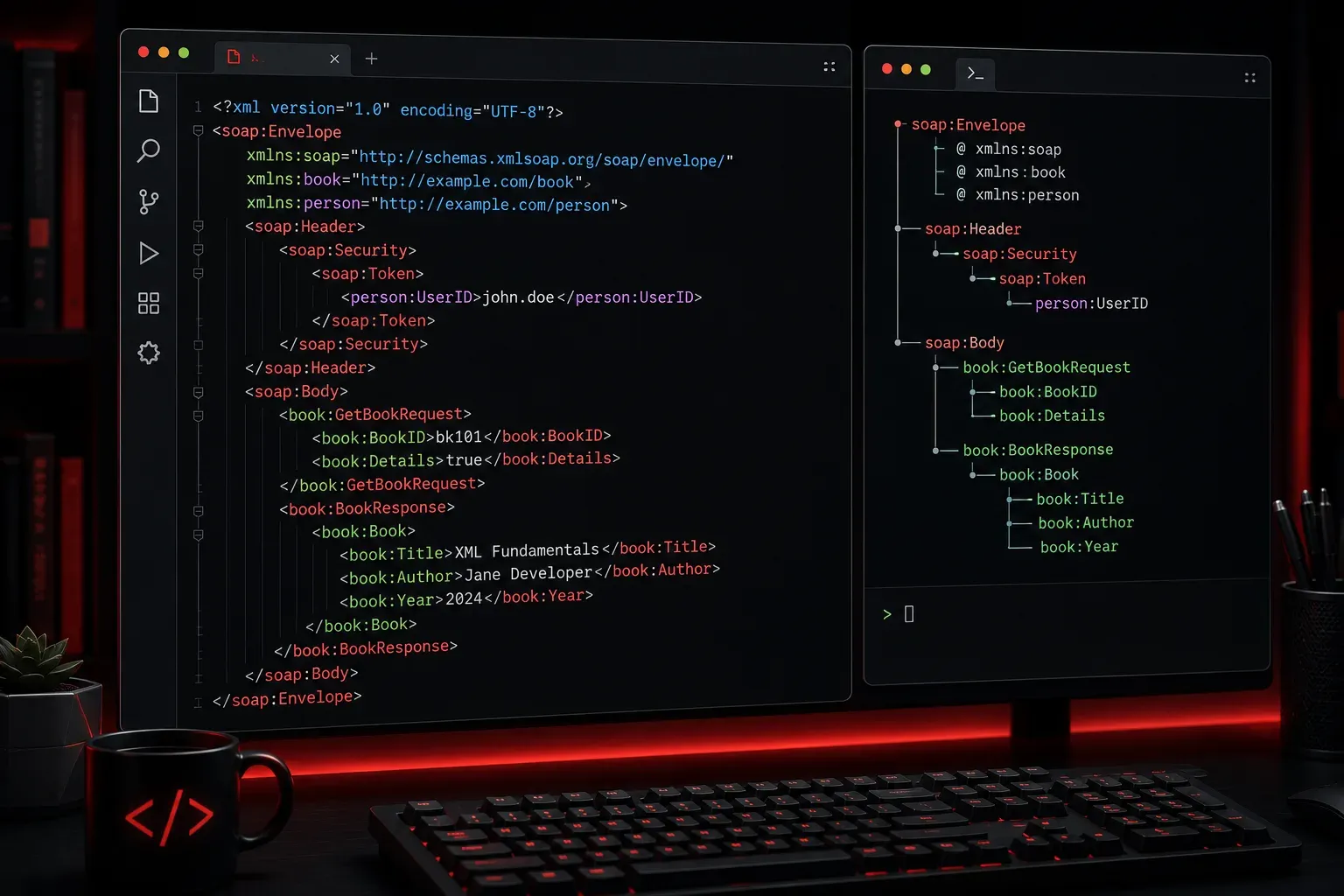
If you've ever looked at XML files and wondered what those xmlns attributes are doing, or why some elements have colons in their names like <soap:Body>, you're encountering XML namespaces. They might look intimidating at first, but they solve a simple problem that you'll appreciate once you understand it.
The Problem Namespaces Solve
Imagine you're working with XML that combines data from different sources. You might have a book catalog that includes both bibliographic information and shipping details:
<catalog>
    <title>Network Automation Basics</title>
    <author>Jane Smith</author>
    <title>Mr. John Doe</title>
    <address>123 Main St</address>
</catalog>
Wait, there are two <title> elements! The first one is the book title, but the second one is actually someone's title (like "Mr." or "Dr."). This creates confusion. How do we tell them apart?
What XML Namespaces Are
XML namespaces are a way to avoid naming conflicts by grouping related elements together. Think of them like last names for XML elements. Just as "John Smith" and "John Jones" are different people, <book:title> and <person:title> are different elements.
Here's how we'd fix our catalog example:
<catalog xmlns:book="http://example.com/book"
         xmlns:person="http://example.com/person">
    <book:title>Network Automation Basics</book:title>
    <book:author>Jane Smith</book:author>
    <person:title>Mr.</person:title>
    <person:name>John Doe</person:name>
    <person:address>123 Main St</person:address>
</catalog>
Breaking Down the Syntax
Let's examine the key components:
Namespace Declarations
The xmlns attributes declare namespaces:
xmlns:book="http://example.com/book"- Creates a namespace prefix called "book"xmlns:person="http://example.com/person"- Creates a namespace prefix called "person"
The URLs don't have to be real websites. They're just unique identifiers, like really long, unique last names.
Qualified Names
Elements like <book:title> use qualified names. The part before the colon (book) is the namespace prefix, and the part after (title) is the local name.
Default Namespaces
You can also set a default namespace for elements without prefixes:
<catalog xmlns="http://example.com/catalog"
         xmlns:person="http://example.com/person">
    <title>My Book Catalog</title>  <!-- This uses the default namespace -->
    <person:name>John Doe</person:name>  <!-- This uses the person namespace -->
</catalog>
Real-World Example
Here's a practical example you might encounter when working with web services:
<soap:Envelope xmlns:soap="http://schemas.xmlsoap.org/soap/envelope/">
    <soap:Header>
        <auth:credentials xmlns:auth="http://example.com/auth">
            <auth:username>admin</auth:username>
            <auth:password>secret</auth:password>
        </auth:credentials>
    </soap:Header>
    <soap:Body>
        <api:getData xmlns:api="http://example.com/api"/>
    </soap:Body>
</soap:Envelope>
This SOAP message uses three different namespaces:
soap- for SOAP protocol elementsauth- for authentication elementsapi- for application-specific elements
Key Points to Remember
- Namespace URIs are just identifiers - they don't need to be real websites
- The same prefix can be mapped to different URIs in different parts of a document
- Elements in the same namespace can be spread throughout the document
- If no namespace is specified, elements are in the "null namespace"
What's Next
Now that you understand XML namespaces, you're ready to tackle more complex XML concepts like XML Schema validation and XPath expressions, which rely heavily on namespace awareness. In our next post, we'll explore how to validate XML documents to ensure they follow specific rules and structures.