
The Role of IP Addresses in Network Safety
This post explains the role of IP addresses in network security for CCST Cybersecurity learners. It covers how IP addresses support access control, traffic monitoring, threat detection, and network segmentation. The post also clarifies the difference between public and private IP addresses and why

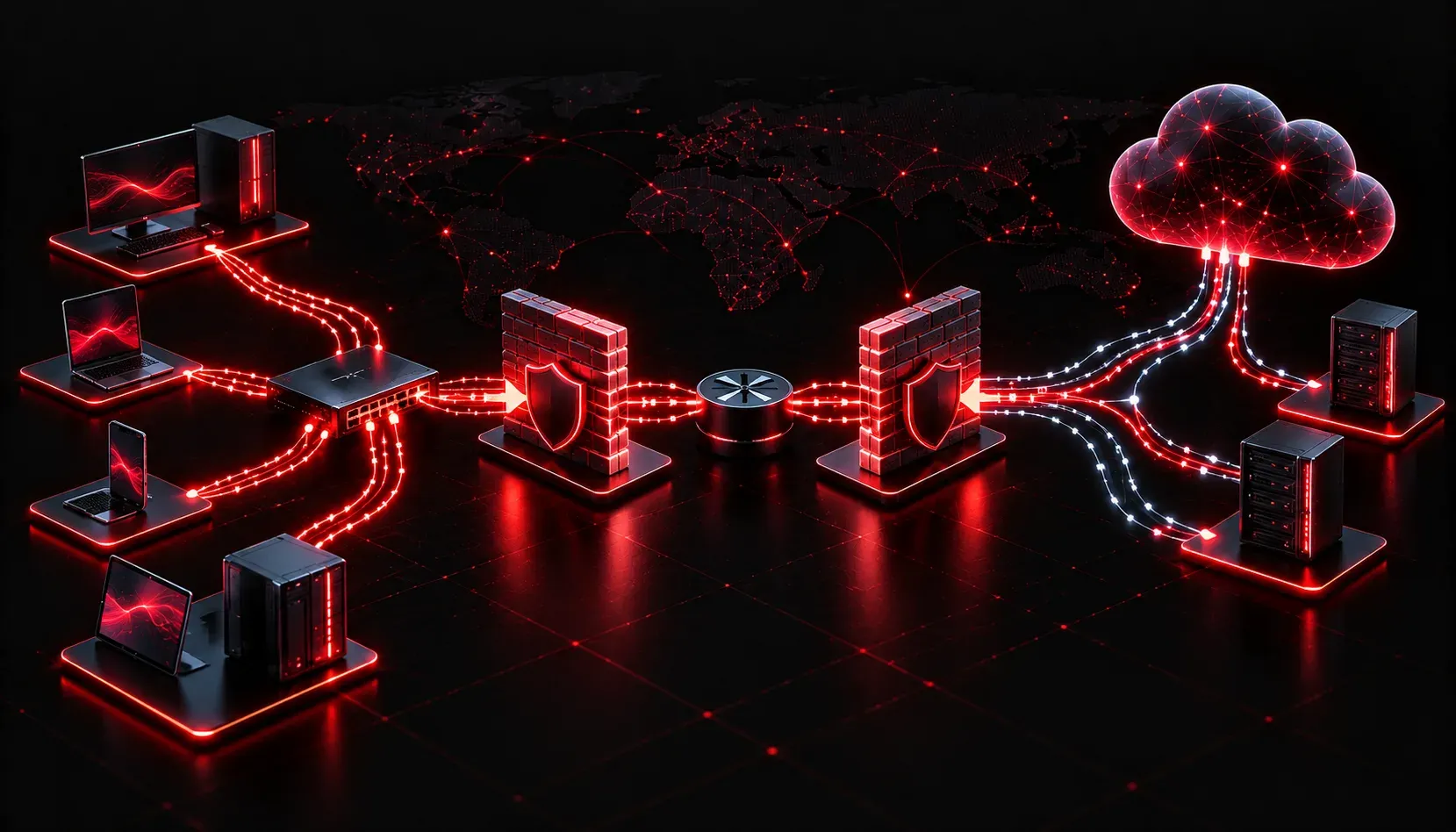
When you think about network security, firewalls and passwords might come to mind first. But underneath all of that, IP addresses play a fundamental role in keeping networks safe. Understanding how they work in a security context is a core skill for anyone studying for the CCST Cybersecurity exam.
What Is an IP Address?
An IP address is a numerical label assigned to every device on a network. It serves two main purposes: identifying the device and providing its location on the network. Think of it like a home address. If someone wants to send you a letter, they need to know where you live. If a device wants to send data, it needs to know the destination IP address.
There are two versions in use today:
- IPv4: a 32-bit address written in dotted decimal format, for example
192.168.1.10 - IPv6: a 128-bit address written in hexadecimal, for example
2001:0db8:85a3::8a2e:0370:7334
How IP Addresses Support Network Safety
The IP addresses role in security is more significant than most beginners expect. Security devices and policies rely heavily on IP addressing to make decisions about what traffic is allowed, blocked, or flagged for review.
Access Control
Firewalls and routers use IP addresses to enforce access control rules. For example, a firewall rule might say: allow traffic from 10.0.0.0/8 but block anything coming from unknown external addresses. This is one of the most direct ways IP addresses contribute to network safety.
A basic firewall access control entry might look like this:
permit ip 10.0.0.0 0.255.255.255 any
deny ip any any
The first line permits traffic from the internal 10.0.0.0/8 network. The second line blocks everything else. Simple, but powerful.
Traffic Monitoring and Logging
Security tools log source and destination IP addresses for every connection passing through the network. When an incident occurs, these logs let security analysts trace where an attack came from and which systems were targeted. Without IP address logging, incident response becomes nearly impossible.
IP-Based Threat Detection
Security platforms maintain lists of known malicious IP addresses. If a device on your network tries to communicate with one of those addresses, the system can automatically block the connection and raise an alert. This is sometimes called IP reputation filtering, and it is a practical example of IP impact on everyday security operations.
Network Segmentation
IP addressing also enables network segmentation, where a network is divided into smaller zones. For example, a company might use:
192.168.10.0/24for employee workstations192.168.20.0/24for servers192.168.30.0/24for guest wireless access
By separating these zones with firewall rules, even if an attacker compromises one segment, they cannot freely move into another. This limits the damage from a breach and is one of the most important security basics in modern network design.
Public vs. Private IP Addresses
Not all IP addresses are equal from a security perspective. Private IP addresses (such as those in the 10.0.0.0/8, 172.16.0.0/12, and 192.168.0.0/16 ranges) are used internally and are not routable on the public internet. Network Address Translation (NAT) allows internal devices to share a single public IP address when communicating externally.
This matters for security because it hides internal network structure from the outside world. An attacker scanning the internet only sees your public IP address, not the hundreds of private devices behind it.
What's Next
Now that you understand how IP addresses support network safety, the next step is learning about the protocols that carry traffic across those networks. In the next post, we will look at common network protocols and their security implications, including how protocols like TCP, UDP, and ICMP can be used or misused in an attack scenario. Understanding protocols is another core element of the CCST Cybersecurity exam and builds directly on what you have learned here.