
Krisp AI: Improving IT Team Communication with Noise Cancellation
Krisp AI uses on-device machine learning to remove background noise from virtual meetings in real time. This post explores how IT teams can use Krisp to improve communication clarity during incident calls, remote training, and client support, covering setup, key features, and honest limitations.

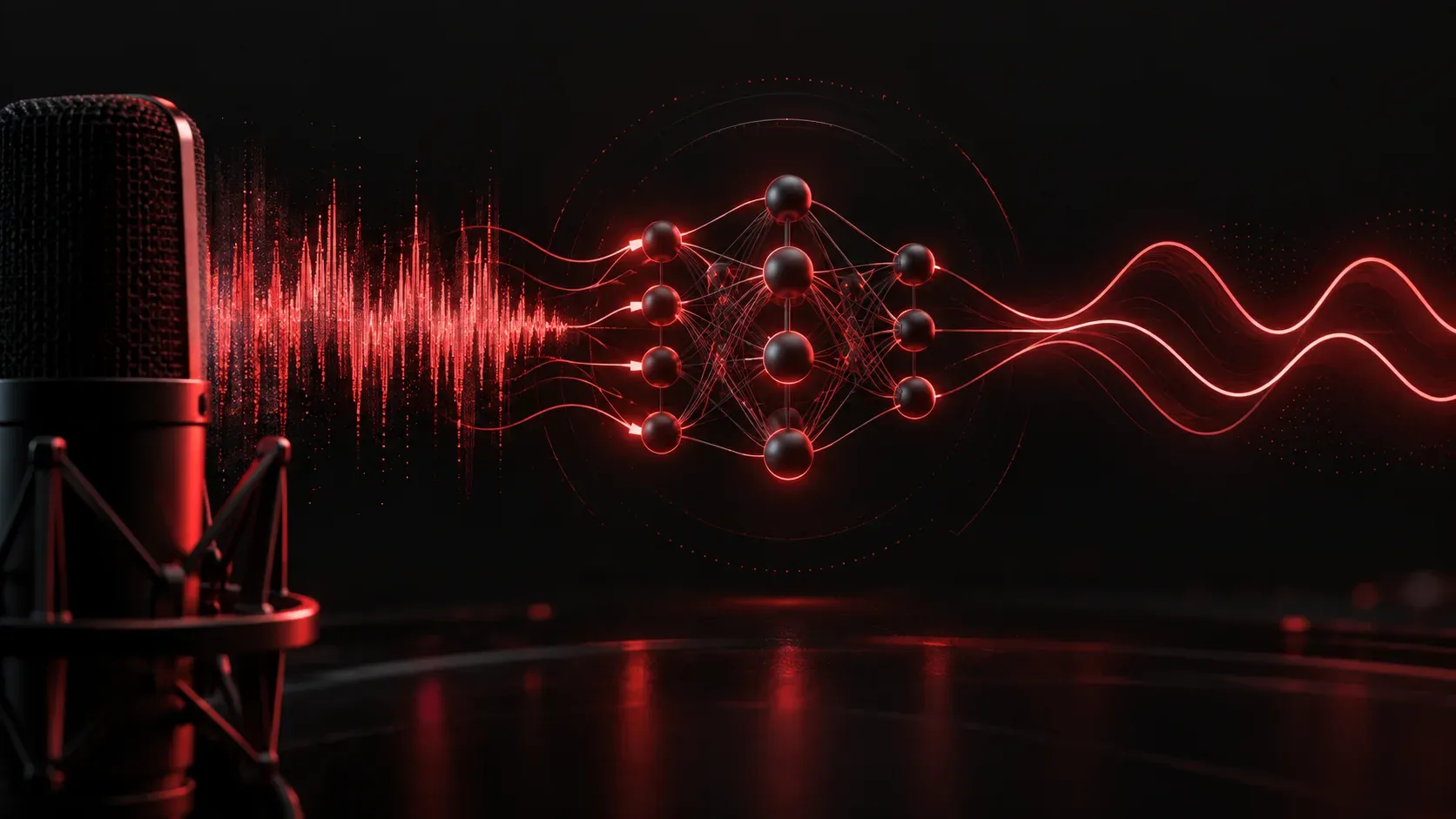
If you've ever been on a virtual meeting while someone's dog was barking in the background, or tried to explain a network outage while your colleague's keyboard clacking drowned out half the conversation, you already understand the problem Krisp AI was built to solve. For IT teams that live in virtual meetings, noisy environments aren't just annoying; they're a genuine productivity killer.
What Is Krisp AI?
Krisp AI is a noise cancellation application that uses machine learning to remove background noise, echo, and even unwanted voices from your audio in real time. It works as a virtual microphone and speaker layer that sits between your physical hardware and whatever communication app you're using. Think of it as a smart audio filter that runs locally on your machine.
You can find it at krisp.ai, and it supports a free tier with limited daily usage, as well as paid plans for power users and teams.
How Krisp Works in Practice
Once installed, Krisp creates two virtual devices on your system:
- Krisp Microphone: a virtual input device that receives your raw mic audio, processes it through the noise cancellation model, and passes clean audio to your meeting app
- Krisp Speaker: a virtual output device that applies noise cancellation to incoming audio from other participants
In your meeting app (Zoom, Microsoft Teams, Webex, Google Meet, Discord, or virtually any other platform), you simply select Krisp Microphone as your input and Krisp Speaker as your output. That's the entire setup. No routing through external servers; the processing happens entirely on your local CPU or GPU.
This local processing is a meaningful detail for IT professionals. You're not sending raw audio to a third-party cloud for analysis, which matters in environments with security-conscious policies around call recording and data handling.
Why This Matters for IT Teams Specifically
IT professionals operate in some uniquely noisy environments. Data center visits, on-site troubleshooting, open-plan offices with multiple concurrent calls, and home offices with unpredictable household noise are all part of the job. Clear communication during incident response or a change window walkthrough is not optional; miscommunication at the wrong moment can mean missed steps in a runbook or a misunderstood rollback command.
Here are specific scenarios where Krisp delivers real value for IT teams:
- Incident bridge calls: when you're troubleshooting from a server room or noisy operations floor, Krisp keeps your voice clean so the team can focus on the problem, not the background noise
- Remote training sessions: trainers in home offices can deliver clear instruction without worrying about environment
- Client-facing support calls: professional audio quality builds credibility, even when you're working from less-than-ideal conditions
- Team standups and sprint reviews: reduced audio fatigue over long calls means better focus and retention
Additional Features Worth Knowing
Beyond noise cancellation, Krisp has added a few features that extend its usefulness for IT professionals:
- AI Meeting Assistant: Krisp can transcribe meetings and generate summaries automatically, useful for capturing action items from post-incident reviews or architecture discussions
- Background Voice Cancellation: the app can distinguish and remove nearby voices (like a colleague on a call next to you) from your own voice, which is genuinely impressive in open office environments
- Noise level stats: Krisp shows you a real-time readout of how much noise it's filtering, which is a satisfying confirmation that the tool is actively working
A Few Honest Limitations
Krisp isn't perfect. On older or resource-constrained machines, the local processing can create a slight CPU load increase. The free tier caps usage at 60 minutes per week for noise cancellation, which is enough for a quick evaluation but not for daily use. Some users also report occasional audio artifacts when noise levels are extreme, though these are typically minor.
For most IT professionals, the paid Pro plan (around $8 per month as of this writing) is the practical entry point for unrestricted daily use.
What's Next
Now that you've seen how AI tools can improve the audio quality of your virtual meetings, the next logical step is improving what happens inside those meetings: capturing decisions, summarizing discussions, and turning conversations into action items automatically. In the next post, we'll look at AI-powered meeting note tools like Otter.ai and Fireflies.ai, and how IT teams are using them to reduce the documentation burden after every call.