
Troubleshooting Router Forwarding Issues
This post walks through a practical, step-by-step approach to router forwarding troubleshooting, focusing on how to read the routing table, identify administrative distance problems, and diagnose metric-based routing errors. It includes real CLI output and a concise checklist for resolving common f

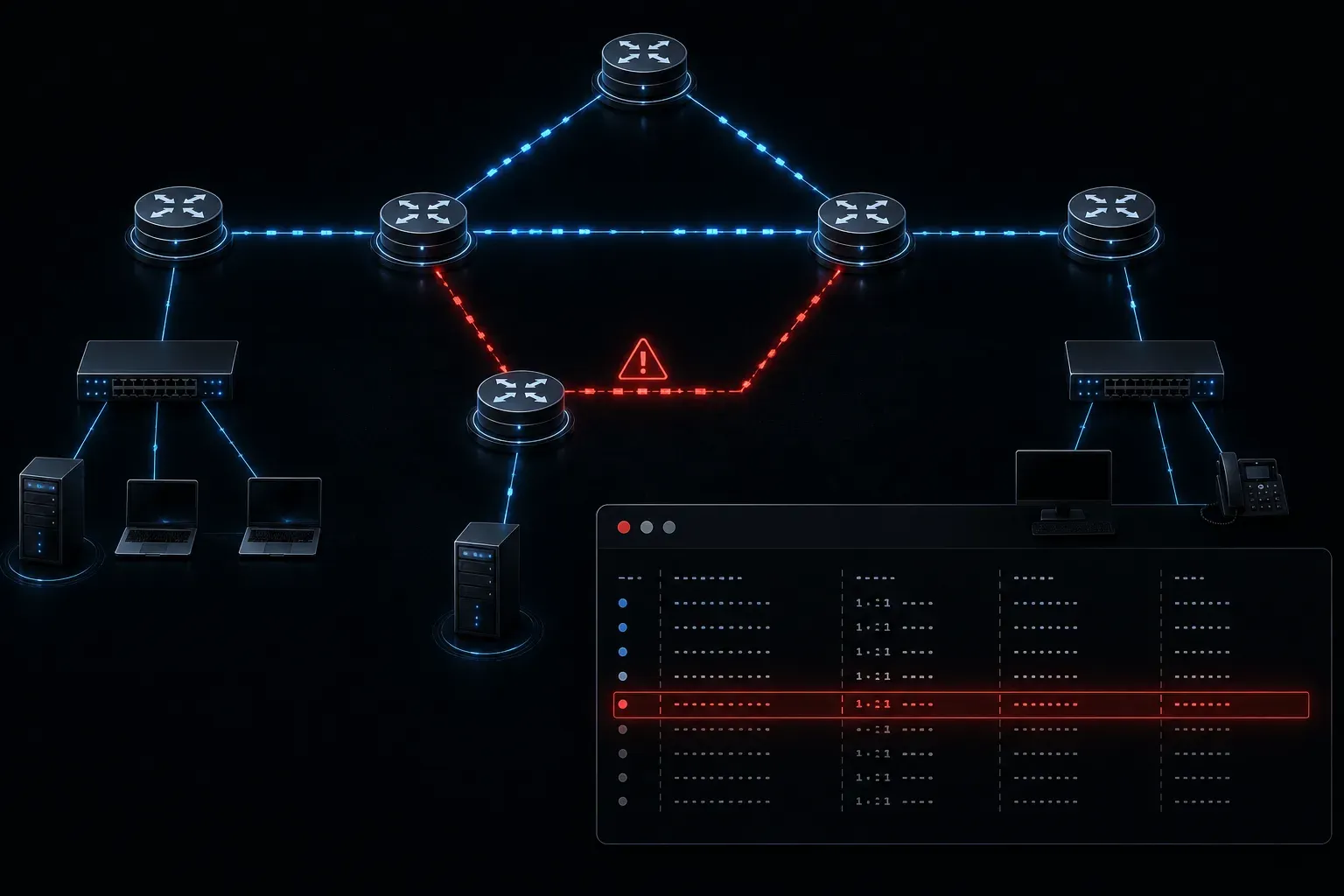
When packets stop flowing the way you expect, router forwarding troubleshooting is the skill that separates a confident network engineer from a frustrated one. Most forwarding problems come down to a surprisingly short list of causes: the router chose the wrong route, it has no route at all, or it installed a route from the wrong source. Let's walk through a practical, methodical approach to diagnosing these issues.
Start with the Routing Table
Your first stop is always the routing table. The command show ip route tells you exactly what the router believes about the network. If a destination prefix is missing entirely, the router will drop the packet or send it to the default route, which may not be what you want.
Router# show ip route
Codes: C - connected, S - static, R - RIP, O - OSPF, D - EIGRP

Gateway of last resort is not set

C    192.168.1.0/24 is directly connected, GigabitEthernet0/0
O    10.0.0.0/8 [110/2] via 192.168.1.2, 00:01:23, GigabitEthernet0/0
S    172.16.0.0/16 [1/0] via 192.168.1.254
Each entry shows you the source protocol, the prefix, the administrative distance (AD), the metric, the next-hop address, and the outgoing interface. Learning to read this output fluently is non-negotiable for CCNA-level troubleshooting.
Understanding Administrative Distance Problems
One of the most common and sneaky routing errors involves administrative distance misconfigurations. AD is the trustworthiness value assigned to a routing source. When two sources advertise the same prefix, the router installs the one with the lower AD value.
Here are the default AD values you need to know:
- Connected interface: 0
- Static route: 1
- EIGRP: 90
- OSPF: 110
- RIP: 120
- Unknown or untrusted: 255 (never installed)
A classic AD problem: you configure a static route pointing to the correct next hop, but OSPF is also advertising that same prefix. The static route wins because AD 1 beats AD 110. If OSPF was supposed to be the authoritative source, the static route silently overrides it and traffic goes the wrong way. This is exactly the kind of issue that looks fine in one part of the network but breaks routing elsewhere.
To verify which source is winning, use show ip route [network] with a specific prefix:
Router# show ip route 10.1.1.0
Routing entry for 10.1.1.0/24
  Known via "static", distance 1, metric 0
  Routing Descriptor Blocks:
  * 192.168.1.254
      Route metric is 0, traffic share count is 1
If you expected OSPF to own this route but see "static" here, you have found your problem.
Checking Metrics and Path Selection
Once AD is ruled out, the next layer is the metric. If two routes share the same AD, the router compares metrics. A higher OSPF cost, a lower EIGRP bandwidth value, or a misconfigured hop count in RIP can all cause the router to prefer a suboptimal path.
Use show ip ospf interface [interface] to verify OSPF cost on a specific link, or show ip eigrp topology to review the computed metrics for EIGRP routes. These commands expose the numbers behind the routing decision.
Verifying the Full Forwarding Path
After you understand what the routing table shows, verify the actual forwarding behavior with two tools:
ping: Confirms basic reachability between a source and destination.traceroute: Reveals the actual hop-by-hop path packets are taking, which often exposes routing asymmetry or unexpected next hops.
If traceroute shows a path going through an unexpected router, trace back to that device and check its routing table. The problem usually surfaces quickly once you follow the packet.
A Quick Troubleshooting Checklist
- Run
show ip routeand confirm the destination prefix exists. - Verify the correct source protocol is installing the route (check for rogue statics).
- Confirm the next-hop address is reachable and the outgoing interface is up.
- Use
pingandtracerouteto validate end-to-end behavior. - Compare metrics if multiple routing sources are involved.
What's Next
Now that you understand how to diagnose forwarding issues at the routing table level, the next step is exploring how first hop redundancy protocols like HSRP and VRRP affect the default gateway decision on a LAN. When the gateway itself is the problem, a different set of troubleshooting tools comes into play. Stay tuned for that upcoming post.
Tools and resources for this topic
- CCNA Official Cert Guide (Wendell Odom) — The definitive CCNA study resource. Both volumes cover the 200-301 exam blueprint in full.
- Wendell Odom CCNA Vol 1 — Covers networking fundamentals, switching, and routing basics.
- Wendell Odom CCNA Vol 2 — Covers advanced routing, WAN, infrastructure services, and security.