
LAN, WAN, and the Internet: Understanding Network Types
This post explains the fundamental differences between LAN, WAN, Internet, intranet, and extranet networks, covering their geographical scope, speed characteristics, ownership models, and real-world applications to help CCNA students understand network types.
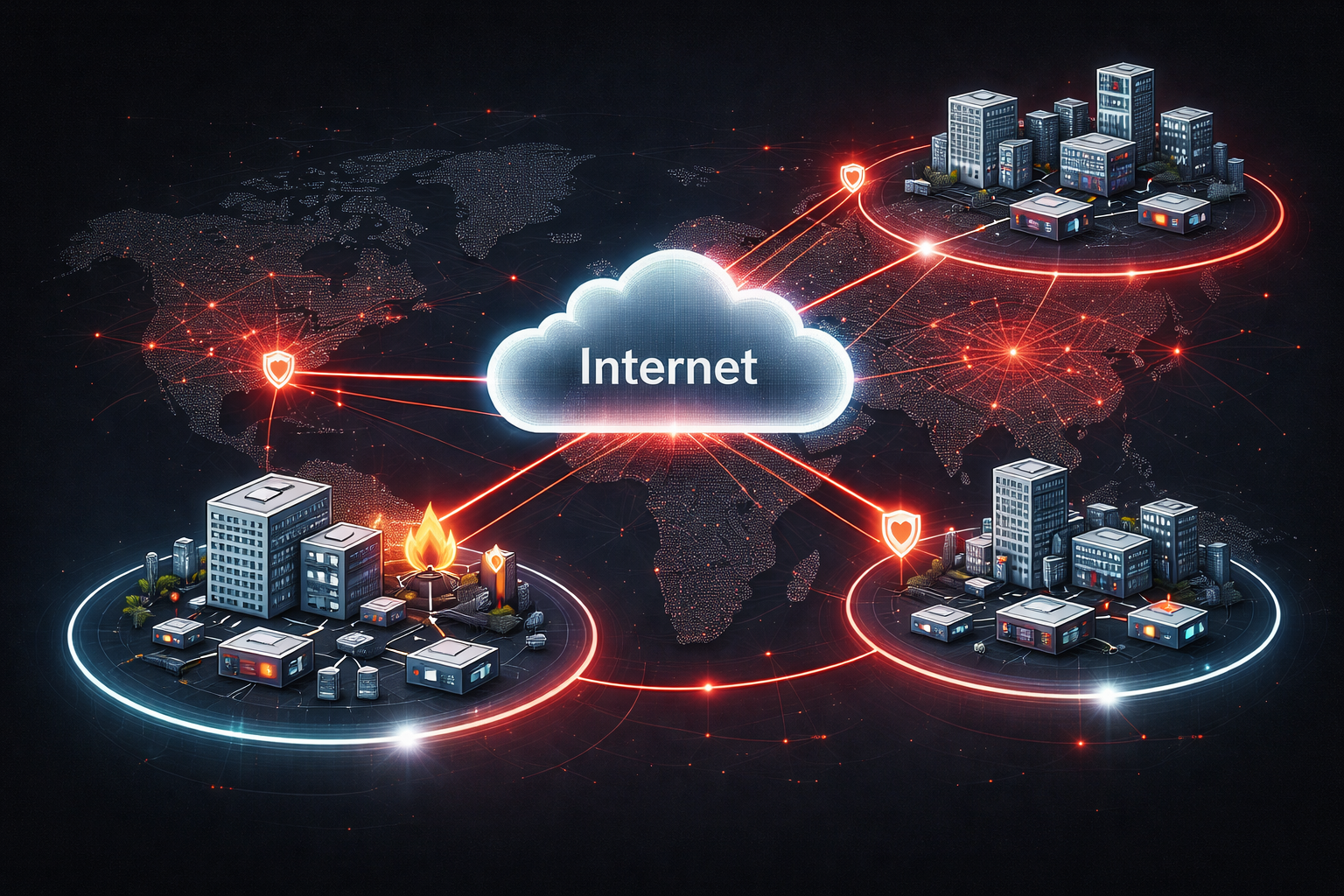
When you start studying networking, you'll quickly encounter terms like LAN, WAN, and Internet. These aren't just technical jargon—they represent fundamentally different types of networks that serve different purposes and operate at different scales.
Local Area Network (LAN)
A LAN is a network that connects devices within a small geographical area, typically a single building or campus. Think of your home Wi-Fi network or the network in your office building.
Key characteristics of LANs:
- Geographic scope: Single building or small campus
- Speed: High (typically 100 Mbps to 10+ Gbps)
- Ownership: Private (owned by individual or organization)
- Cost: Lower operational costs
- Latency: Very low
Common LAN examples include your home network connecting laptops, phones, and smart devices, or an office network linking workstations, printers, and servers.
Wide Area Network (WAN)
A WAN connects LANs across large geographical distances—cities, countries, or even continents. WANs use various technologies like fiber optic cables, satellite links, or leased lines.
Key characteristics of WANs:
- Geographic scope: Large distances (cities, countries, continents)
- Speed: Variable (1 Mbps to multiple Gbps, depending on technology)
- Ownership: Often involves third-party service providers
- Cost: Higher operational costs
- Latency: Higher than LANs due to distance
A common WAN example is a company connecting its headquarters in New York to branch offices in London and Tokyo. Each location has its own LAN, but they're connected via WAN technologies.
The Internet
The Internet is essentially a global network of interconnected networks—a "network of networks." It's the largest WAN in existence, connecting billions of devices worldwide.
Key characteristics of the Internet:
- Geographic scope: Global
- Speed: Varies widely based on connection type
- Ownership: No single owner—distributed across many organizations
- Access: Public (with internet service provider)
- Protocols: Uses standardized protocols like TCP/IP
Intranet vs Extranet
These terms often confuse beginners, but they're straightforward once you understand the access model.
Intranet
An intranet is a private network that uses Internet technologies (like web browsers and HTTP) but is only accessible to an organization's employees. It's like having a private website that only your company can access.
Example: A company's internal portal where employees check schedules, submit expense reports, or access HR documents.
Extranet
An extranet extends an intranet to include trusted external parties like customers, suppliers, or partners. It provides controlled access to specific parts of an organization's internal network.
Example: A manufacturer giving suppliers access to inventory systems or delivery schedules through a secure web portal.
Real-World Network Scenarios
Let's see how these network types work together in practice:
Scenario: A retail chain with 50 stores
- LAN: Each store has a local network connecting cash registers, inventory systems, and employee computers
- WAN: All stores connect to headquarters via private WAN links for real-time inventory updates
- Internet: Customers access the online store, and employees browse the web
- Intranet: Employee portal for schedules, training materials, and company announcements
- Extranet: Suppliers access inventory levels and delivery requirements
Speed and Performance Differences
Understanding performance characteristics helps explain why different network types exist:
LANs offer the fastest speeds because devices are physically close. A typical office LAN might run at 1 Gbps, while modern LANs can reach 10 Gbps or higher.
WANs face distance challenges. A WAN connection between cities might operate at 100 Mbps, while satellite WAN links might only achieve 25 Mbps due to the signal traveling to space and back.
Internet speeds depend entirely on your service level and infrastructure, ranging from basic broadband at 25 Mbps to enterprise fiber connections at multiple Gbps.
What's Next
Now that you understand these fundamental network types, you're ready to dive deeper into how devices actually communicate across these networks. Next, we'll explore the OSI model and how data travels from your application down to the physical wire and back up again.