
Mitigating Smurf DoS Attacks

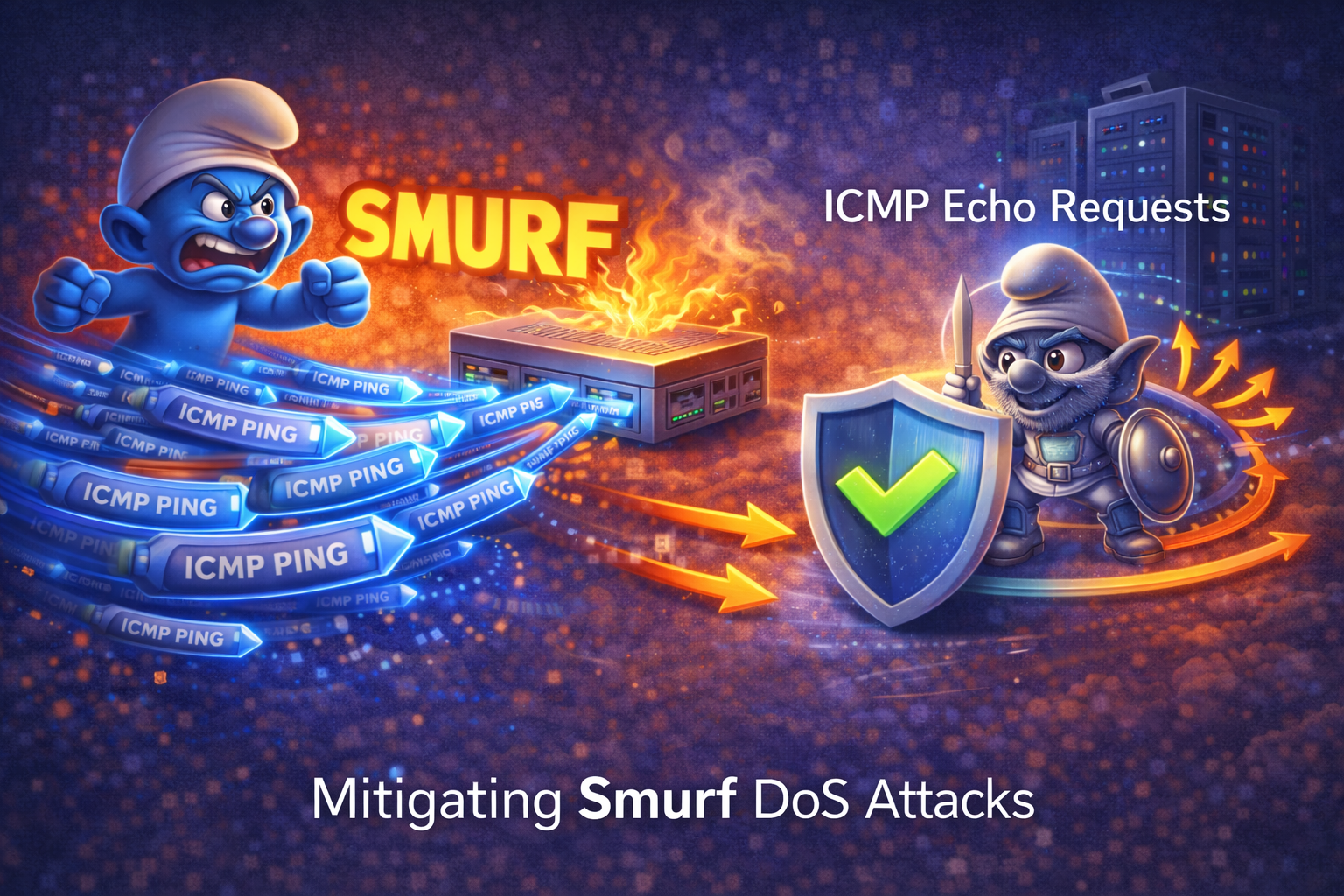
A smurf attack is a form of denial of service (DoS) attack that takes advantage of IP broadcasting and ICMP ping requests to overwhelm a target host with traffic. The attack works by sending ICMP echo requests (ping packets) to a network's broadcast address, with the source IP address spoofed to be the target's IP address.
Here's how a smurf attack works:
- Source IP Spoofing: The attacker sends ICMP echo request packets to a network's broadcast address, but spoofs the source IP to appear as if it's coming from the target victim.
- Broadcast Amplification: When these packets reach the broadcast address, all devices on that network receive the ping request.
- Mass Response: All devices respond with ICMP echo replies, but since the source IP was spoofed, all replies are sent to the victim's IP address instead of the real attacker.
- Traffic Overwhelming: The victim receives hundreds or thousands of ICMP replies, potentially overwhelming their network connection and system resources.
Mitigation Strategies
Several effective strategies can be implemented to prevent smurf attacks:
1. Disable IP Directed Broadcasts
The most effective defense is to disable IP directed broadcast on router interfaces. This prevents the router from forwarding broadcast packets to the local network segment.
Cisco IOS Configuration:
Router(config)# interface GigabitEthernet0/1
Router(config-if)# no ip directed-broadcast
This command should be applied to all interfaces that connect to network segments. By default, modern Cisco IOS versions have no ip directed-broadcast enabled, but it's good practice to verify this configuration.
2. Configure Host-Based Protection
Configure hosts to not respond to ICMP requests sent to broadcast addresses:
Linux:
echo 1 > /proc/sys/net/ipv4/icmp_echo_ignore_broadcastsWindows: Disable ICMP redirects and ignore broadcast ping requests through the registry or firewall settings.
3. Implement Ingress Filtering
Configure routers at network borders to filter packets with obviously spoofed source addresses using access control lists (ACLs):
Router(config)# access-list 100 deny ip 192.168.1.0 0.0.0.255 any log
Router(config)# access-list 100 deny ip 10.0.0.0 0.255.255.255 any log
Router(config)# access-list 100 permit ip any any
Router(config)# interface Serial0/0
Router(config-if)# ip access-group 100 in
4. Rate Limiting ICMP Traffic
Implement rate limiting for ICMP traffic to prevent overwhelming responses:
Router(config)# access-list 101 permit icmp any any echo-reply
Router(config)# class-map match-all ICMP-TRAFFIC
Router(config-cmap)# match access-group 101
Router(config)# policy-map RATE-LIMIT-ICMP
Router(config-pmap)# class ICMP-TRAFFIC
Router(config-pmap-c)# police 8000 conform-action transmit exceed-action drop
5. Network Monitoring
Implement network monitoring to detect unusual patterns of ICMP traffic that might indicate a smurf attack in progress. Look for:
- High volumes of ICMP echo replies from multiple sources to a single destination
- Unusual broadcast traffic patterns
- Network performance degradation coinciding with ICMP traffic spikes
Verification Commands
Use these commands to verify your smurf attack mitigation configuration:
Router# show ip interface GigabitEthernet0/1
Router# show access-lists
Router# show policy-map interface
Router# show ip traffic
Best Practices
- Always disable IP directed broadcasts on all router interfaces
- Implement ingress filtering at network borders
- Configure hosts to ignore broadcast ICMP requests
- Monitor network traffic for anomalies
- Keep firmware and software updated
- Document your security configurations for audit purposes
By implementing these mitigation strategies, networks can effectively defend against smurf DoS attacks and maintain service availability for legitimate users.