
Introduction to Network Interfaces and Cabling
This post introduces network interfaces and cabling fundamentals, covering copper and fiber connections, interface types, and how to choose the right solution for different networking scenarios. Essential CCNA preparation material for understanding physical layer networking.
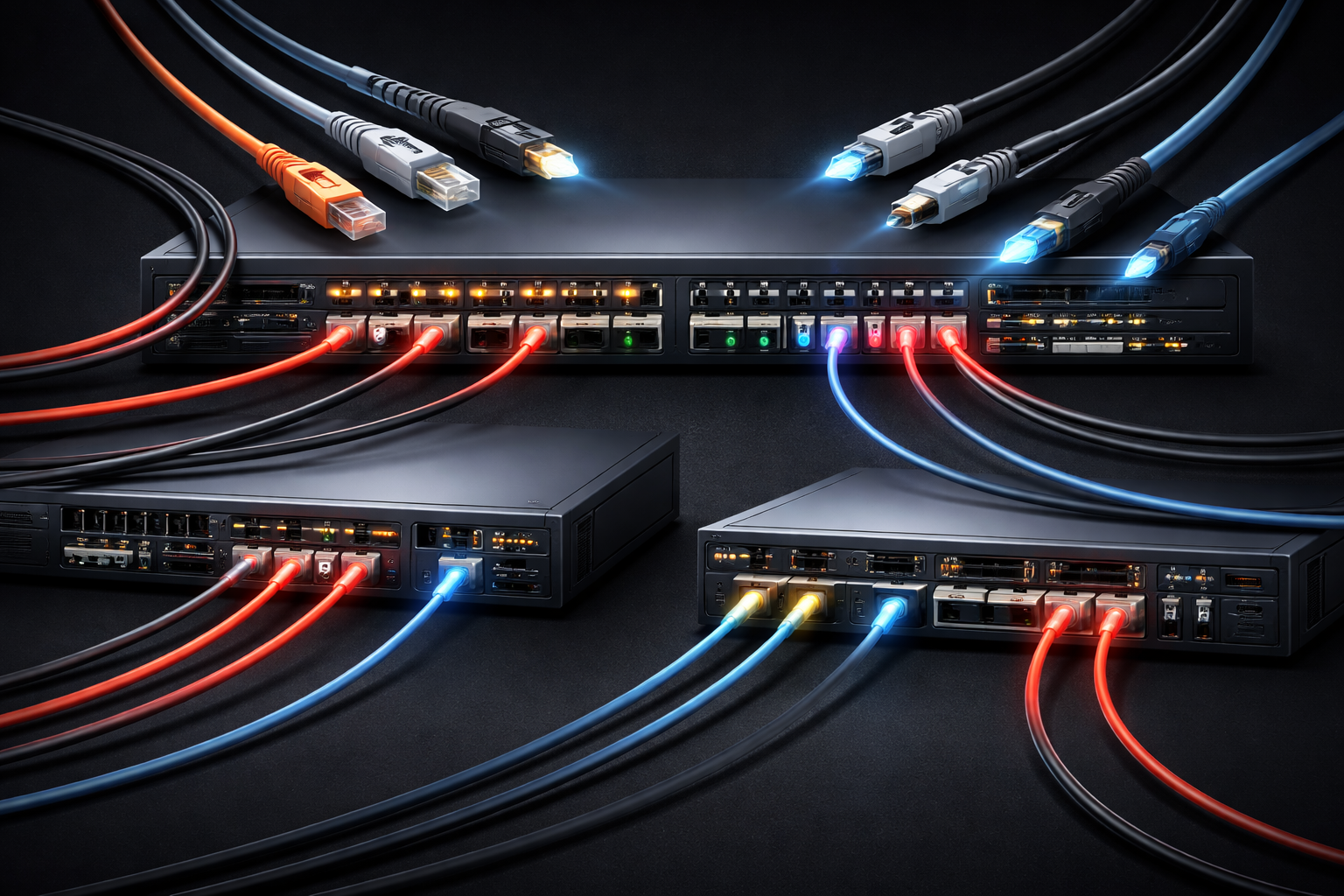
Understanding network interfaces and cabling is like learning the foundation of a house; everything else in networking builds on top of these physical connections. As you prepare for your CCNA and dive into network fundamentals, mastering these CCNA basics will give you the confidence to tackle more complex topics.
What Are Network Interfaces?
A network interface is the point where a device connects to a network. Think of it as the "mouth" through which your router, switch, or computer speaks to other devices. These physical interfaces come in different shapes, sizes, and capabilities, each designed for specific networking needs.
On Cisco devices, you'll commonly encounter interfaces like:
GigabitEthernet0/1- Standard Ethernet portsSerial0/0/0- WAN connectionsFastEthernet0/0- Older Ethernet standard
You can view all interfaces on a Cisco device using:
Router# show ip interface briefThe Cable Connection Types
When working with network interface cabling, you'll encounter several main categories that each serve different purposes in your network infrastructure.
Copper Cabling
Copper cables are the workhorses of local networking. The most common type is twisted pair cable, which comes in two varieties:
- Unshielded Twisted Pair (UTP) - Standard Ethernet cables you see everywhere
- Shielded Twisted Pair (STP) - Protected against electromagnetic interference
These cables use RJ-45 connectors and support various speeds depending on the category. Cat5e supports up to 1 Gbps, while Cat6 can handle 10 Gbps over shorter distances.
Fiber Optic Cabling
Fiber-optic cables transmit data using light rather than electrical signals. This makes them ideal for long distances and high-speed connections. You'll encounter two main types:
- Single-mode fiber - Long distance, high bandwidth
- Multi-mode fiber - Shorter distances, cost-effective for building connections
Serial and WAN Connections
For wide-area network connections, you might work with serial interfaces that use various connector types, such as DB-60 or smart serial connectors. These typically connect to service provider equipment for Internet or MPLS connections.
Interface Speed and Duplex
Every network interface operates at a specific speed and duplex setting. Speed refers to how fast data can travel (10 Mbps, 100 Mbps, 1 Gbps, etc.), while duplex determines whether the interface can send and receive simultaneously:
- Half-duplex - Send OR receive, but not both at once
- Full-duplex - Send AND receive simultaneously
You can check these settings with:
Router# show interfaces gigabitEthernet 0/1Choosing the Right Interface and Cable
When planning your network infrastructure, consider these factors:
- Distance - Copper works well up to 100 meters, fiber extends much further
- Speed requirements - Match your interface capabilities to your bandwidth needs
- Environment - Industrial settings might require shielded cables
- Budget - Copper is generally less expensive than fiber
Understanding these network fundamentals helps you make informed decisions about your network design and troubleshooting approach.
What's Next
Now that you understand the basics of network interfaces and cabling types, we'll dive deeper into specific technologies. Our next post will explore Ethernet standards in detail, covering everything from 10BASE-T to modern 40 Gigabit Ethernet implementations, giving you the technical knowledge needed for CCNA success.