
Noise Cancellation in IT: Hands-On with Krisp AI
Krisp AI is a noise cancellation tool that uses on-device neural processing to clean up background audio during calls. This review covers real-world performance for IT professionals in remote work settings, including what works well, where it falls short, and why audio quality directly impacts IT c

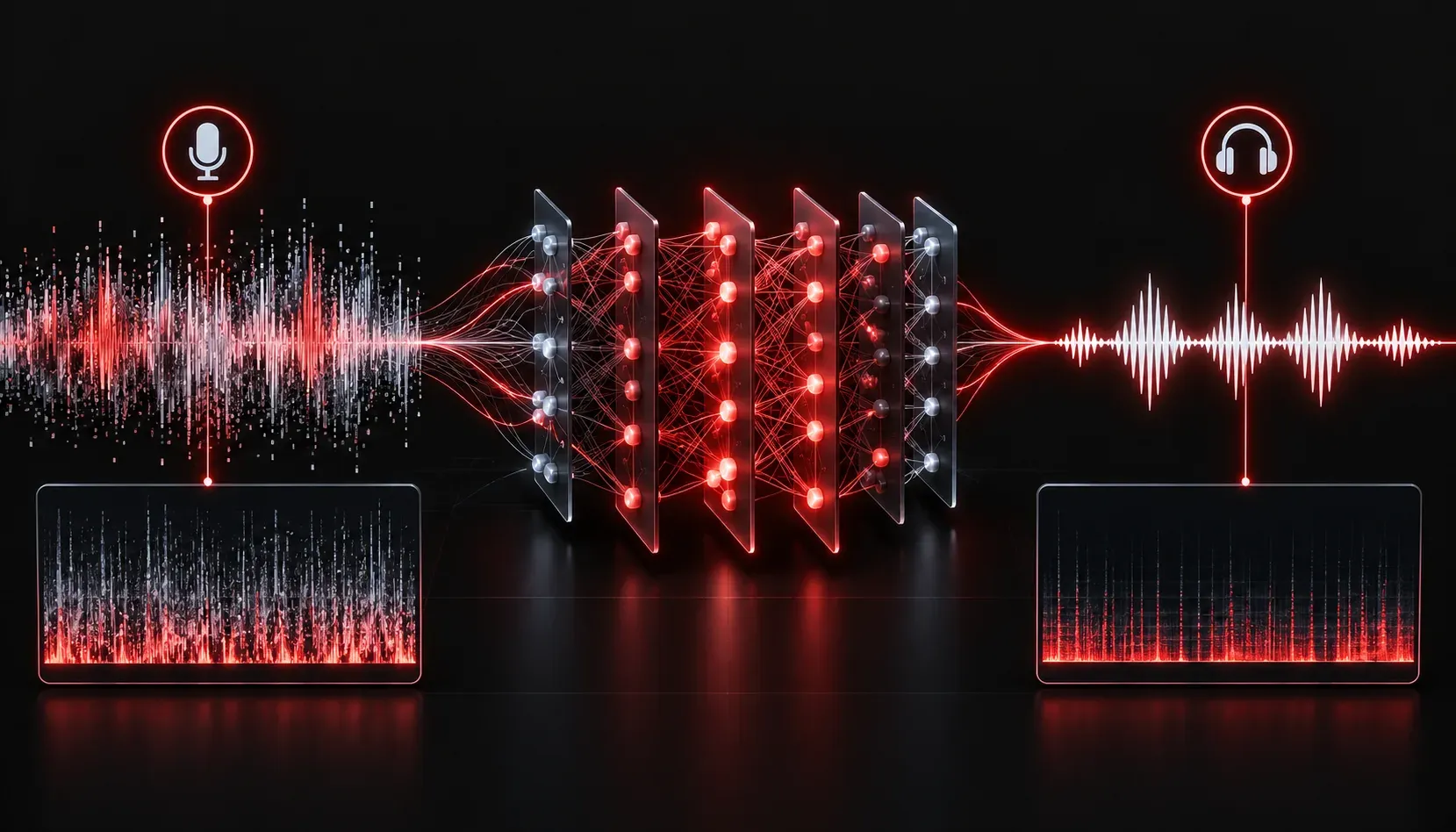
Remote work has become a permanent fixture in IT. Whether you are on a bridge call troubleshooting a production outage at midnight or presenting a network architecture to stakeholders from your home office, audio quality matters more than most people admit. Background noise is not just annoying; it actively undermines your credibility and slows down communication. That is where Krisp AI enters the picture.
What Is Krisp AI?
Krisp AI is a noise cancellation application that sits between your microphone and your conferencing software. It uses an on-device neural network model to identify and remove background noise in real time, without sending your audio to the cloud. This distinction matters for IT professionals who work in security-conscious environments.
Krisp works as a virtual audio device. You install it, select "Krisp Microphone" and "Krisp Speaker" in your conferencing tool of choice (Zoom, Teams, Webex, Discord, and so on), and the filtering happens transparently in the background. There is no plugin to install per application, which is genuinely convenient when you are juggling multiple communication platforms.
You can get started at krisp.ai. There is a free tier that covers basic noise cancellation with limited minutes per day, and a paid plan that removes those restrictions and adds features like meeting transcription and AI-generated meeting notes.
Real-World Performance: What Actually Happens
Testing Krisp in a realistic IT work environment reveals a few things quickly.
Noise Cancellation That Actually Works
The noise suppression is genuinely impressive. Common IT work distractions eliminated cleanly include:
- Mechanical keyboard clatter (a very real problem in IT circles)
- HVAC and server room fan noise
- Household background sounds: dogs, doors, family members in adjacent rooms
- Street noise coming through windows
The processing happens locally on your machine, so there is no noticeable latency added to your audio. On a modern laptop with a decent CPU, Krisp typically uses between 5% and 15% CPU, depending on the noise complexity. That is worth monitoring if you are already running resource-heavy tools during a call.
The Background Voice Cancellation Feature
One lesser-known feature is background voice cancellation, which filters out other human voices in the same room. This is useful when you are working in an open office or a shared space. It is not perfect: very close and loud voices can bleed through, but casual conversation at normal distance is handled well.
Where It Falls Short
Krisp is not flawless. A few limitations worth knowing:
- Aggressive filtering: In some scenarios with heavy processing, voices can take on a slightly processed quality. Most listeners will not notice, but audiophiles might.
- Free tier minute limits: The free plan offers 60 minutes of noise cancellation per week, which is insufficient for anyone doing regular calls. Budget for the Pro plan if this becomes part of your workflow.
- Meeting notes accuracy: The AI transcription feature is useful but not perfect with heavy technical jargon. Acronyms like
OSPF,BGP, orVLANsometimes get mangled. Always review AI-generated summaries before sharing them.
Why This Matters Specifically for IT Communication
IT professionals often communicate in high-stakes moments: incident response calls, change advisory board meetings, vendor escalations, and technical training sessions. Poor audio in these situations creates friction. The other party asks you to repeat yourself, they miss a critical step, or they simply lose confidence in the person speaking.
Krisp removes that variable. You control your audio quality regardless of your physical environment, and that consistency builds professional credibility over time. For engineers who run training sessions or host webinars, clean audio is as important as a well-organized slide deck.
From a security standpoint, the on-device processing model means your conversations are not being routed through external servers for noise removal. That is a meaningful differentiator compared to some competing tools that rely on cloud-based audio processing.
Quick Setup Checklist
- Download and install Krisp from krisp.ai
- Open your conferencing application settings
- Set the microphone input to Krisp Microphone
- Set the speaker output to Krisp Speaker
- Run a test call and verify the noise meter in Krisp is detecting and filtering correctly
What's Next
Krisp handles the audio layer of your communication stack, but AI is also improving how we capture and act on what gets said during those calls. In the next post, we will look at AI-powered meeting transcription and summarization tools that help IT teams document decisions and action items automatically, without someone taking manual notes during a bridge call.