
OSPF Troubleshooting for IPv4 and IPv6
Advanced troubleshooting guide for OSPF in dual-stack IPv4/IPv6 environments, covering systematic diagnosis techniques, common failure scenarios, and address family-specific issues that affect modern enterprise networks.
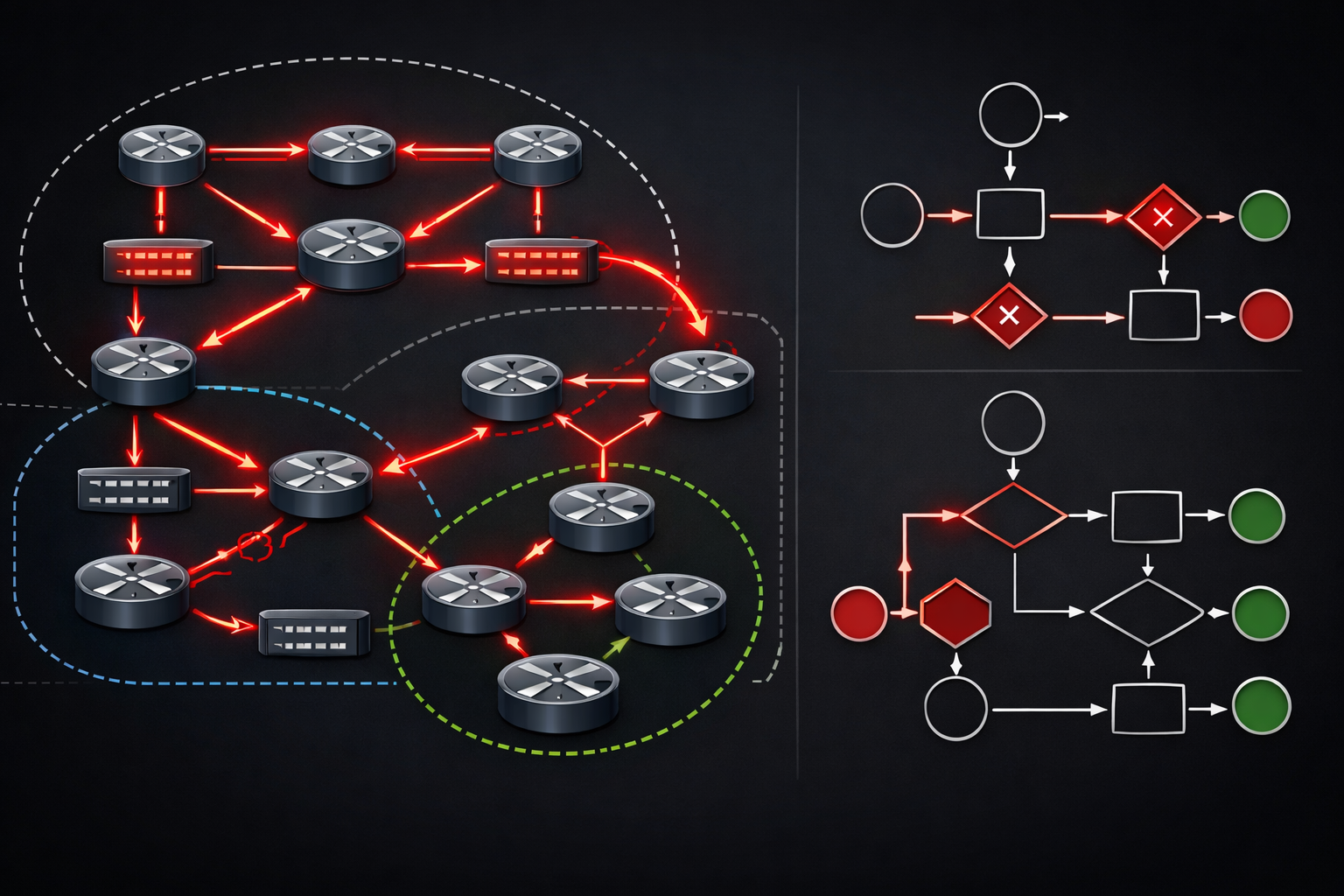
When OSPF deployments span both IPv4 and IPv6, troubleshooting becomes significantly more complex. Modern enterprise networks running dual-stack configurations require systematic approaches to isolate issues between address families, understand protocol interactions, and resolve routing problems that may manifest differently across IPv4 and IPv6.
Understanding OSPF Address Family Architecture
OSPFv2 handles IPv4, while OSPFv3 manages IPv6, but the relationship isn't always straightforward. OSPFv3 can actually carry both IPv4 and IPv6 prefixes using address families, creating scenarios where routing behavior differs between implementations.
router ospfv3 100
 router-id 1.1.1.1
 address-family ipv4 unicast
  area 0 range 10.1.0.0 255.255.0.0
 address-family ipv6 unicast
  area 0 range 2001:db8:1::/48
The key troubleshooting challenge lies in understanding that each address family maintains separate LSDBs, SPF calculations, and routing tables, even when running under the same OSPFv3 process.
Systematic Troubleshooting Methodology
Phase 1: Neighbor Relationship Analysis
Start with neighbor adjacency verification across both address families. Unlike single-stack deployments, dual-stack OSPF can have partial adjacencies where IPv4 neighbors form but IPv6 fails, or vice versa.
show ospf neighbor
show ospfv3 neighbor
Common OSPF IPv4 problems include area mismatches, authentication failures, and MTU mismatches. For IPv6, link-local addressing issues and interface identifier conflicts create additional complexity:
show ipv6 ospf interface brief
show ipv6 ospf neighbor detail
Phase 2: LSA Propagation Verification
OSPF IPv6 issues often manifest as LSA propagation problems between address families. Use targeted LSDB analysis to identify inconsistencies:
show ospf database summary
show ipv6 ospf database
show ospfv3 database
Pay particular attention to Router LSAs and Network LSAs. In OSPFv3, the Router LSA doesn't carry addressing information, which moves to Intra-Area-Prefix LSAs. This architectural difference creates troubleshooting blind spots if you're thinking in OSPFv2 terms.
Advanced Diagnostic Techniques
Address Family Isolation
When facing routing inconsistencies, isolate issues by address family. Disable one family temporarily to determine if the problem is protocol-specific or configuration-related:
router ospfv3 100
 address-family ipv4 unicast
  shutdown
 address-family ipv6 unicast
  no shutdown
This technique helps identify whether OSPF troubleshooting IPv4 IPv6 issues stem from interaction between families or individual protocol problems.
Interface State Analysis
Interface states can differ between IPv4 and IPv6 OSPF processes on the same physical interface. Use comprehensive interface verification:
show ospf interface GigabitEthernet0/1
show ipv6 ospf interface GigabitEthernet0/1
show ospfv3 interface GigabitEthernet0/1
Look for discrepancies in network types, hello/dead intervals, and area assignments between address families.
Common Failure Scenarios
Authentication Mismatches
OSPFv2 and OSPFv3 use different authentication mechanisms. OSPFv2 uses area-based authentication, while OSPFv3 relies on IPsec. This creates scenarios where IPv4 OSPF functions but IPv6 fails due to authentication configuration gaps.
Area Border Router Issues
ABRs handling multiple address families can exhibit complex failure modes. Summary LSA generation may work for IPv4 but fail for IPv6, or vice versa. Use area-specific debugging:
debug ospf lsa-generation
debug ipv6 ospf spf
Route Redistribution Problems
Redistribution between OSPF address families requires careful metric and route-map configuration. Common OSPF IPv4 problems include missing redistribution statements for specific address families:
router ospfv3 100
 address-family ipv4 unicast
  redistribute connected subnets
 address-family ipv6 unicast
  redistribute connected
Performance-Related Troubleshooting
Dual-stack OSPF deployments can experience performance degradation due to doubled LSA processing overhead. Monitor SPF calculation frequency and duration:
show ospf statistics
show ipv6 ospf statistics
Excessive SPF calculations often indicate flapping interfaces or suboptimal area design affecting both address families differently.
Verification and Validation
Always validate routing table consistency between address families after resolving OSPF issues:
show ip route ospf
show ipv6 route ospf
Ensure that expected prefixes appear in both routing tables with appropriate metrics and next-hops. Use traceroute and traceroute6 to verify path consistency.
For production environments, implement continuous monitoring of OSPF neighbor states across both address families using SNMP or network automation tools to catch issues before they impact traffic.
What's Next
With OSPF troubleshooting mastered across both address families, the next critical skill involves EIGRP for IPv4 and IPv6 implementations. Understanding dual-stack EIGRP behaviors and troubleshooting techniques builds on these OSPF foundations while introducing unique challenges around DUAL algorithm interactions across address families.