
Exploring the Seven Layers of the OSI Model
A comprehensive guide to the seven layers of the OSI model, explaining each layer's function from the application layer down to the physical layer. Covers data encapsulation and why understanding this framework is crucial for network troubleshooting.
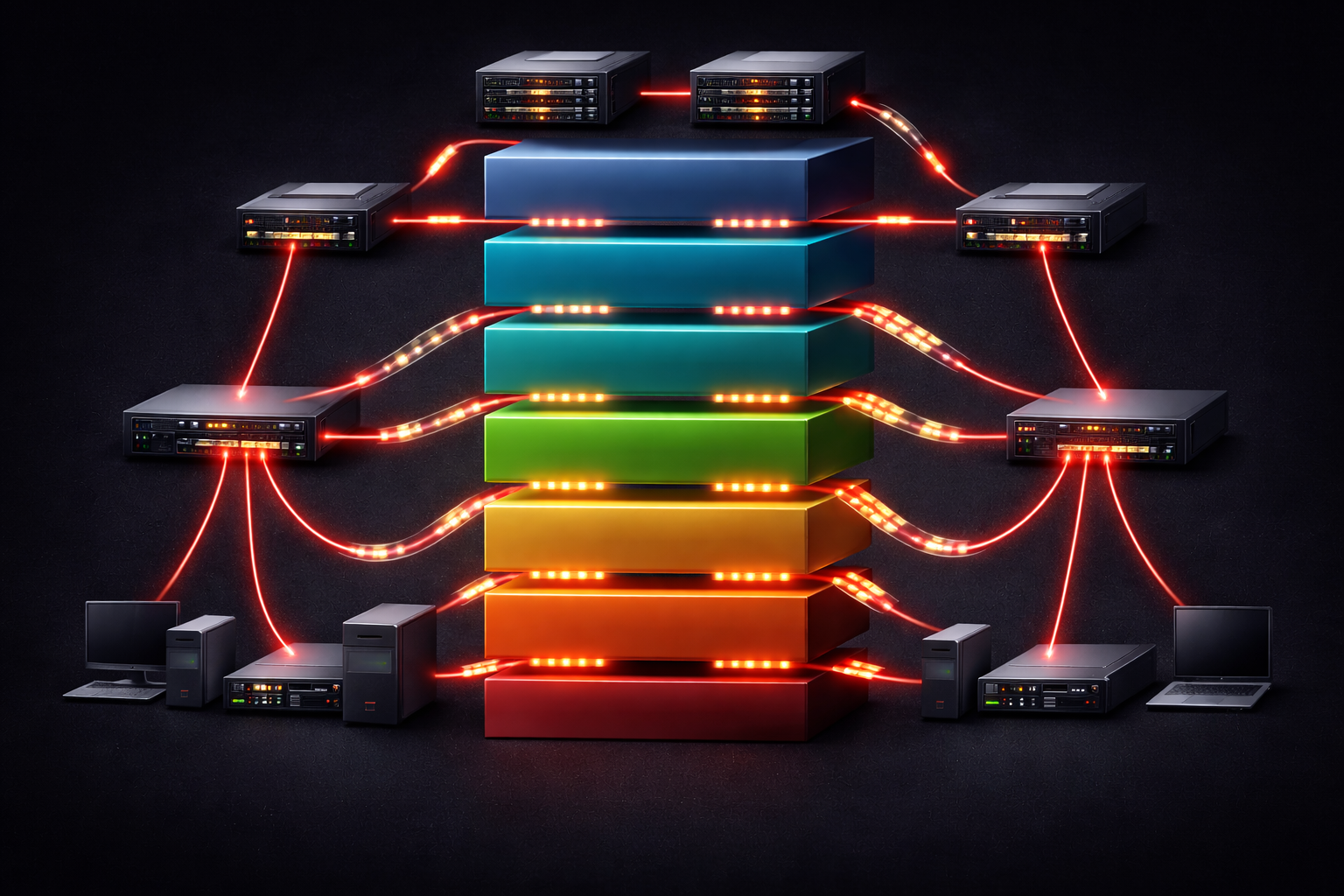
The Open Systems Interconnection (OSI) model serves as the fundamental framework for understanding how network communication works. When you send an email, stream a video, or browse a website, your data travels through seven layers (OSI Model), each performing specific functions to ensure reliable communication between devices.
Think of the OSI model like a postal system. Just as a letter moves through various stages, from being written, addressed, sorted, transported, and finally delivered, network data follows a similar journey through seven distinct layers.
The Seven Layers Breakdown
Layer 7: Application Layer
The application layer is where users interact with network services. This layer doesn't refer to applications like Chrome or Outlook, but rather the network services these applications use. Common protocols include HTTP/HTTPS for web browsing, SMTP for email, and FTP for file transfers.
Example: When you type a URL into your browser, the application layer formats your request using HTTP protocol before sending it down to the lower layers.
Layer 6: Presentation Layer
The presentation layer handles data formatting, encryption, and compression. It ensures that data sent by one system can be understood by another, regardless of their internal data formats. This layer manages SSL/TLS encryption and file formats like JPEG or MP3.
Layer 5: Session Layer
Session management happens here. This layer establishes, maintains, and terminates communication sessions between applications. It handles authentication and reconnection if a session is interrupted. NetBIOS and RPC (Remote Procedure Call) operate at this layer. Think of this like a conversation you are having with a person: once you start, you keep talking until it is complete, just like a session between computers.
Layer 4: Transport Layer
The transport layer provides reliable data transfer between devices. The two primary protocols here are TCP (Transmission Control Protocol) for reliable delivery and UDP (User Datagram Protocol) for faster, connectionless communication. This layer also handles port numbers, allowing multiple applications to communicate simultaneously.
TCP ensures your email arrives completely and in order, while UDP might be used for live video streaming, where speed matters more than perfect delivery.
Layer 3: Network Layer
Routing and logical addressing occur at the network layer. IP (Internet Protocol) operates here, providing unique addresses for devices and determining the best path for data to reach its destination. Routers primarily function at this layer, making forwarding decisions based on IP addresses.
Layer 2: Data Link Layer
The data link layer handles communication between directly connected devices on the same network segment. It manages MAC (Media Access Control) addresses, error detection, and flow control. Switches operate primarily at this layer, using MAC addresses to forward frames to the correct ports.
This layer is divided into two sublayers: Logical Link Control (LLC) and Media Access Control (MAC). The MAC sublayer deals with how devices access the physical medium and avoid collisions.
Layer 1: Physical Layer
The foundation layer deals with the actual transmission of raw bits over physical media. This includes cables, wireless signals, voltage levels, and timing. Hubs, repeaters, and the physical aspects of network interfaces operate here.
Data Encapsulation Process
As data moves down the layers, each layer adds its own header information—a process called encapsulation:
- Layer 7-5: Data
- Layer 4: Segments (TCP) or Datagrams (UDP)
- Layer 3: Packets
- Layer 2: Frames
- Layer 1: Bits
Why the OSI Model Matters
Understanding the OSI model helps network professionals systematically troubleshoot issues. Is the problem physical (Layer 1), switching-related (Layer 2), or routing-related (Layer 3)? This layered approach provides a logical framework for isolating and resolving network problems.
The model also serves as a common language for network professionals. When someone mentions "Layer 3 routing" or "Layer 2 switching," everyone understands exactly which functions and protocols are being discussed.
What's Next
Now that you understand the seven layers and their functions, the next step is exploring how the TCP/IP model relates to the OSI model and why most modern networking focuses on the four-layer TCP/IP stack instead of the seven-layer OSI model.