
Troubleshooting VRF-Lite: Common Issues and Solutions
This post covers the most common VRF-Lite misconfigurations and failures encountered in enterprise environments, including interface assignment errors, routing protocol scoping issues, route leaking failures, and CEF problems. It provides a systematic CLI-based troubleshooting methodology with exac

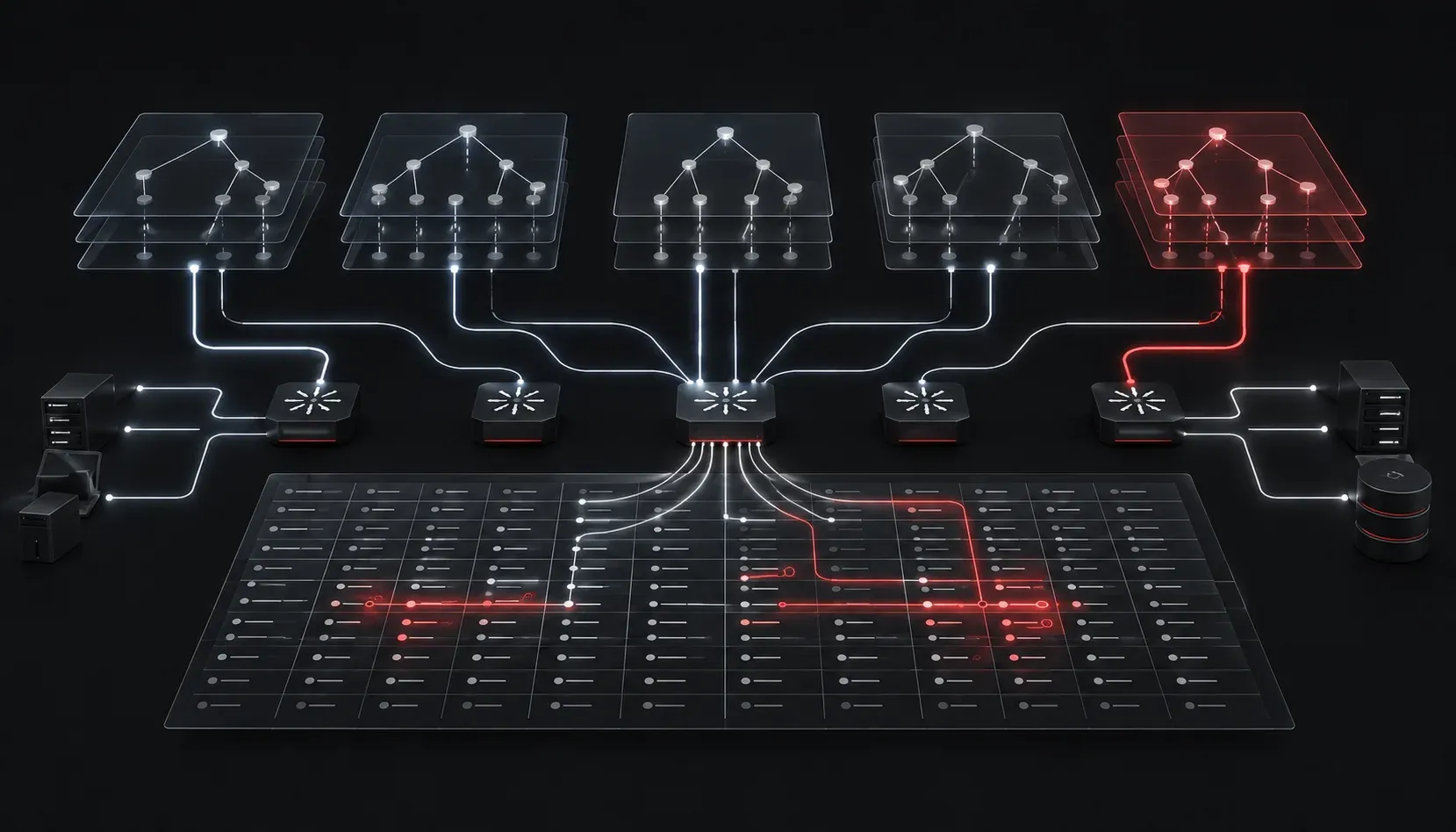
Why VRF-Lite Breaks (And How to Fix It)
VRF-Lite deployments fail in predictable ways. After you have built enough of them, you start recognizing the same handful of misconfigurations showing up across different environments. This post covers the most common VRF-Lite problems, how to isolate them quickly, and the specific CLI verification steps that will save you time both in production and on the ENARSI exam.
Quick Orientation: What Can Actually Go Wrong
VRF-Lite issues generally fall into one of four buckets:
- Interface assignment errors (wrong VRF, or no VRF at all)
- Routing protocol misconfiguration within a VRF context
- Route leaking failures between VRFs
- Reachability problems caused by missing or incorrect static routes inside a VRF
Before jumping into fixes, anchor your troubleshooting in a disciplined top-down workflow: verify VRF existence, verify interface assignment, verify the routing table for that VRF, then verify end-to-end reachability.
Issue 1: Interface Not Assigned to the Correct VRF
This is the most common starting point for VRF-Lite problems. The interface is physically up, but traffic is hitting the global routing table instead of the intended VRF. The symptom is usually a missing route in show ip route vrf <name> even though the connected network looks correct.
Verify interface VRF membership with:
show ip interface brief
show vrf interfaces
The output of show vrf interfaces is more useful because it explicitly maps VRF names to interfaces in a single view. If an interface is missing from this output, it has not been assigned.
Assign the interface to a VRF with:
interface GigabitEthernet0/1
 ip vrf forwarding CUSTOMER_A
 ip address 10.1.1.1 255.255.255.0
Critical gotcha: Issuing ip vrf forwarding on an interface that already has an IP address will wipe that address. You must re-enter the IP after the VRF assignment. If you see a connected route disappear unexpectedly after VRF configuration, this is almost always the reason.
Issue 2: Routing Protocol Not Running Inside the VRF
OSPF, EIGRP, and BGP all require explicit VRF configuration to participate in VRF-Lite. A common mistake is configuring a routing process globally but forgetting to scope it to the VRF, or using the wrong process ID.
For OSPF, VRF-aware configuration requires the vrf keyword under the process:
router ospf 10 vrf CUSTOMER_A
 network 10.1.1.0 0.0.0.255 area 0
Verify OSPF neighbors within the VRF:
show ip ospf neighbor vrf CUSTOMER_AFor EIGRP with named mode (which is the correct approach for VRF-Lite on modern IOS-XE):
router eigrp ENTERPRISE
 address-family ipv4 vrf CUSTOMER_A autonomous-system 100
  network 10.1.1.0 0.0.0.255
  eigrp router-id 1.1.1.1
Verify with:
show eigrp address-family ipv4 vrf CUSTOMER_A neighborsIf neighbors are not forming, confirm the interface is in the correct VRF, the network statement matches the interface subnet, and there are no ACLs blocking hello packets on that interface.
Issue 3: Routing Table Empty or Missing Expected Prefixes
Always query the VRF-specific routing table, not the global table. This sounds obvious, but a significant number of troubleshooting VRF-Lite sessions get derailed by engineers running show ip route without the VRF qualifier.
show ip route vrf CUSTOMER_A
show ip route vrf CUSTOMER_A 10.2.2.0
If static routes are missing, verify that they were configured with the correct VRF context:
ip route vrf CUSTOMER_A 10.2.2.0 255.255.255.0 10.1.1.2A static route without the vrf keyword goes into the global table and will never be visible inside the VRF. This is one of the most subtle VRF-Lite problems because the route genuinely exists on the router, just in the wrong table.
Issue 4: Route Leaking Misconfiguration
When VRF-Lite deployments require inter-VRF communication (shared services, internet access, etc.), route leaking via static routes or BGP import/export policies is used. When this breaks, the symptom is reachability between VRFs failing even though both VRFs have valid routes to their own prefixes.
For static-based route leaking, the next-hop interface must be reachable from the source VRF. The syntax requires careful attention:
ip route vrf CUSTOMER_A 192.168.100.0 255.255.255.0 GigabitEthernet0/2 10.1.2.1 globalThe global keyword at the end tells the router to resolve the next-hop in the global routing table rather than within CUSTOMER_A. Omitting this keyword when the next-hop is in the global table is a classic route leaking failure point.
For BGP-based leaking, verify import/export route targets are configured symmetrically on both ends:
show bgp vpnv4 unicast vrf CUSTOMER_A
show bgp vpnv4 unicast all
Asymmetric route targets (exporting from one VRF but importing into a different RT value) are a frequent source of VRF-Lite problems in more complex topologies.
Issue 5: Ping and Traceroute Failing Within a VRF
Standard ping and traceroute source from the global routing table. When troubleshooting VRF-Lite reachability, always use the VRF-aware syntax:
ping vrf CUSTOMER_A 10.2.2.1
traceroute vrf CUSTOMER_A 10.2.2.1
Sourcing from a specific interface within the VRF gives you even more control:
ping vrf CUSTOMER_A 10.2.2.1 source GigabitEthernet0/1If ping within the VRF fails but the route exists in the VRF table, check for CEF issues:
show ip cef vrf CUSTOMER_A 10.2.2.1 detailCEF adjacency failures will cause drops even when the routing table looks correct. A CEF entry showing "no route" or "drop" when the routing table has a valid entry usually points to a recursive routing problem or a missing ARP entry on the egress interface.
Systematic Verification Checklist
- Confirm VRF exists:
show vrf - Confirm interface is in the correct VRF:
show vrf interfaces - Confirm routing protocol is scoped to the VRF:
show ip protocols vrf <name> - Check the VRF routing table:
show ip route vrf <name> - Verify CEF for the destination:
show ip cef vrf <name> <prefix> detail - Test reachability with VRF-aware ping:
ping vrf <name> <destination>
What's Next
With VRF-Lite troubleshooting methodology solid, the logical next step is understanding how VRF-Lite integrates with MPLS Layer 3 VPNs at the PE-CE boundary. That architecture builds directly on everything covered here but adds BGP route target mechanics and MPLS label forwarding into the mix, both of which carry significant weight on the ENARSI exam. For deeper reading on VRF-Lite and all related Layer 3 technologies, the Cisco Press CCNP Enterprise Advanced Routing ENARSI 300-410 Official Cert Guide by Raymond Lacoste is the definitive reference.
Tools and resources for this topic
- CCNP ENARSI 300-410 Official Cert Guide: The definitive ENARSI study resource by Raymond Lacoste. Covers advanced routing, services, and troubleshooting.