
What is SSH and Why is it Important for Network Security?
This post introduces SSH (Secure Shell) and explains its role in securing remote access to network devices. It covers the critical differences between SSH and Telnet, the key benefits of SSH, and how it applies to the CCNA exam objective 4.8.

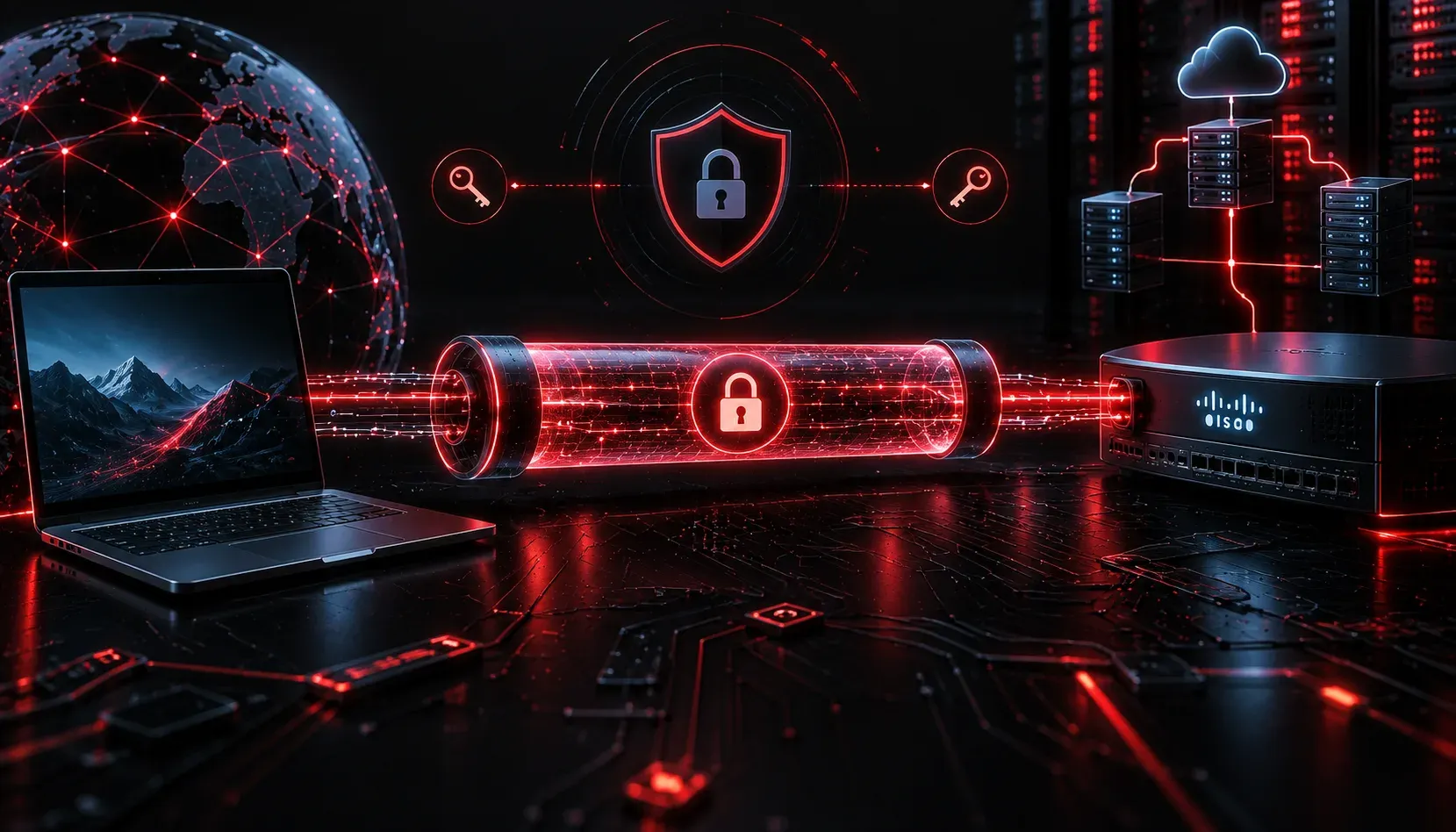
The Problem with Managing Network Devices Remotely
Imagine you need to configure a router sitting in a data center across the country. You can't physically walk up to it and plug in a console cable. You need a way to access that device remotely, over the network. This is called remote access, and for decades, network engineers have relied on protocols to make it possible.
The question is: which protocol do you use? The answer matters more than you might think, and it comes down to security.
What is SSH?
SSH (Secure Shell) is a network protocol that allows you to remotely access and manage devices over an encrypted connection. When you use SSH to connect to a router or switch, everything you type and everything the device sends back is encrypted. No one snooping on the network can read your commands or, more importantly, your passwords.
SSH operates on TCP port 22 and uses public-key cryptography to authenticate connections and establish encrypted sessions. You don't need to understand the full cryptographic details for the CCNA exam, but you do need to understand what it does and why it matters.
SSH vs. Telnet: Why the Difference Matters
Before SSH became the standard, network engineers used Telnet to remotely manage devices. Telnet works, but it has a critical flaw: it sends all data in plain text. That means every command you type, including your username and password, travels across the network in a format that anyone with a packet capture tool can read.
To make this concrete, consider what Wireshark would show you when capturing a Telnet session. You would see the username, the password, and every command in plain readable text. With SSH, you would see only encrypted gibberish.
Here is a quick comparison:
- Telnet: No encryption, plain text transmission, TCP port 23, considered insecure
- SSH: Full encryption, secure authentication, TCP port 22, industry standard
In modern networks, Telnet should never be used in production. Cisco devices support both, but SSH is always the correct choice.
SSH Benefits for Network Engineers
Understanding the SSH benefits helps you appreciate why it is required knowledge for the CCNA exam and for real-world networking:
- Encrypted communication: All session data is encrypted, protecting credentials and configuration commands from eavesdropping
- Authentication options: SSH supports both password-based and key-based authentication, with key-based being significantly more secure
- Integrity checking: SSH verifies that data has not been tampered with in transit
- Wide support: Every modern Cisco router and switch supports SSH, as does virtually every Linux server and network appliance
What SSH Looks Like in Practice
When you SSH into a Cisco device, you are opening an encrypted terminal session. From your workstation, a basic SSH connection command looks like this:
ssh -l admin 192.168.1.1This command tells your SSH client to connect to the device at 192.168.1.1 using the username admin. After entering the password, you land at the device's command-line interface, just as if you were connected via console cable, but over the network and fully encrypted.
On the Cisco device itself, you can verify which SSH version is running with:
Router# show ip sshThe output will tell you the SSH version, authentication timeout, and retry settings. You want to see SSH Version 2, as version 1 has known vulnerabilities and should not be used.
Where This Fits in the CCNA Exam
SSH falls under exam objective 4.8, which covers configuring and verifying SSH on Cisco devices. The exam expects you to know what SSH is, why it is preferred over Telnet, and how to configure it on a router or switch. Understanding the concept here is the foundation you need before moving into the configuration steps.
What's Next
Now that you understand what SSH is and why it is essential for network security, the next step is learning how to actually configure SSH on a Cisco device. The next post will walk through the full configuration process step by step, including generating RSA keys, setting the domain name, and restricting VTY lines to accept SSH only. That hands-on configuration is where the CCNA exam gets specific, so it's worth covering carefully.
Tools and resources for this topic
- CCNA Official Cert Guide (Wendell Odom) — The definitive CCNA study resource. Both volumes cover the 200-301 exam blueprint in full.
- Wendell Odom CCNA Vol 1 — Covers networking fundamentals, switching, and routing basics.
- Wendell Odom CCNA Vol 2 — Covers advanced routing, WAN, infrastructure services, and security.