
Uni-directional routing issues

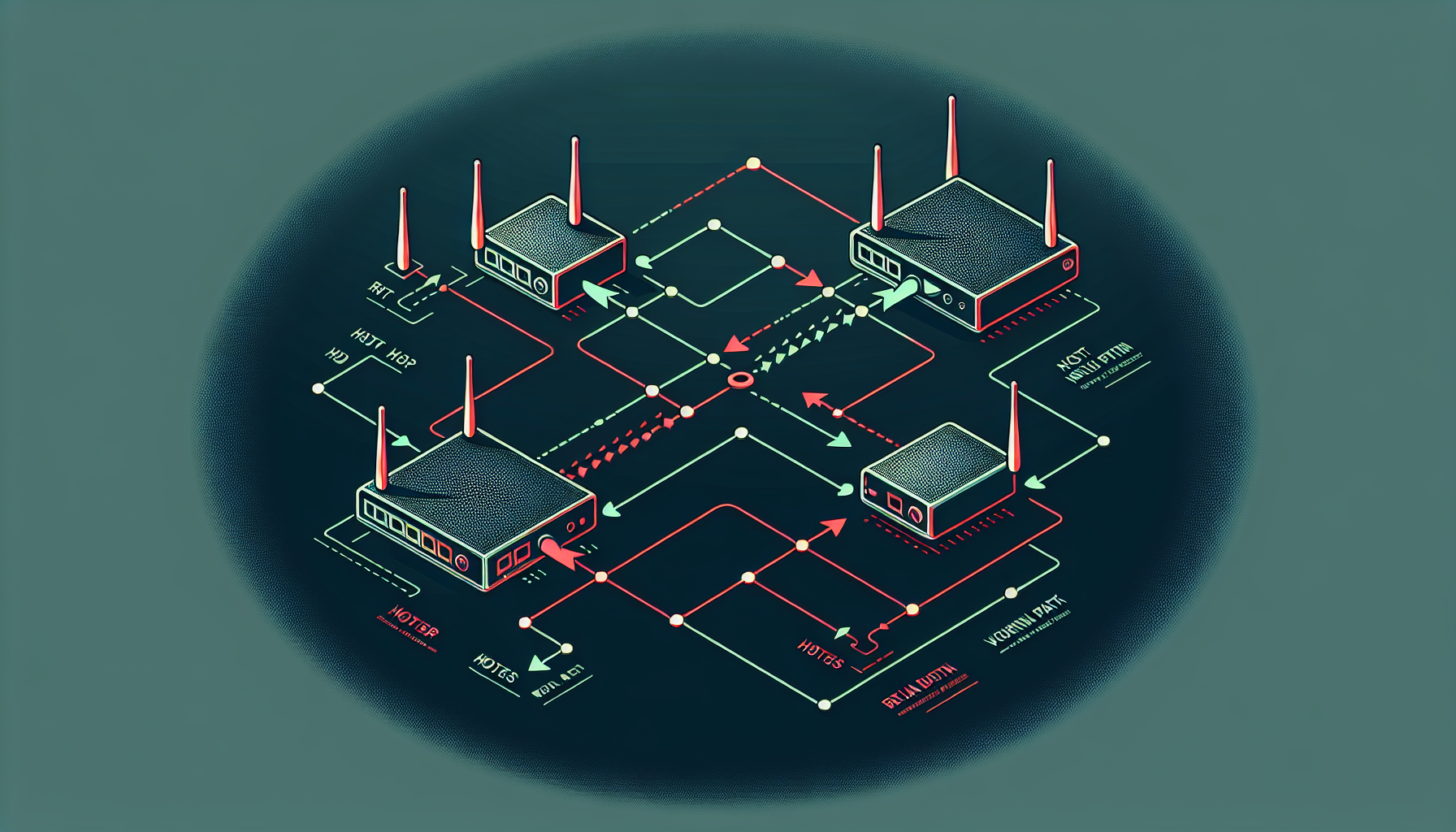
This post covers some common uni-directional routing issues you may encounter when working with Cisco routers.
What is a uni-directional routing issue?
A uni-directional routing issue is when traffic can flow in one direction between two networks but not in the opposite direction. For example, Host A can ping Host B, but Host B cannot ping Host A back.
Common causes
The most common causes of uni-directional routing issues include:
- Missing return routes - The destination network doesn't have a route back to the source
- Asymmetric routing - Traffic takes different paths in each direction, and one path is broken
- NAT configuration issues - Network Address Translation is not configured properly
- Firewall/ACL blocking - Access Control Lists are blocking traffic in one direction
- Default gateway misconfiguration - End hosts have incorrect or missing default gateway settings
Troubleshooting methodology
When troubleshooting uni-directional routing issues, follow this systematic approach:
- Verify Layer 3 connectivity - Use
pingandtraceroutefrom both directions - Check routing tables - Use
show ip routeon all routers in the path - Verify interface status - Use
show ip interface briefto ensure all interfaces are up - Check for asymmetric paths - Compare the forward and return paths using
traceroute - Examine ACLs and firewalls - Use
show access-listsand check firewall logs
Example scenario
Consider this network topology:
Host A (192.168.1.10) --- R1 --- R2 --- Host B (192.168.2.10)
                          .1     .2   .1     .1
Host A can ping Host B successfully, but Host B cannot ping Host A. Let's troubleshoot:
Step 1: Check routing tables
On R1:
R1# show ip route
C    192.168.1.0/24 is directly connected, FastEthernet0/0
C    10.0.0.0/30 is directly connected, Serial0/0
On R2:
R2# show ip route
C    10.0.0.0/30 is directly connected, Serial0/0
C    192.168.2.0/24 is directly connected, FastEthernet0/0
Step 2: Identify the problem
The issue is clear - neither router has a route to the other's LAN network:
- R1 doesn't know how to reach 192.168.2.0/24
- R2 doesn't know how to reach 192.168.1.0/24
Traffic from Host A can reach R1 (its default gateway), but R1 doesn't know where to forward packets destined for 192.168.2.0/24. Similarly, return traffic from Host B reaches R2, but R2 has no route back to 192.168.1.0/24.
Step 3: Fix the routing
Add static routes on both routers:
On R1:
R1(config)# ip route 192.168.2.0 255.255.255.0 10.0.0.2On R2:
R2(config)# ip route 192.168.1.0 255.255.255.0 10.0.0.1Prevention tips
To prevent uni-directional routing issues:
- Always configure routing in both directions when using static routes
- Use dynamic routing protocols like OSPF or EIGRP for automatic route discovery
- Implement proper route summarization to reduce routing table size
- Document your network topology and routing design
- Test connectivity from both directions after making routing changes
Conclusion
Uni-directional routing issues are common in networks but can be easily avoided with proper planning and configuration. Always remember that routing must work in both directions for proper network communication. Use the systematic troubleshooting approach outlined above to quickly identify and resolve these issues.