
Validating XML with DTD
This post explains how Document Type Definitions (DTDs) are used to validate XML documents beyond basic well-formedness. It covers internal and external DTDs, key syntax elements like ELEMENT and ATTLIST declarations, occurrence indicators, and how to run validation using the xmllint command-line t

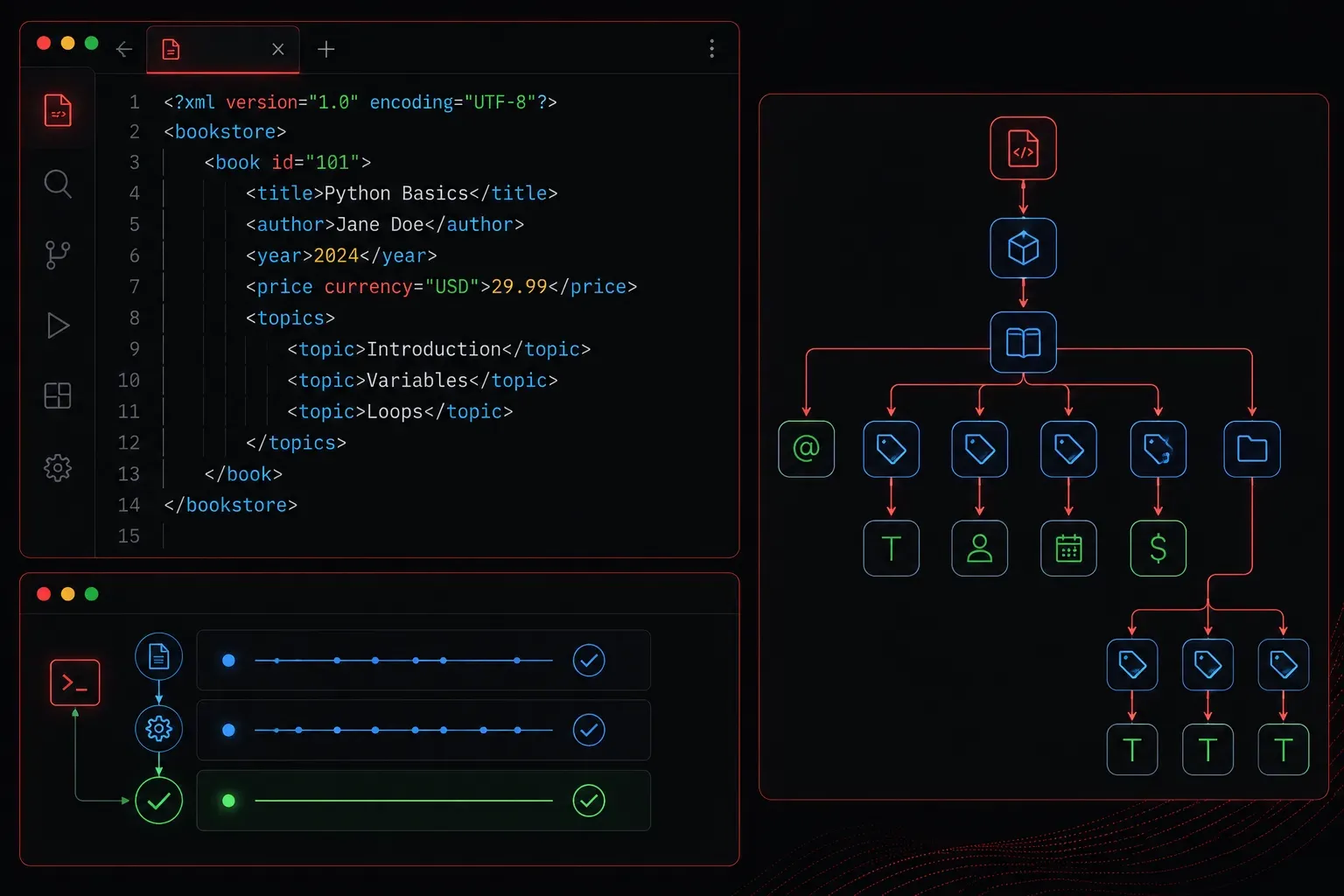
When you start working with XML in network automation or data exchange, you quickly discover that well-formed XML and valid XML are two different things. A document can follow the basic XML syntax rules perfectly and still contain the wrong elements, wrong structure, or missing data. That is where Document Type Definitions come in.
What Is a DTD?
A Document Type Definition (DTD) is a set of rules that describes the legal structure of an XML document. Think of it as a blueprint or contract. It defines which elements are allowed, in what order they can appear, which attributes they can carry, and whether certain data is required or optional.
When you validate an XML document against a DTD, a parser checks the document against those rules and tells you whether it conforms. If it does not, you get a clear error telling you exactly what is wrong.
Internal vs External DTDs
A DTD can live inside the XML file itself (internal) or in a separate file (external).
Internal DTD
An internal DTD is declared directly inside the XML document, between the <!DOCTYPE> declaration brackets:
<?xml version="1.0" encoding="UTF-8"?>
<!DOCTYPE router [
  <!ELEMENT router (hostname, interfaces)>
  <!ELEMENT hostname (#PCDATA)>
  <!ELEMENT interfaces (interface+)>
  <!ELEMENT interface (name, ip)>
  <!ELEMENT name (#PCDATA)>
  <!ELEMENT ip (#PCDATA)>
]>
<router>
  <hostname>R1</hostname>
  <interfaces>
    <interface>
      <name>GigabitEthernet0/0</name>
      <ip>192.168.1.1</ip>
    </interface>
  </interfaces>
</router>
External DTD
An external DTD is stored in a separate .dtd file and referenced from the XML document. This is more practical when multiple XML files need to follow the same rules:
<?xml version="1.0" encoding="UTF-8"?>
<!DOCTYPE router SYSTEM "router.dtd">
<router>
  ...
</router>
The router.dtd file would contain the same element declarations shown above, without the wrapping DOCTYPE brackets.
Understanding DTD Syntax
The DTD syntax looks unfamiliar at first, but it follows a consistent pattern. Here are the key building blocks:
<!ELEMENT>declares an element and what it can contain.#PCDATAmeans plain text content. A list in parentheses means child elements.- Occurrence indicators control how many times a child element can appear:
+means one or more,*means zero or more,?means zero or one, and no symbol means exactly once. <!ATTLIST>declares attributes for an element, including their type and whether they are required.
Here is a quick attribute example. Suppose each interface has a required type attribute:
<!ATTLIST interface type CDATA #REQUIRED>This tells the parser that every <interface> element must include a type attribute containing character data.
Validating Your XML
You can validate XML against a DTD using several tools. A quick and easy option for beginners is xmllint, which is available on most Linux systems:
xmllint --valid --noout router.xmlIf the document is valid, you get no output and a clean exit. If something is wrong, xmllint prints a descriptive error. For example, if you forgot the <hostname> element:
router.xml:6: element router: validity error : Element router content does not follow the DTD, expecting (hostname , interfaces), got (interfaces )That kind of specific feedback is far more useful than a silent failure at runtime.
DTD Limitations
DTDs are the original XML validation mechanism and they are still widely used, but they do have limitations. They use their own syntax rather than XML syntax, they have limited support for data types (you cannot enforce that an IP address matches a specific pattern), and they do not handle namespaces well. For more complex validation needs, XML Schema Definition (XSD) is the modern alternative.
That said, for simple XML structures and quick validation checks, DTDs are perfectly adequate and much easier to read than XSD.
What's Next
Now that you understand how DTDs define and enforce XML structure, the natural next step is exploring XML Schema Definition (XSD). XSD gives you stronger data typing, namespace support, and is itself written in XML, making it easier to process programmatically. We will cover XSD structure, data types, and how to validate against a schema in the next post in this series.