
VTP (VLAN Trunking Protocol)

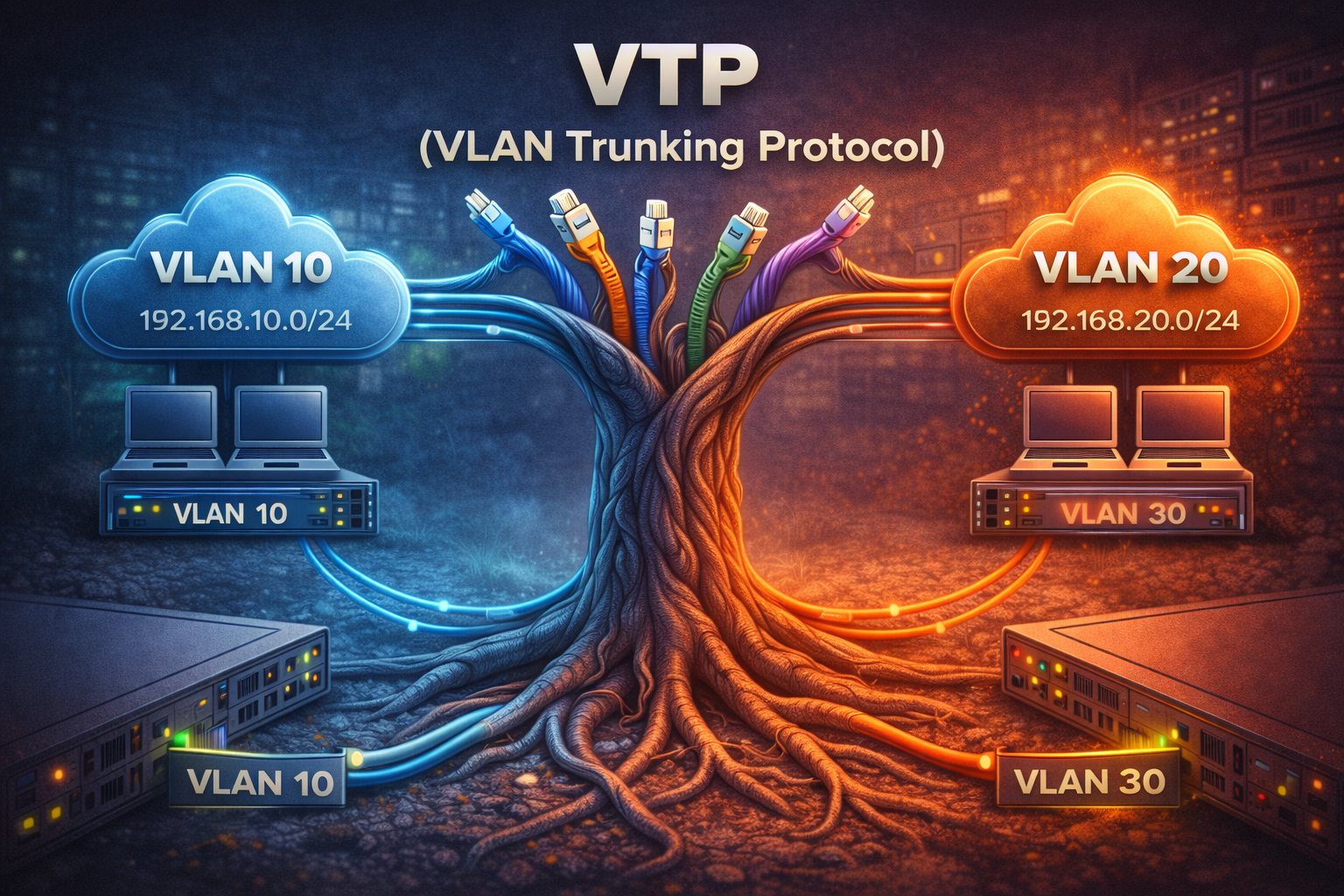
VTP (VLAN Trunking Protocol) is a Cisco proprietary protocol that manages the addition, deletion, and renaming of VLANs on a network-wide basis. VTP allows a network manager to configure a switch so that it will propagate VLAN configurations to other switches in the network.
VTP reduces administration in a switched network. When you configure a new VLAN on one VTP server, the VLAN is distributed through all switches in the domain. This reduces the need to configure the same VLAN everywhere.
VTP Modes
VTP operates in one of three modes:
- Server Mode - Can create, modify, and delete VLANs. Forwards advertisements to other switches. This is the default mode.
- Client Mode - Cannot create, modify, or delete VLANs. Only forwards VTP advertisements to other switches.
- Transparent Mode - Does not participate in VTP. Can create, modify, and delete VLANs locally, but changes are not propagated to other switches.
VTP Requirements
For VTP to work properly, several requirements must be met:
- All switches must be in the same VTP domain
- Trunk links must be configured between switches
- VTP passwords (if used) must match on all switches
- VTP version must be the same on all switches
VTP Configuration
Basic VTP configuration involves setting the domain name, mode, and optionally a password:
Switch(config)# vtp domain COMPANY
Switch(config)# vtp mode server
Switch(config)# vtp password cisco123
Switch(config)# vtp version 2
To verify VTP configuration:
Switch# show vtp status
Switch# show vtp counters
VTP Advertisements
VTP uses three types of advertisements:
- Summary Advertisements - Sent every 5 minutes or when there is a change
- Subset Advertisements - Sent when there is a VLAN configuration change
- Request Advertisements - Sent when a switch needs VLAN information
Each advertisement contains a configuration revision number. When a switch receives an advertisement with a higher revision number, it updates its VLAN database.
VTP Pruning
VTP pruning increases network bandwidth by restricting flooded traffic to trunk links that must have the traffic to reach the destination devices. Without pruning, a switch floods broadcast, multicast, and unknown unicast traffic across all trunk links within a VTP domain.
To enable VTP pruning:
Switch(config)# vtp pruningVTP Security Considerations
VTP can pose security risks if not properly managed:
- A switch with a higher revision number can overwrite the VLAN database
- Unauthorized switches can join the VTP domain
- Always use VTP passwords in production environments
- Consider using VTP transparent mode to avoid accidental changes
Best Practices
- Use meaningful VTP domain names
- Implement VTP passwords for security
- Document which switches are servers, clients, and transparent
- Be cautious when adding switches to avoid revision number conflicts
- Consider VTP version 3 for enhanced security features
VTP simplifies VLAN management in large networks but requires careful planning and implementation to avoid configuration issues.