
What Does a Router Actually Do?
This post explains the fundamental role of routers in networking, covering how they forward packets between networks using routing tables, and distinguishes between home WiFi routers and enterprise routers like Cisco's ISR series.
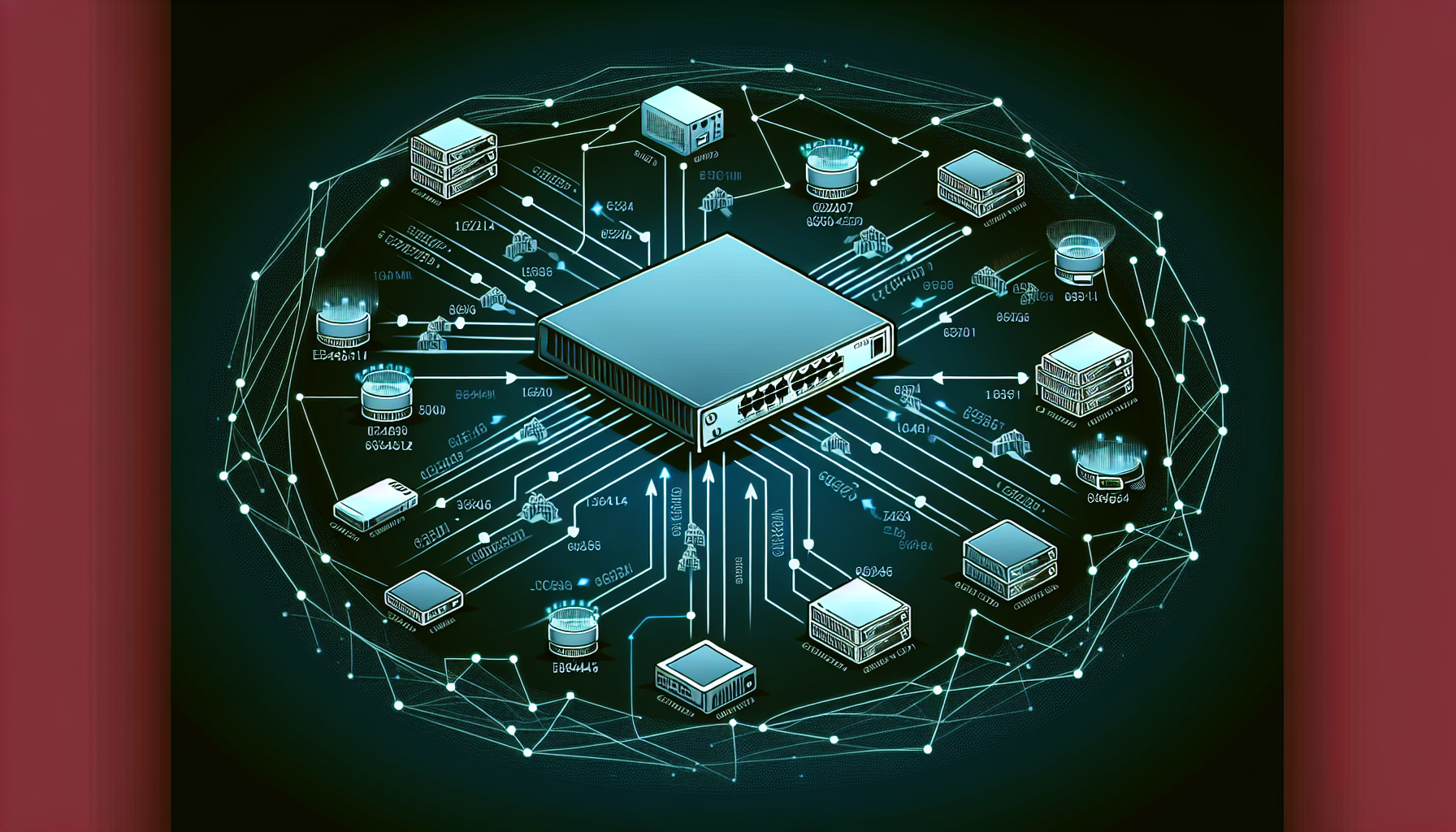
When most people hear "router," they think of that little box providing WiFi at home. But in the networking world, routers are much more sophisticated devices that form the backbone of modern networks. Let's explore what routers actually do and why they're essential for network communication.
What Is a Router?
A router is a network device that forwards data packets between different networks. Think of it as an intelligent traffic director that determines the best path for data to travel from source to destination across multiple networks.
The key word here is between networks. Unlike switches that operate within a single network (broadcast domain), routers connect separate networks together and make intelligent decisions about where to send data.
How Routers Make Forwarding Decisions
Routers use routing tables to make forwarding decisions. A routing table contains information about:
- Network destinations and their associated subnet masks
- Next-hop addresses (where to send the packet next)
- Interface information (which port to use)
- Metrics (cost or preference of different paths)
When a packet arrives, the router examines the destination IP address, compares it against its routing table, and forwards the packet toward the best available path. Here's a simplified example of what a routing table might look like:
Destination    Next Hop       Interface    Metric
192.168.1.0/24 192.168.1.1   Gi0/0        1
10.0.0.0/8     172.16.1.2    Gi0/1        2
0.0.0.0/0      203.0.113.1   Gi0/2        5
The router uses the most specific match (longest prefix match) to determine where to forward each packet.
Home WiFi Router vs Enterprise Router
There's an important distinction between consumer and enterprise routers:
Home WiFi Router
Your home "router" is actually multiple devices combined into one:
- Router (connects your home network to the internet)
- Switch (connects multiple wired devices)
- Wireless access point (provides WiFi)
- DHCP server (assigns IP addresses)
- Firewall (basic security)
Enterprise Router
Enterprise routers like Cisco's ISR (Integrated Services Router) series focus purely on routing functions:
- High-performance packet forwarding
- Support for multiple routing protocols (OSPF, EIGRP, BGP)
- Advanced security features
- Quality of Service (QoS) capabilities
- Redundancy and high availability
Cisco ISR Series
Cisco's ISR routers are popular in enterprise environments. The ISR 4000 series, for example, provides:
- Integrated security and application services
- Support for voice, video, and data traffic
- Cloud connectivity options
- Modular design for flexibility
These routers can handle complex routing scenarios, from connecting branch offices to headquarters to providing internet connectivity for entire organizations.
Key Router Functions
To summarize, routers perform these essential functions:
- Path determination - Finding the best route to destinations
- Packet forwarding - Moving packets toward their destination
- Network segmentation - Separating broadcast domains
- Protocol translation - Converting between different network types when needed
Understanding routers is crucial for the CCNA exam and real-world networking. They're the devices that make the internet possible by intelligently directing traffic between networks worldwide.
What's Next
Now that you understand what routers do, the next step is exploring how they learn about networks. In our next post, we'll dive into static vs dynamic routing and how routers build their routing tables.