
What is the OSI Model and Why is it Important?
The OSI model is a seven-layer framework that standardizes network communication, breaking it down from physical connections to applications. Understanding these layers provides the foundation for networking troubleshooting, design, and learning more advanced concepts.
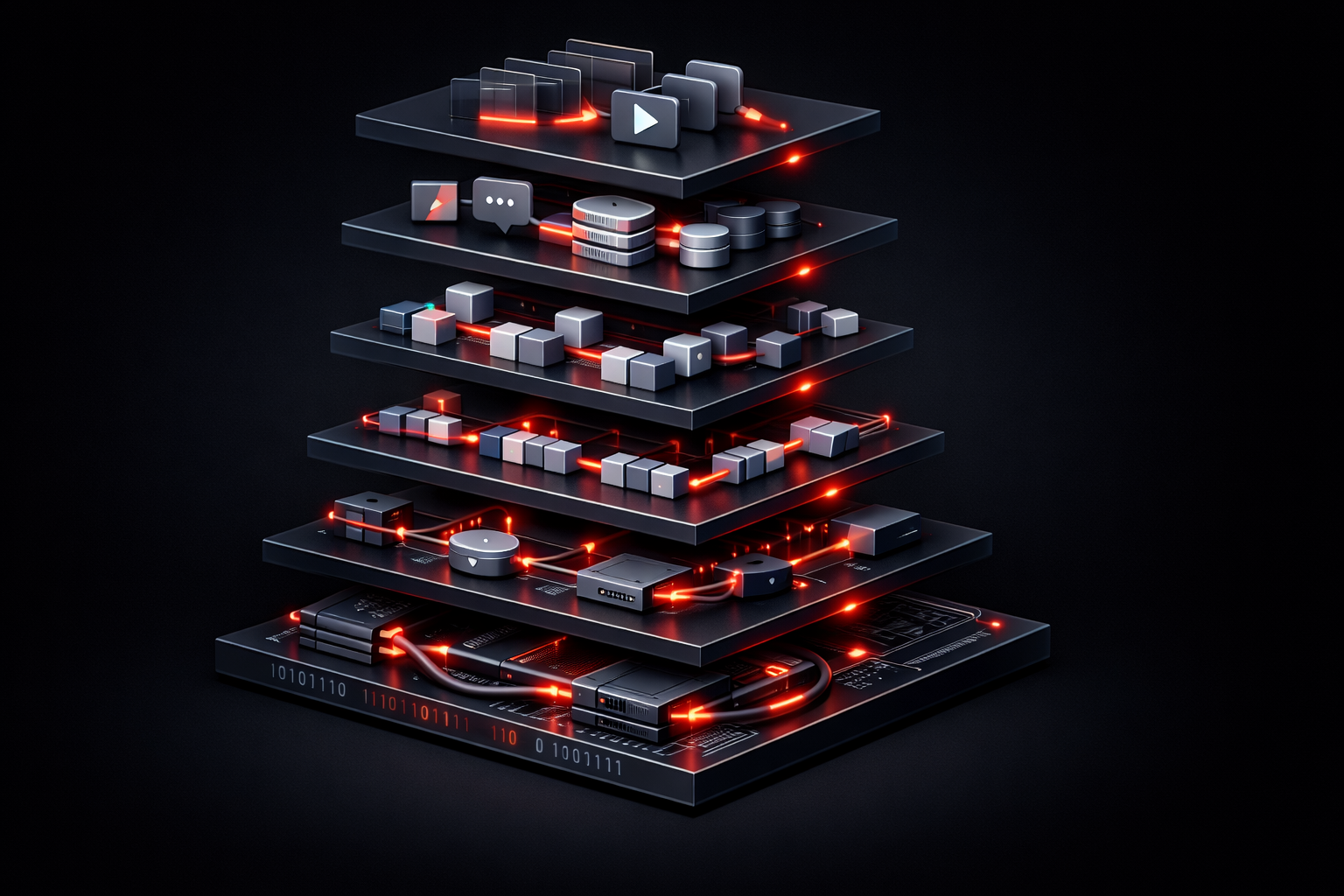
The OSI (Open Systems Interconnection) model is one of the most fundamental concepts you'll encounter in networking. If you're just starting your networking journey, understanding this model will provide the foundation for everything else you'll learn about how networks communicate.
What is the OSI Model?
The OSI model is a conceptual framework that standardizes how different network systems communicate with each other. Developed by the International Organization for Standardization (ISO) in 1984, it breaks down network communication into seven distinct layers, each with specific responsibilities.
Think of it like a postal system. When you send a letter, it goes through multiple stages: writing the message, putting it in an envelope, addressing it, having the postal service route it, and finally delivering it to the recipient. The OSI model works similarly, with each layer handling a specific part of the communication process.
The Seven Layers Explained
The OSI structure consists of seven layers, numbered from bottom to top:
Layer 1: Physical Layer
This layer deals with the actual physical transmission of data. It includes cables, wireless signals, voltage levels, and the physical network hardware like hubs and repeaters. When data travels as electrical signals through a copper cable or as light through fiber optic cables, that's the Physical layer at work.
Layer 2: Data Link Layer
The Data Link layer handles communication between directly connected devices. It manages MAC addresses, error detection, and flow control. Switches operate primarily at this layer, using MAC addresses to forward frames to the correct destination within a local network segment.
Layer 3: Network Layer
This is where routing happens. The Network layer uses IP addresses to determine the best path for data to travel across different networks. Routers operate at this layer, making decisions about how to forward packets toward their final destination.
Layer 4: Transport Layer
The Transport layer ensures reliable data delivery between applications. It handles protocols like TCP (which guarantees delivery) and UDP (which prioritizes speed over reliability). This layer also manages port numbers to identify specific applications or services.
Layer 5: Session Layer
This layer establishes, manages, and terminates communication sessions between applications. It handles authentication and manages ongoing conversations between devices.
Layer 6: Presentation Layer
The Presentation layer handles data formatting, encryption, and compression. It ensures that data sent from one system can be understood by another, regardless of their internal data formats.
Layer 7: Application Layer
This is the layer closest to the end user. It includes network services that applications use to communicate, such as HTTP for web browsing, SMTP for email, and FTP for file transfers.
Why is the OSI Model Important?
The OSI model provides several crucial benefits for network professionals:
- Standardization: It creates a common language for discussing network issues and designs across different vendors and technologies
- Troubleshooting: When network problems occur, you can isolate issues to specific layers, making diagnosis more systematic
- Modular Design: Each layer operates independently, allowing for easier updates and modifications to network protocols
- Education: It provides a structured way to learn networking concepts, building from physical connections up to applications
Real-World Application
While the OSI model is theoretical, understanding it helps in practical situations. For example, if users can't browse the internet:
- Check Layer 1: Are cables connected and ports active?
- Check Layer 2: Is the switch forwarding frames correctly?
- Check Layer 3: Can devices ping their gateway?
- Check Layer 4: Are the correct ports open?
- Check Layer 7: Is the web service running?
This systematic approach, guided by the OSI layers, makes troubleshooting more efficient and thorough.
What's Next
Now that you understand the OSI model's structure and importance, the next step is diving deeper into how data actually moves through these layers. In our next post, we'll explore the encapsulation and de-encapsulation process, showing exactly how data gets packaged at each layer as it travels from one device to another.