
What is Quality of Service in Networking?
This post introduces Quality of Service (QoS) in networking, explaining why it matters for managing network traffic and ensuring data transmission reliability. It covers the core problems QoS solves, including latency, jitter, and packet loss, and walks through how classification, marking, queuing,

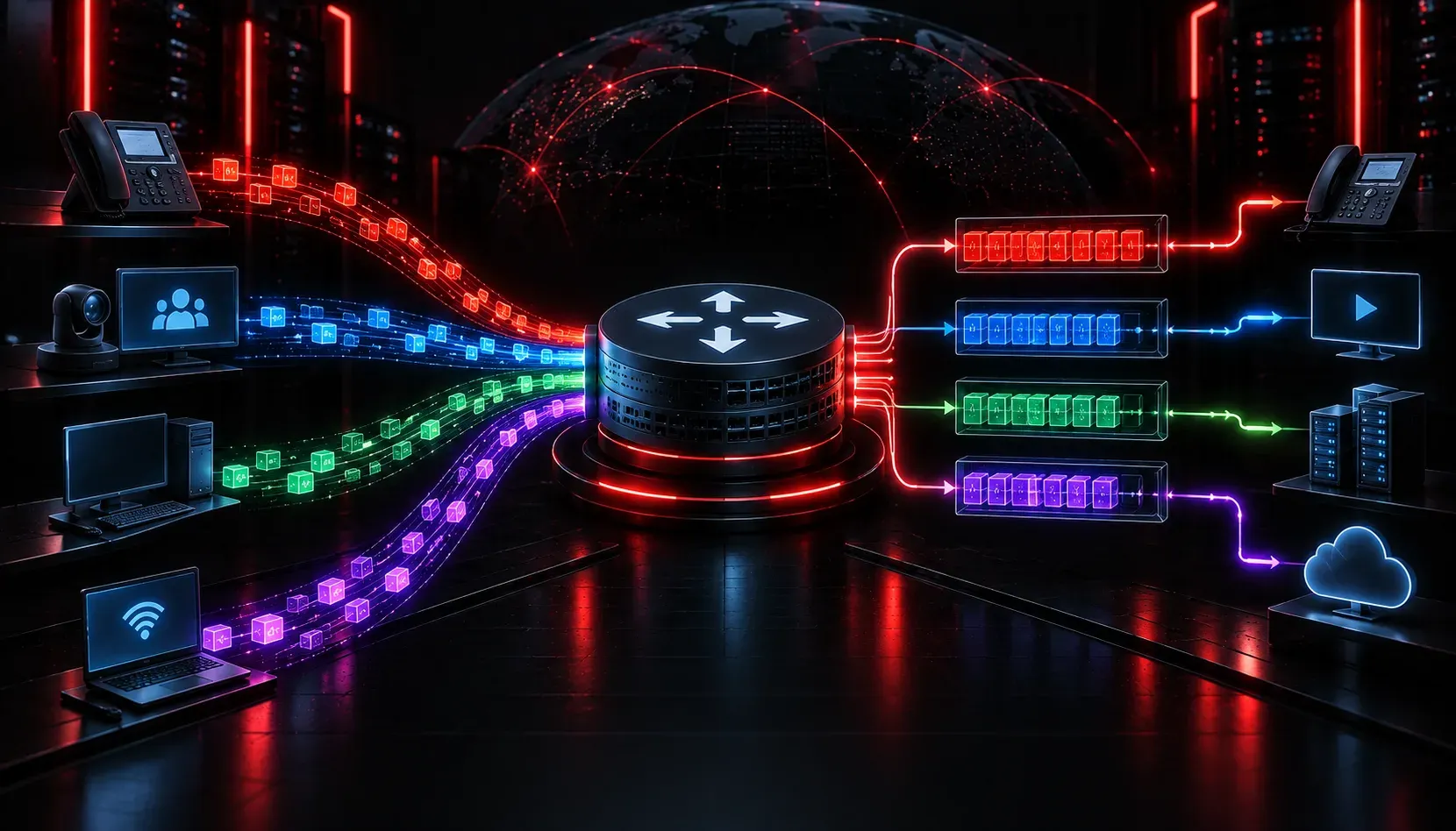
Imagine you are on an important video call with a client when suddenly the audio starts breaking up and the video freezes. Meanwhile, someone on the same network is downloading a large software update in the background. The download is eating up bandwidth, and your call is suffering for it. This is exactly the kind of problem that Quality of Service is designed to solve.
What is Quality of Service?
Quality of Service, commonly abbreviated as QoS, is a set of technologies and techniques used to manage network traffic in a way that prioritizes certain types of data over others. The goal is to ensure that time-sensitive or business-critical traffic gets the bandwidth and low latency it needs, even when the network is congested.
Think of it like a highway with a carpool lane. Regular traffic might be backed up, but vehicles in the priority lane keep moving. QoS creates those priority lanes for your most important data.
Why Does QoS Matter?
Not all network traffic is created equal. A file download can tolerate a few seconds of delay without any noticeable impact. But a VoIP phone call or a live video conference cannot. Even a small amount of delay, jitter, or packet loss can make voice and video communication unusable.
Here are the three main problems QoS is designed to address:
- Bandwidth: The total capacity of a network link. QoS ensures critical applications get enough of it.
- Delay (Latency): The time it takes for a packet to travel from source to destination. Real-time applications are extremely sensitive to high latency.
- Jitter: Variation in packet arrival times. Even if average delay is acceptable, inconsistent delivery destroys voice and video quality.
- Packet Loss: Packets dropped during congestion. Some applications can retransmit lost packets, but voice and video cannot afford to wait.
How Does QoS Work?
QoS works through a process of classifying, marking, and then taking action on traffic. These three steps are the foundation of any QoS policy.
1. Classification and Marking
Before a router or switch can prioritize traffic, it needs to identify what kind of traffic it is looking at. This is called classification. Traffic can be classified by source IP address, destination port number, protocol type, or other criteria.
Once classified, packets are marked so that other devices along the path know how to treat them. For IP traffic, this is done using the DSCP (Differentiated Services Code Point) field in the IP header. A packet marked for voice traffic will carry a different DSCP value than a packet for a file download.
2. Queuing
When a network link gets congested, packets line up in queues waiting to be sent. Without QoS, this is just a simple first-in, first-out line. With QoS, different queues are created for different traffic types. High-priority traffic, like voice, is pulled from its queue first. Lower-priority traffic, like a software update, waits.
3. Policing and Shaping
QoS can also control how much bandwidth a specific traffic type is allowed to use. Policing drops packets that exceed a defined rate. Shaping buffers those packets and sends them later at a smoother rate. These tools help prevent any single application or user from monopolizing the link.
A Quick Look at QoS in the CLI
On a Cisco router, you might see QoS implemented using a feature called MQC (Modular QoS CLI). Here is a simple example that classifies voice traffic and places it in a priority queue:
class-map match-any VOICE-TRAFFIC
 match dscp ef

policy-map QOS-POLICY
 class VOICE-TRAFFIC
  priority 512
 class class-default
  fair-queue

interface GigabitEthernet0/1
 service-policy output QOS-POLICY
This configuration tells the router to give voice traffic (marked with DSCP EF, which stands for Expedited Forwarding) up to 512 Kbps of guaranteed bandwidth and send it ahead of everything else.
Where QoS Fits in the CCNA
For the CCNA exam, you are expected to understand the basics of QoS: why it is needed, the problems it solves, and the general mechanisms involved. Exam objective 4.7 specifically covers QoS concepts, so you will want to be comfortable with terms like DSCP, traffic classification, queuing, policing, and shaping.
If you want a deeper dive into QoS with structured study material, the Cisco Press CCNA 200-301 Official Cert Guide by Wendell Odom covers QoS concepts clearly and is aligned directly to the exam objectives.
What's Next?
Now that you understand the basics of Quality of Service and why managing network traffic matters, the next step is looking at the specific QoS mechanisms in more detail. In the next post, we will dig into traffic classification and marking, exploring how DSCP values are assigned and how routers make forwarding decisions based on those marks.
Tools and resources for this topic
- Wendell Odom CCNA Vol 1 — Covers networking fundamentals, switching, and routing basics.
- Wendell Odom CCNA Vol 2 — Covers advanced routing, WAN, infrastructure services, and security.