
Piping Commands Together in Linux
Piping in Linux allows you to chain commands together using the | character, passing the output of one command directly into the next. This post covers how pipes work, practical examples using grep, sort, wc, and uniq, and how to build multi-step command pipelines. Understanding piping is a foundat

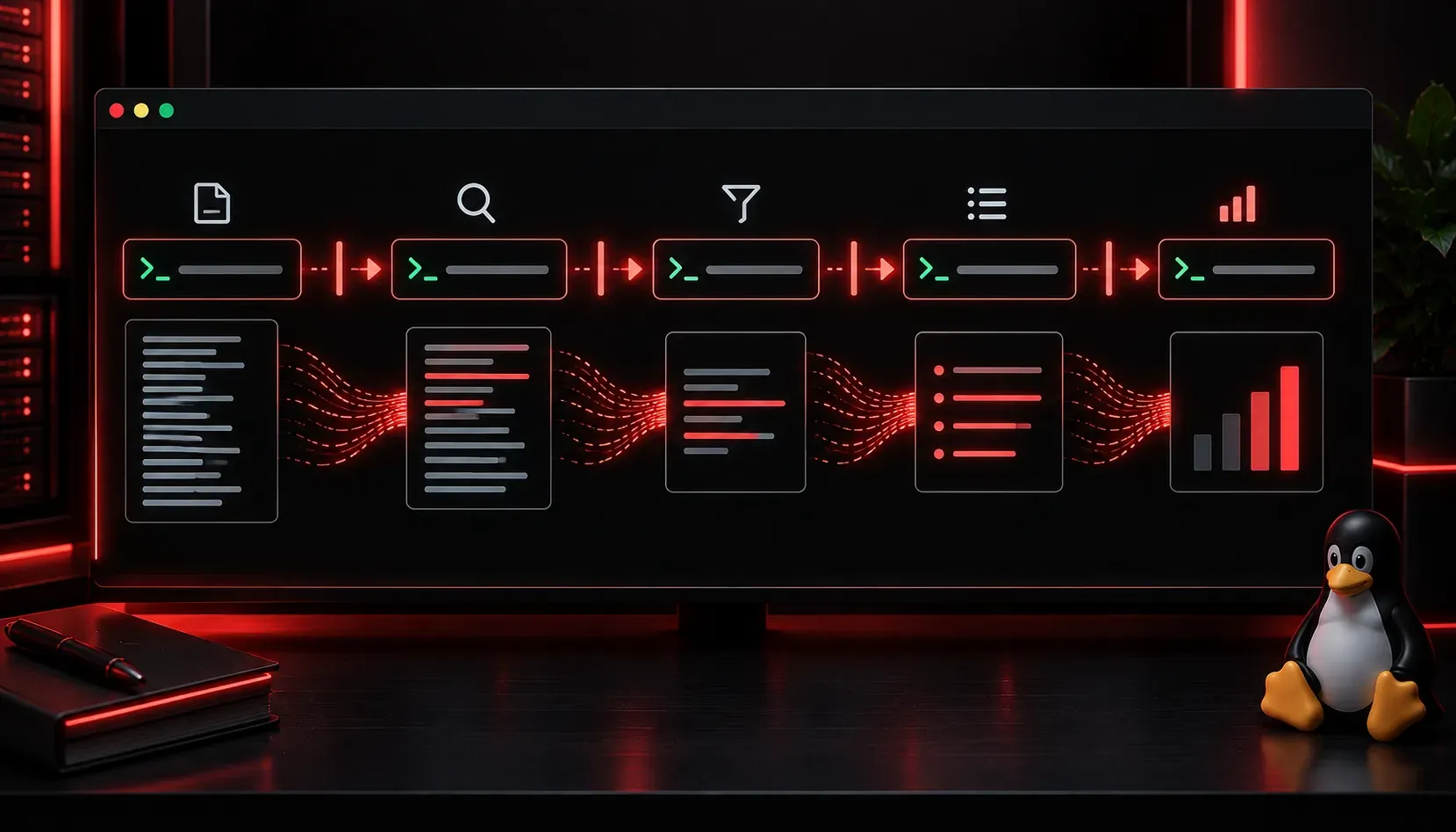
One of the most powerful ideas in Linux is that small, simple commands can be chained together to accomplish complex tasks. This is made possible by a feature called piping, and once you understand it, your command-line productivity will jump significantly.
What Is a Pipe?
In Linux, a pipe takes the output of one command and feeds it directly as the input to another command. You create a pipe using the vertical bar character |, which you will find above the backslash key on most keyboards.
The basic syntax looks like this:
command1 | command2Think of it like a literal pipe: water flows in one end and out the other. In this case, text data flows from one command into the next. The first command does not need to finish writing all its output before the second command starts reading, making pipes efficient and fast.
A Simple Example
The ls command lists files in a directory. If you have a folder with many files, the output scrolls past quickly. You can pipe it into less to make it scrollable:
ls /etc | lessNow you can scroll through the output at your own pace using the arrow keys and press q to quit.
Practical Piping Examples
Here are several real-world examples you will use regularly:
Searching Output with grep
The grep command filters text. Pipe any command output into grep to find specific lines:
ps aux | grep firefoxThis lists all running processes and filters to show only lines containing "firefox".
Counting Lines with wc
The wc -l command counts lines. Want to know how many files are in a directory?
ls /var/log | wc -lThis counts the number of files and directories inside /var/log.
Sorting Output
The sort command alphabetically (or numerically) sorts lines of text:
cat /etc/passwd | sortThis prints the contents of /etc/passwd and sorts every line alphabetically.
Removing Duplicates with uniq
uniq removes consecutive duplicate lines. It is almost always paired with sort first, since uniq only catches adjacent duplicates:
cat names.txt | sort | uniqNotice here that three commands are chained together. You can pipe as many commands as you need.
Chaining Multiple Pipes
There is no limit to how many pipes you can use in a single command. Each | passes output from the left command into the right command:
ps aux | grep apache | awk '{print $1, $11}' | sort | uniqBreaking this down step by step:
ps aux: lists all running processesgrep apache: filters for lines containing "apache"awk '{print $1, $11}': prints only the username and command columnssort: sorts the resultuniq: removes duplicate lines
Each step narrows, formats, or transforms the data before passing it along.
A Note on stdin and stdout
Pipes work because Linux commands are built around two standard streams: standard output (stdout) and standard input (stdin). Most commands write their results to stdout and can read from stdin. A pipe simply connects one command's stdout to the next command's stdin. This design philosophy, building small tools that do one thing well and communicate through text, is a core principle of Unix and Linux systems.
Common Mistakes to Avoid
- Piping into a command that does not read stdin: Some commands like
lsandmkdirdo not accept piped input. Usexargsas a bridge in those cases. - Forgetting pipe order matters: The output flows left to right. Make sure each command in the chain accepts the format the previous one produces.
- Overcomplicating it: Start simple and build your pipe one command at a time, checking the output at each step.
What's Next
Now that you understand piping, the next logical step is learning about redirection in Linux, where you send command output to a file instead of another command, or read a file's contents into a command. Redirection and piping work hand in hand, and combining them opens up even more possibilities at the command line.