
Understanding Administrative Distance in Networking
Administrative distance is the value Cisco routers use to determine which routing source to trust when multiple sources advertise the same destination. This post explains default AD values, how to read them in the routing table, and why they matter in real network design. Practical CLI examples are

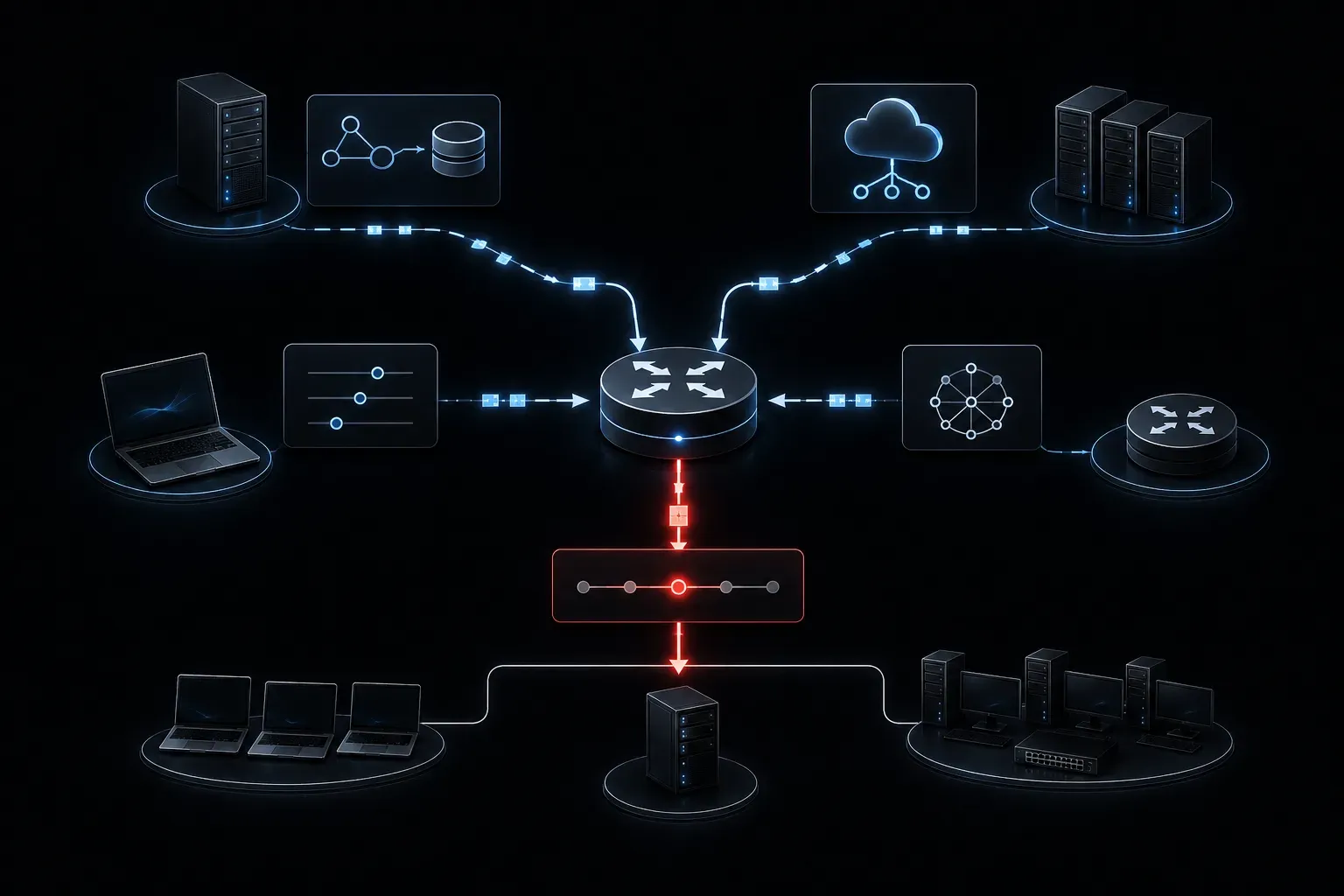
When a router learns about the same destination network from multiple routing sources, it has to make a decision: which route should it actually use? The answer comes down to a concept called administrative distance, and understanding it is essential for reading routing tables and troubleshooting real network problems.
What Is Administrative Distance?
Administrative distance (AD) is a numerical value that represents the trustworthiness of a routing source. Think of it as a credibility score. The lower the number, the more the router trusts that source. When a router receives route information from multiple sources pointing to the same destination, it installs the route with the lowest administrative distance into the routing table.
This is purely a router decision made locally. Administrative distance is not shared between routers and has no meaning outside the device making the choice.
Default Administrative Distance Values
Cisco routers have built-in default AD values for each routing source. These are the values you need to know for the CCNA exam and for real-world troubleshooting:
- Connected interface: 0
- Static route: 1
- EIGRP (internal): 90
- OSPF: 110
- RIP: 120
- Unknown or untrusted: 255 (route is never used)
A connected network always wins because the router knows for certain that the interface is directly attached. Static routes are trusted almost as much, since an administrator manually configured them. Dynamic routing protocols like OSPF and EIGRP have higher values, reflecting that their information is learned automatically and considered slightly less authoritative.
A Practical Example
Imagine your router is learning about the network 192.168.10.0/24 from two sources: an OSPF neighbor and a static route you configured manually. The router receives both, but it can only install one into the routing table. Here is how it compares them:
- Static route: AD = 1
- OSPF route: AD = 110
The static route wins because 1 is lower than 110. The OSPF route is not discarded entirely; it stays in memory as a candidate. If you later remove the static route, the OSPF route will automatically take over. This is called a floating static route when done intentionally, and it is a useful backup strategy.
Reading AD in the Routing Table
You can see administrative distance directly in the output of show ip route. Look at this sample output:
Router# show ip route
O    192.168.10.0/24 [110/2] via 10.0.0.1, 00:01:15, GigabitEthernet0/0
S    10.0.0.0/8 [1/0] via 192.168.1.1
The values inside the brackets are formatted as [AD/metric]. So [110/2] means the route was learned via OSPF (AD 110) and has a metric of 2. The [1/0] on the static route shows AD of 1 and a metric of 0.
Route codes in the output also hint at the source. Common codes include:
C: ConnectedS: StaticO: OSPFD: EIGRPR: RIP
Why This Matters Beyond the Exam
Misunderstanding administrative distance can lead to real outages. If you configure a static route without realizing a dynamic protocol is also advertising the same network, your static route will override the dynamic one. That might be fine until the static route points somewhere wrong and the router ignores the better path from your routing protocol entirely.
Understanding routing preference at this level helps you design more predictable networks and troubleshoot faster when something breaks.
What's Next
Now that you understand how a router chooses between different routing sources using administrative distance, the next step is understanding how it chooses between routes from the same source. That is where metric comes in. In the next post, we will look at how routing protocols use metrics like hop count, bandwidth, and cost to determine the best path when AD values are equal.
Tools and resources for this topic
- CCNA Official Cert Guide (Wendell Odom) — The definitive CCNA study resource. Both volumes cover the 200-301 exam blueprint in full.
- Wendell Odom CCNA Vol 1 — Covers networking fundamentals, switching, and routing basics.
- Wendell Odom CCNA Vol 2 — Covers advanced routing, WAN, infrastructure services, and security.