
Improving Error Handling with AI: A Practical Guide
This post shows beginners how to use AI tools like ChatGPT and Claude to audit and improve error handling in Python scripts and automation workflows. It covers prompting strategies, code examples showing weak versus improved error handling, and how to use AI to interpret cryptic error messages and

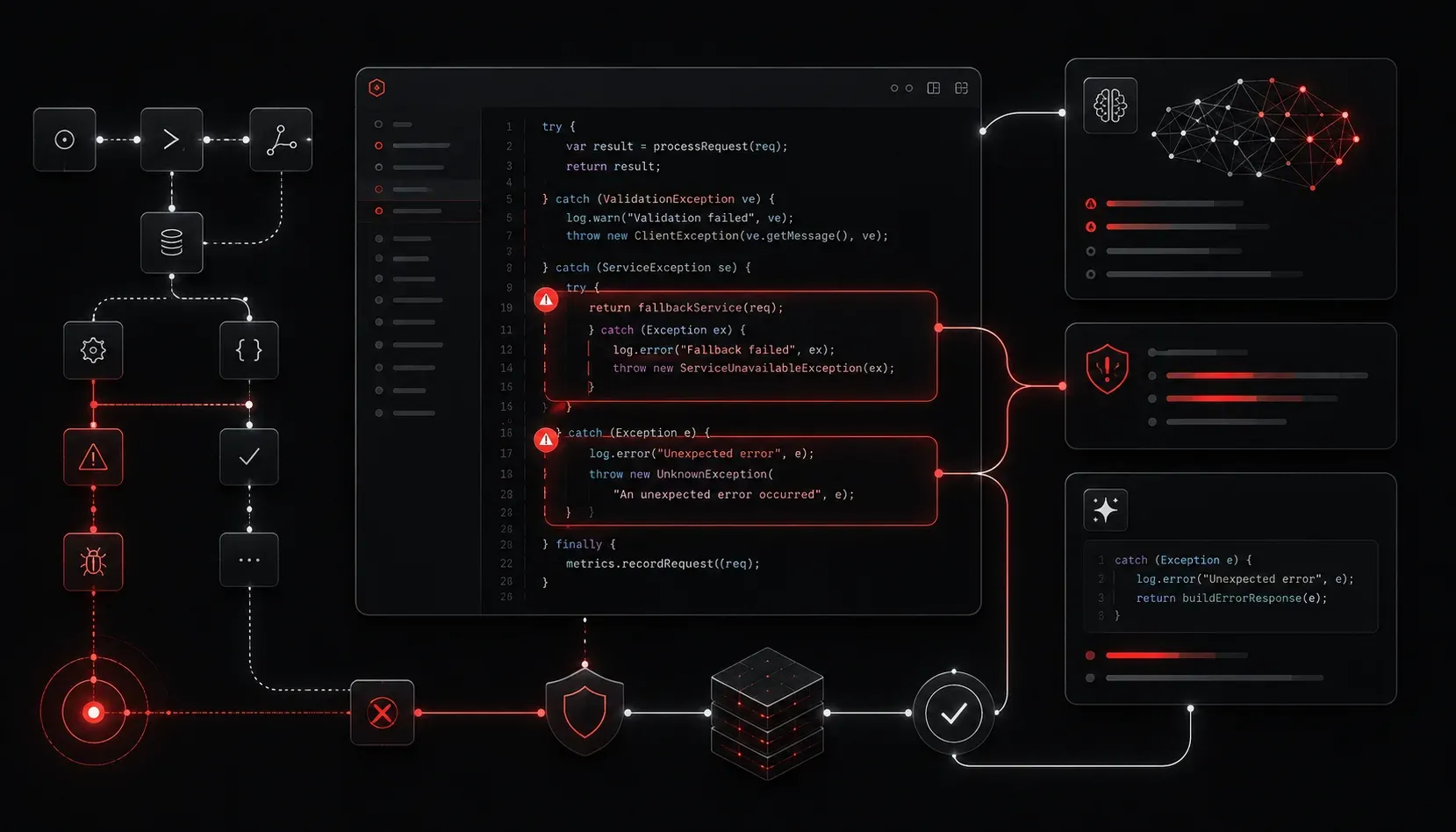
Every developer and network engineer has been there: a script fails at 2 AM, an automation pipeline throws an unexpected exception, and you're left digging through logs trying to figure out what went wrong. Error handling is one of those things that separates a fragile system from a reliable one. The good news is that AI tools are making it significantly easier to write better error handling code, understand cryptic error messages, and design systems that fail gracefully.
This post focuses specifically on using AI to improve error handling in your scripts and automation workflows. We'll keep it practical and hands-on.
Why Error Handling Is Often Done Poorly
Let's be honest about something: most people write the happy path first and bolt on error handling later, if at all. This leads to scripts that work fine in testing but fall apart in production when the network is slow, an API returns an unexpected response, or a file doesn't exist where it should.
Common problems include:
- Bare
exceptblocks that swallow all errors silently - No logging, so failures leave no trace
- No retry logic for transient failures
- Unhelpful error messages that don't tell you what actually went wrong
AI tools won't magically write perfect systems, but they are excellent at catching these patterns and suggesting improvements.
Using AI to Audit Existing Code
One of the most practical applications of AI error handling is pasting your existing code into a tool like ChatGPT or Claude and asking it to review your error handling. Be specific with your prompt.
Instead of asking "Is this code good?", try something like:
Prompt example: "Review this Python script for error handling weaknesses. Identify any bare except blocks, missing logging, unhandled edge cases, and missing retry logic. Suggest specific improvements."
Here's an example of weak code you might submit:
import requests

def get_device_data(ip_address):
    response = requests.get(f"http://{ip_address}/api/data")
    return response.json()
An AI tool will immediately flag that there is no timeout defined, no handling for connection errors, no check on the HTTP status code, and no retry logic. It might suggest something closer to this:
import requests
import logging
import time

logging.basicConfig(level=logging.INFO)
logger = logging.getLogger(__name__)

def get_device_data(ip_address, retries=3, timeout=5):
    for attempt in range(retries):
        try:
            response = requests.get(
                f"http://{ip_address}/api/data",
                timeout=timeout
            )
            response.raise_for_status()
            return response.json()
        except requests.exceptions.Timeout:
            logger.warning(f"Timeout on attempt {attempt + 1} for {ip_address}")
        except requests.exceptions.HTTPError as e:
            logger.error(f"HTTP error: {e.response.status_code} for {ip_address}")
            break
        except requests.exceptions.RequestException as e:
            logger.error(f"Request failed: {e}")
            break
        time.sleep(2 ** attempt)
    return None
That's a substantial improvement, and the AI can walk you through every change it made if you ask.
Decoding Cryptic Error Messages
Another area where AI shines is error message interpretation. When you hit a stack trace or an error you've never seen before, copy the entire output and paste it into your AI tool with context about what you were trying to do.
Prompt example: "I was running a Python script to connect to a network device via Netmiko and got this error. What caused it and how do I fix it?"
This approach works especially well for:
- SSH connection errors with ambiguous messages
- JSON parsing failures where the structure wasn't what you expected
- Import errors in virtual environments
- Permission errors in Linux
AI system reliability improves when engineers understand their failures rather than just suppressing them. This habit of asking "why did this fail" instead of "how do I make the error go away" produces better code over time.
Designing Error Handling Upfront
The best time to think about error handling is before you write a single line of code. You can use AI to help you think through failure scenarios during planning.
Prompt example: "I'm writing a Python script that will pull interface statistics from 50 network devices via their REST APIs, process the data, and write results to a CSV file. What are all the failure points I should plan error handling for?"
The AI will produce a structured list covering network timeouts, authentication failures, malformed API responses, file write permission issues, and more. This kind of automated error management thinking, applied before coding starts, dramatically reduces the number of surprises you encounter in production.
Recommended AI Tools for This Work
- ChatGPT (chatgpt.com) - Strong at code review and explaining errors in plain language
- Claude (claude.ai) - Excellent for analyzing longer code files and nuanced debugging discussions
- GitHub Copilot - Suggests error handling inline as you write code inside VS Code
What's Next
Now that you can use AI to strengthen your error handling, the natural next step is building more robust logging and monitoring into your systems. In the next post, we'll look at how AI tools can help you design meaningful log structures and interpret log output at scale, turning raw log data into actionable insights.