
AI-Driven Prototyping: Accelerating Software Design
AI-driven prototyping revolutionizes software design by using artificial intelligence to generate functional prototypes from natural language descriptions. This approach dramatically reduces development time and enables rapid iteration cycles.

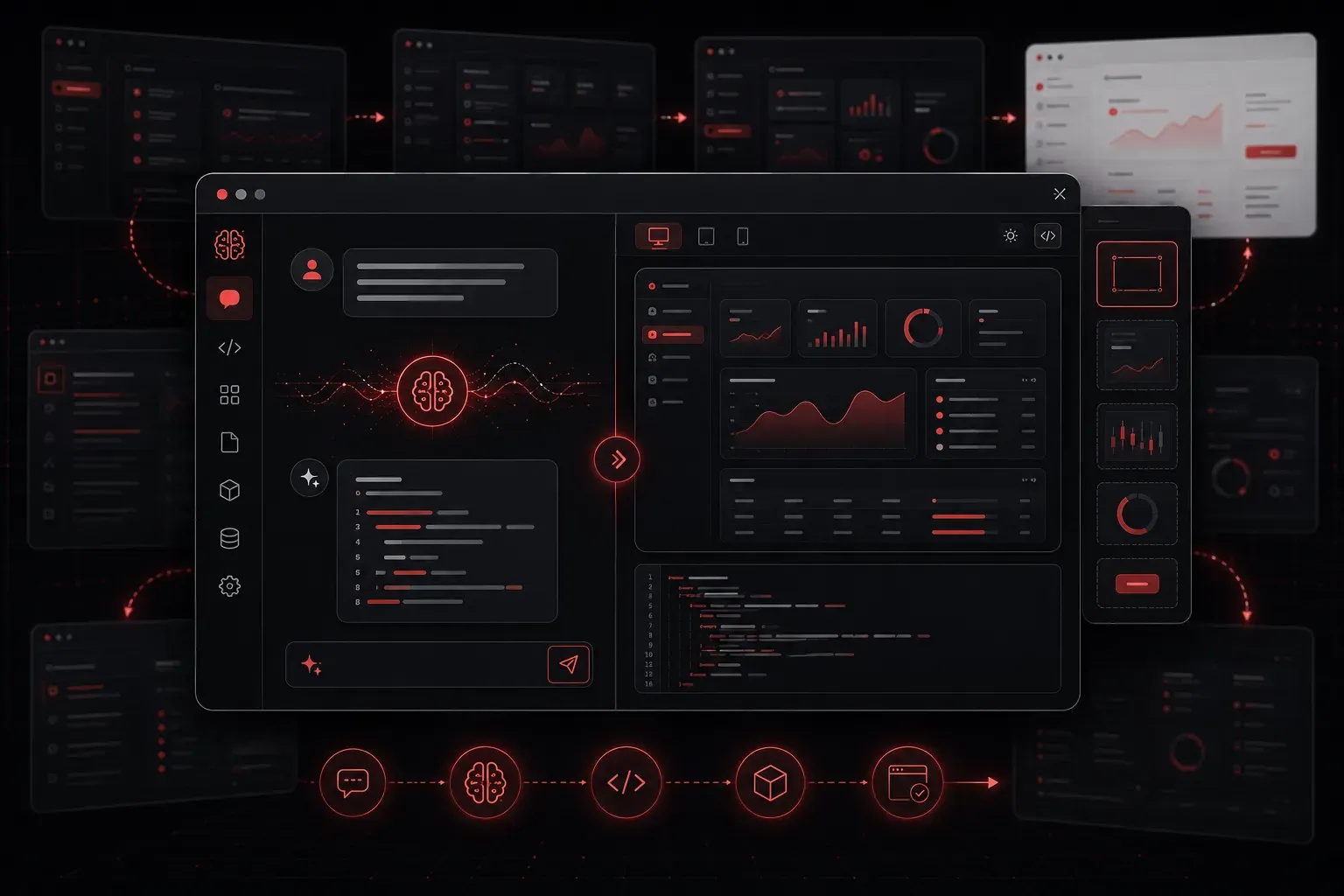
Prototyping has always been the bridge between brilliant ideas and working software. But traditional prototyping can be time-consuming and resource-intensive. Enter AI-driven prototyping - a game-changing approach that transforms how we design and validate software concepts.
AI-driven prototyping uses artificial intelligence to accelerate the creation, iteration, and validation of software prototypes. Instead of spending weeks building basic wireframes and mockups, you can now generate functional prototype components and interfaces significantly faster, though the complexity and completeness will vary based on your project requirements.
Why AI-Driven Prototyping Matters
Traditional software design follows a linear path: gather requirements, create wireframes, build mockups, develop, test, repeat. This process works, but it's slow. AI-driven prototyping compresses these cycles dramatically.
Consider this scenario: You need to prototype a customer dashboard for a networking management application. Traditionally, you'd spend days creating wireframes, then more days building a clickable prototype. With AI tools, you can describe your requirements in natural language and generate working prototype components in minutes to hours, depending on complexity. However, these generated components typically require human review, testing, and refinement to ensure they meet your specific needs.
Essential AI Tools for Prototyping
Several AI tools are revolutionizing the prototyping landscape:
- GitHub Copilot: Generates code snippets and entire functions based on your comments and context
- v0 by Vercel: Creates React components and full interfaces from text descriptions
- Figma AI: Generates design elements, layouts, and even complete interfaces
- Replit Ghostwriter: Provides real-time code suggestions and can build entire applications
- Claude or GPT-4: Excellent for generating HTML/CSS prototypes from descriptions
These tools integrate into existing workflows through IDE extensions, web interfaces, and API integrations, allowing teams to incorporate AI assistance without completely restructuring their development processes.
Practical AI Prototyping Techniques
Text-to-Code Generation
Start by describing your prototype in plain English. For example, you might prompt an AI tool:
"Create a responsive dashboard prototype with a sidebar navigation,
main content area showing network device status cards, and a top
navigation bar with user profile dropdown."
AI tools like v0 or Claude can generate complete HTML/CSS/JavaScript code from this description, giving you a working prototype foundation in minutes that you can then customize and refine.
Iterative Refinement
AI excels at rapid iteration. Once you have your initial prototype, you can refine it with natural language commands:
- "Make the cards responsive for mobile devices"
- "Add a dark mode toggle to the navigation"
- "Include loading states for the status cards"
Each iteration takes seconds rather than hours, though complex changes may still require manual intervention.
Component-Based Development
Use AI to generate reusable components. Instead of building everything from scratch, describe the component you need:
"Create a React component for a network device card that displays
device name, status indicator, IP address, and last seen timestamp.
Include hover effects and click handling."
The AI generates functional code that serves as an excellent starting point, though you should review and test it thoroughly before integration.
Best Practices for AI-Driven Prototyping
Be Specific with Requirements: The more detailed your descriptions, the better the output. Instead of "create a form," specify "create a user registration form with email validation, password strength indicator, and responsive design."
Start Simple, Then Enhance: Begin with basic functionality and use AI to incrementally add features. This approach reduces complexity and improves results.
Always Review and Test: AI-generated code requires human oversight. Review all generated prototypes for accuracy, security, and alignment with your requirements before user testing or stakeholder review.
Validate Early and Often: AI-generated prototypes are perfect for quick user testing. Get feedback on AI-created interfaces before investing time in custom development.
Combine Multiple Tools: Use different AI tools for different aspects. Figma AI for visual design, GitHub Copilot for functionality, and ChatGPT for user experience guidance.
Limitations and Considerations
While AI-driven prototyping offers significant advantages, it's important to understand its limitations. AI tools may generate code with bugs, security vulnerabilities, or accessibility issues. Complex business logic often requires significant human intervention. Additionally, AI-generated prototypes may not always follow your organization's coding standards or architectural patterns without explicit guidance.
Integration with existing workflows requires careful planning. Teams need to establish review processes, quality gates, and clear handoff procedures between AI-generated prototypes and production development.
Measuring Success
Track your prototyping efficiency by measuring time-to-prototype, iteration speed, and stakeholder feedback cycles. While specific time savings vary significantly based on project complexity and team experience, many development teams report substantial reductions in initial prototype development time when effectively incorporating AI tools into their workflow.
A case study from a fintech startup showed that their team reduced dashboard prototype development from 3-4 days to 4-6 hours by using AI tools for initial component generation, followed by human refinement and testing. However, results will vary based on your specific use case and team expertise.
What's Next
Now that you understand AI-driven prototyping fundamentals, the next step is exploring how AI transforms the implementation phase of software development. We'll dive into AI-assisted coding techniques that turn your validated prototypes into production-ready applications.