
XML vs HTML: What Is the Difference
XML and HTML serve different purposes despite looking similar. HTML displays content in web browsers using predefined tags, while XML stores and transports data using custom tags that describe meaning rather than appearance.

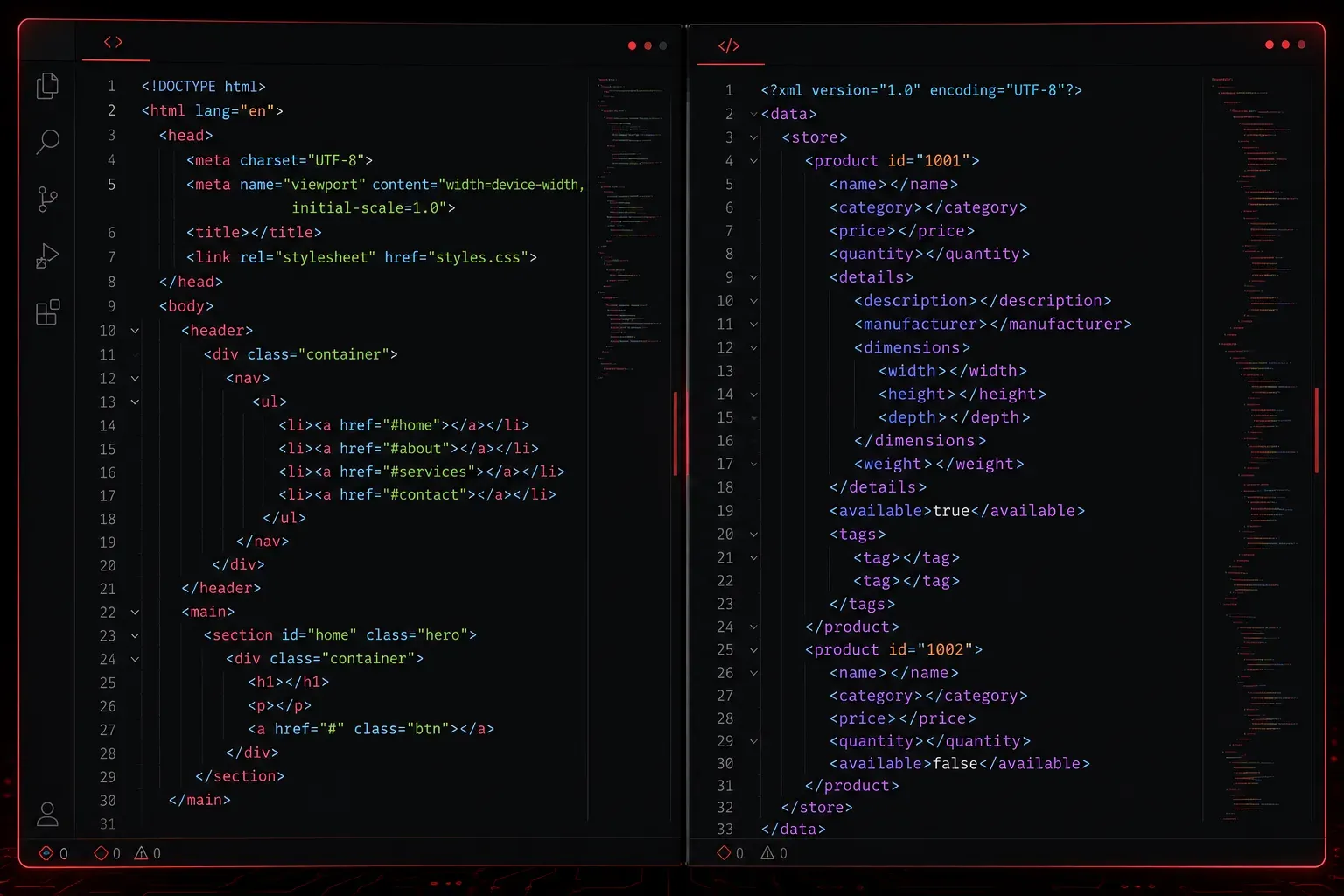
If you're getting into programming or web development, you've probably encountered both XML and HTML. While they might look similar at first glance (both use angle brackets and tags) they serve completely different purposes. Understanding when to use each one is crucial for any developer.
What is HTML?
HTML (HyperText Markup Language) is the standard language for creating web pages. It tells your browser how to display content; where to put headings, paragraphs, images, and links. HTML is all about presentation and structure for web browsers.
Here's a simple HTML example:
<html>
  <head>
    <title>My Web Page</title>
  </head>
  <body>
    <h1>Welcome to My Site</h1>
    <p>This is a paragraph of text.</p>
    <a href="https://example.com">Click here</a>
  </body>
</html>
HTML has predefined tags like <h1>, <p>, and <img> that browsers understand automatically. You can't create your own HTML tags; you work with what's already defined in the HTML specification.
What is XML?
XML (eXtensible Markup Language) is designed for storing and transporting data, not displaying it. Think of XML as a way to organize information in a structured format that both humans and computers can read. Unlike HTML, XML doesn't care about how things look; it only cares about what the data means.
Here's an XML example storing book information:
<?xml version="1.0" encoding="UTF-8"?>
<library>
  <book id="1">
    <title>Python Programming</title>
    <author>John Smith</author>
    <price>29.99</price>
    <category>Programming</category>
  </book>
  <book id="2">
    <title>Web Development</title>
    <author>Jane Doe</author>
    <price>34.99</price>
    <category>Web Design</category>
  </book>
</library>
Notice how XML lets you create your own tags like <library>, <book>, and <price>. These tags describe what the data represents, not how it should look.
Key Differences
Purpose and Function
HTML is for displaying content in web browsers. It focuses on presentation—fonts, colors, layout, and user interaction.
XML is for storing and exchanging data between systems. It focuses on structure and meaning, with no built-in presentation rules.
Flexibility
HTML uses predefined tags. You must use tags like <div>, <span>, and <table> that browsers already understand.
XML lets you create custom tags that make sense for your data. You could have <employee>, <salary>, or <inventory> tags.
Error Handling
HTML is forgiving. Browsers will try to display broken HTML, often fixing minor errors automatically.
XML is strict. If your XML has any syntax errors, parsers will refuse to process it. Every opening tag must have a closing tag, and the structure must be perfectly nested.
When to Use Each
Use HTML when you're building websites or web applications that users will view in browsers. HTML is your tool for creating user interfaces, forms, and interactive web content.
Use XML when you need to store configuration data, exchange information between different systems, or create structured documents that aren't meant for direct browser display. Many APIs use XML to send data between servers and applications.
A Practical Example
Imagine you're building a news website. You might store your articles in XML format:
<article>
  <headline>Breaking News Story</headline>
  <author>Reporter Name</author>
  <publish-date>2024-01-15</publish-date>
  <content>Article text goes here...</content>
</article>
Then your website's code would read this XML data and convert it into HTML for display in browsers. The XML holds the structured data, while HTML presents it beautifully to your readers.
What's Next
Now that you understand the fundamental differences between XML and HTML, the next step is learning XML syntax rules and structure. We'll cover how to write well-formed XML, understand XML declarations, and explore common XML patterns you'll encounter in real-world applications.