
Basics of Radio Frequency (RF) in Wireless Networking
Radio frequency (RF) enables wireless networking by converting digital data into electromagnetic waves that travel through the air. Understanding RF principles including frequency, signal strength, and interference is essential for troubleshooting and designing wireless networks.

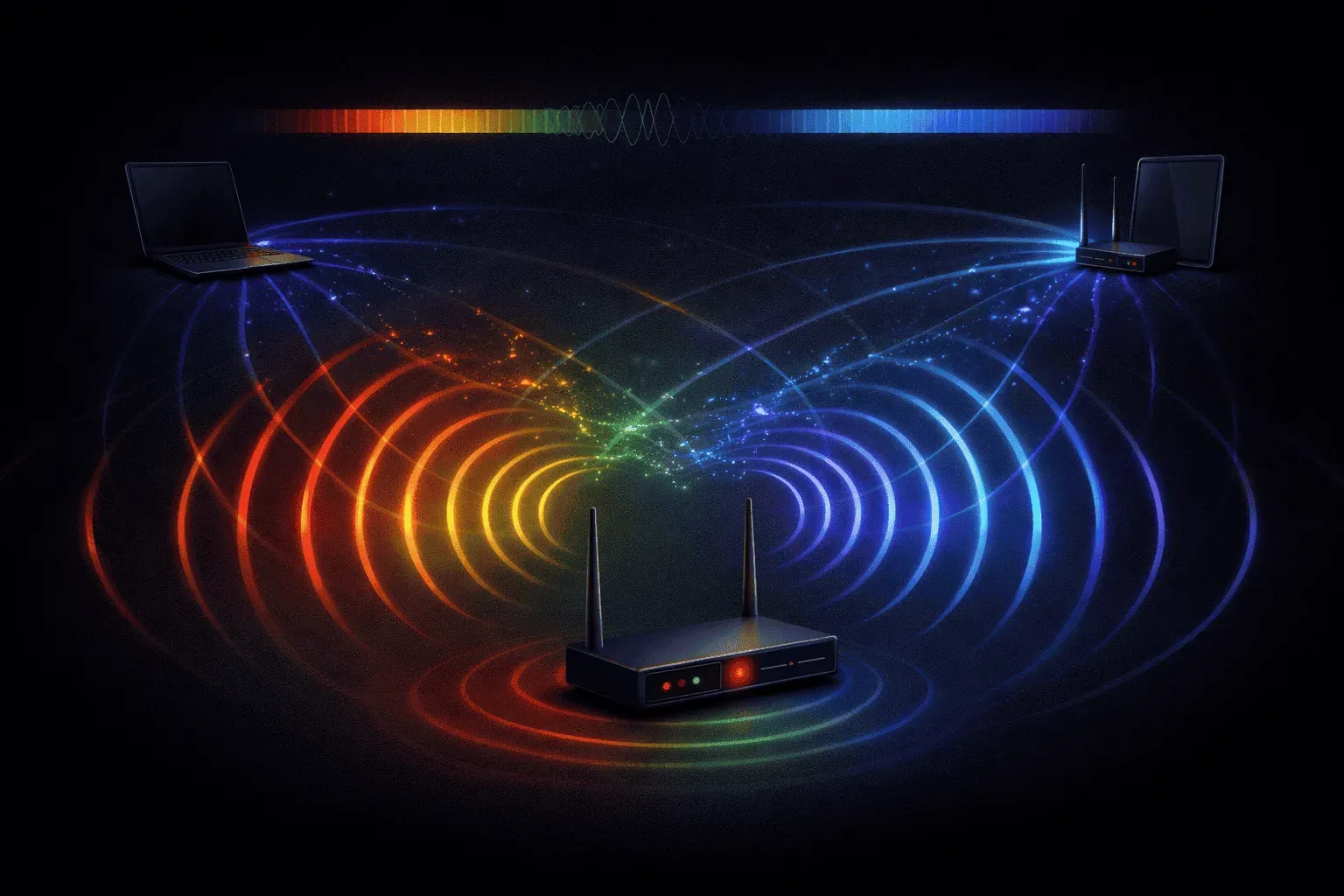
When you connect to Wi-Fi or use your smartphone, you're relying on invisible radio waves to carry your data through the air. Understanding radio frequency in networking is fundamental for anyone working with wireless technologies, especially as you prepare for your CCNA certification.
What is Radio Frequency?
Radio frequency (RF) refers to electromagnetic waves that oscillate at frequencies between 3 kHz and 300 GHz. In wireless networking, we use specific portions of the RF spectrum to transmit data wirelessly between devices. Think of RF signals as invisible highways that carry digital information through the air at the speed of light.
The key concept to grasp is that data doesn't magically jump from your laptop to a wireless router. Instead, your network adapter converts digital data (ones and zeros) into radio waves, transmits them through an antenna, and the receiving device converts those radio waves back into digital data.
How RF Enables Wireless Data Transmission
The process of wireless data transmission involves several steps:
- Encoding: Digital data is converted into electrical signals
- Modulation: These signals modify a radio carrier wave
- Transmission: An antenna broadcasts the modulated RF signal
- Reception: A receiving antenna captures the RF signal
- Demodulation: The original data is extracted from the carrier wave
This entire process happens millions of times per second, allowing for real-time communication between wireless devices.
Key RF Properties in Networking
Frequency and Wavelength
RF signals are characterized by their frequency, measured in Hertz (Hz). Higher frequencies can carry more data but travel shorter distances. The two primary frequency bands used in Wi-Fi are:
- 2.4 GHz: Longer range, better wall penetration, more interference
- 5 GHz: Higher data rates, shorter range, less interference
Signal Strength and Attenuation
RF signals weaken as they travel through space and obstacles. This attenuation affects network performance and coverage areas. Materials like concrete walls, metal objects, and even humidity can reduce signal strength, which is why wireless networks have limited range.
Interference and Noise
RF signals can interfere with each other when operating on the same or adjacent frequencies. Common sources of interference include:
- Other wireless networks
- Microwave ovens
- Bluetooth devices
- Cordless phones
RF in Practice: Wi-Fi Example
Let's see how RF basics apply to a typical Wi-Fi connection. When you browse the internet:
1. Your device encodes the HTTP request into digital data
2. The Wi-Fi adapter modulates this data onto a 2.4 GHz or 5 GHz carrier
3. The antenna transmits the RF signal to your wireless router
4. The router's antenna receives and demodulates the signal
5. The router forwards your request to the internet
6. The response follows the same process in reverse
This bidirectional communication happens continuously, with sophisticated protocols managing multiple devices sharing the same RF spectrum without significant interference.
Why RF Knowledge Matters for Network Engineers
Understanding RF principles helps you:
- Troubleshoot wireless connectivity issues
- Design effective wireless network coverage
- Optimize channel selection and power settings
- Identify and mitigate sources of interference
For your CCNA exam, you'll need to understand how RF characteristics directly impact wireless network performance and design decisions.
What's Next
Now that you understand the fundamentals of radio frequency in networking, the next step is exploring wireless standards and protocols. We'll dive into the IEEE 802.11 family of standards, examining how different Wi-Fi generations utilize RF principles to achieve varying data rates and coverage characteristics.
CCNA study resources
- CCNA Official Cert Guide Library (Wendell Odom) — Both volumes covering the full 200-301 exam blueprint. The definitive CCNA study resource.
- Wendell Odom CCNA Vol 1 — Networking fundamentals, switching, VLANs, STP, and IPv4 routing.