
JavaScript Function Parameters and Return Values
This post covers JavaScript function parameters and return values for beginners, explaining how to pass data into functions using parameters and arguments, set default values, and use the return keyword to send results back to the caller. Practical code examples demonstrate how these concepts work

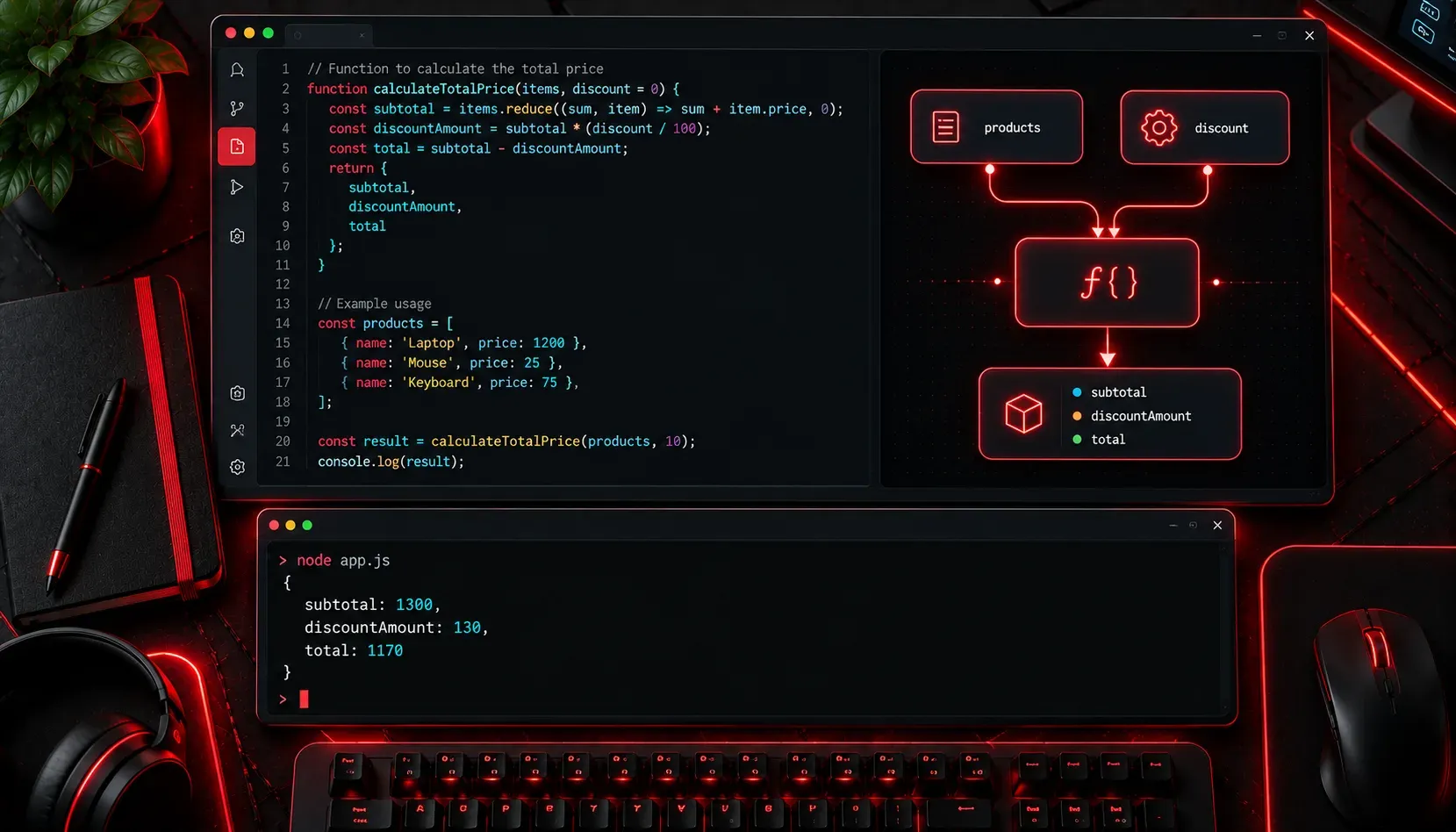
Functions are the building blocks of JavaScript programs, and understanding how to pass data into them and get results back is one of the most important skills you will develop as a programmer. Once you grasp parameters and return values, you can write code that is reusable, predictable, and much easier to maintain.
What Are Function Parameters?
Parameters are the named variables you define inside a function's parentheses. They act as placeholders for values that will be provided when the function is called. Think of them like blank fields on a form: the form defines the shape, and you fill in the actual data later.
function greetUser(name) {
  console.log("Hello, " + name + "!");
}

greetUser("Alice");  // Output: Hello, Alice!
greetUser("Bob");    // Output: Hello, Bob!
In this example, name is the parameter. "Alice" and "Bob" are the arguments, which are the actual values passed in when the function is called. This distinction matters: parameters are defined in the function, arguments are what you supply at call time.
Multiple Parameters
Functions can accept more than one parameter. Just separate them with commas:
function addNumbers(a, b) {
  console.log(a + b);
}

addNumbers(5, 3);   // Output: 8
addNumbers(10, 20); // Output: 30
The order of arguments matters. The first argument maps to the first parameter, the second to the second, and so on. JavaScript does not automatically match them by name.
Default Parameters
Modern JavaScript (ES6 and later) lets you assign default values to parameters. If no argument is provided, the default kicks in:
function greetUser(name = "Guest") {
  console.log("Hello, " + name + "!");
}

greetUser("Carol"); // Output: Hello, Carol!
greetUser();        // Output: Hello, Guest!
Default parameters are incredibly useful for making functions flexible without requiring the caller to always provide every value.
What Are Return Values?
So far, the functions above have printed things to the console but haven't sent any data back to the code that called them. The return statement changes that. It lets a function produce a result that can be stored, used in calculations, or passed to another function.
function multiplyNumbers(a, b) {
  return a * b;
}

let result = multiplyNumbers(4, 6);
console.log(result); // Output: 24
When JavaScript hits the return statement, the function immediately stops executing and sends that value back to wherever the function was called. This is a critical behaviour to understand: code written after a return statement inside the same block will never run.
Using Return Values in Practice
Return values become powerful when you chain them together or use them in expressions:
function celsiusToFahrenheit(celsius) {
  return (celsius * 9/5) + 32;
}

function describeTempterature(celsius) {
  let fahrenheit = celsiusToFahrenheit(celsius);
  console.log(celsius + "°C is " + fahrenheit + "°F");
}

describeTempterature(0);   // Output: 0°C is 32°F
describeTempterature(100); // Output: 100°C is 212°F
Notice how describeTempterature calls celsiusToFahrenheit and uses its return value directly. This is composition: small, focused functions built on top of each other.
Functions Without a Return Statement
If a function has no return statement, it returns undefined by default. This is normal behaviour for functions that perform an action, like logging to the console, rather than computing a value. Just be aware that if you try to use the result of such a function, you will get undefined.
Key Takeaways
- Parameters: named placeholders defined in the function signature
- Arguments: the actual values you pass in when calling the function
- Default parameters: fallback values used when no argument is supplied
- Return values: data sent back from the function using the
returnkeyword - No return: functions without a return statement produce
undefined
What's Next
Now that you understand how data flows in and out of functions, the next logical step is exploring scope, specifically how JavaScript decides which variables a function can see and access. Understanding scope will help you avoid some very common bugs and write cleaner, more predictable code. That's exactly what we will cover in the next post in this series.