
A Beginner's Guide to Access Point Modes
This guide explains the different modes Cisco Access Points can operate in, including Local, FlexConnect, Monitor, and Rogue Detector modes. It covers when to use each mode and their specific functions for different network scenarios.

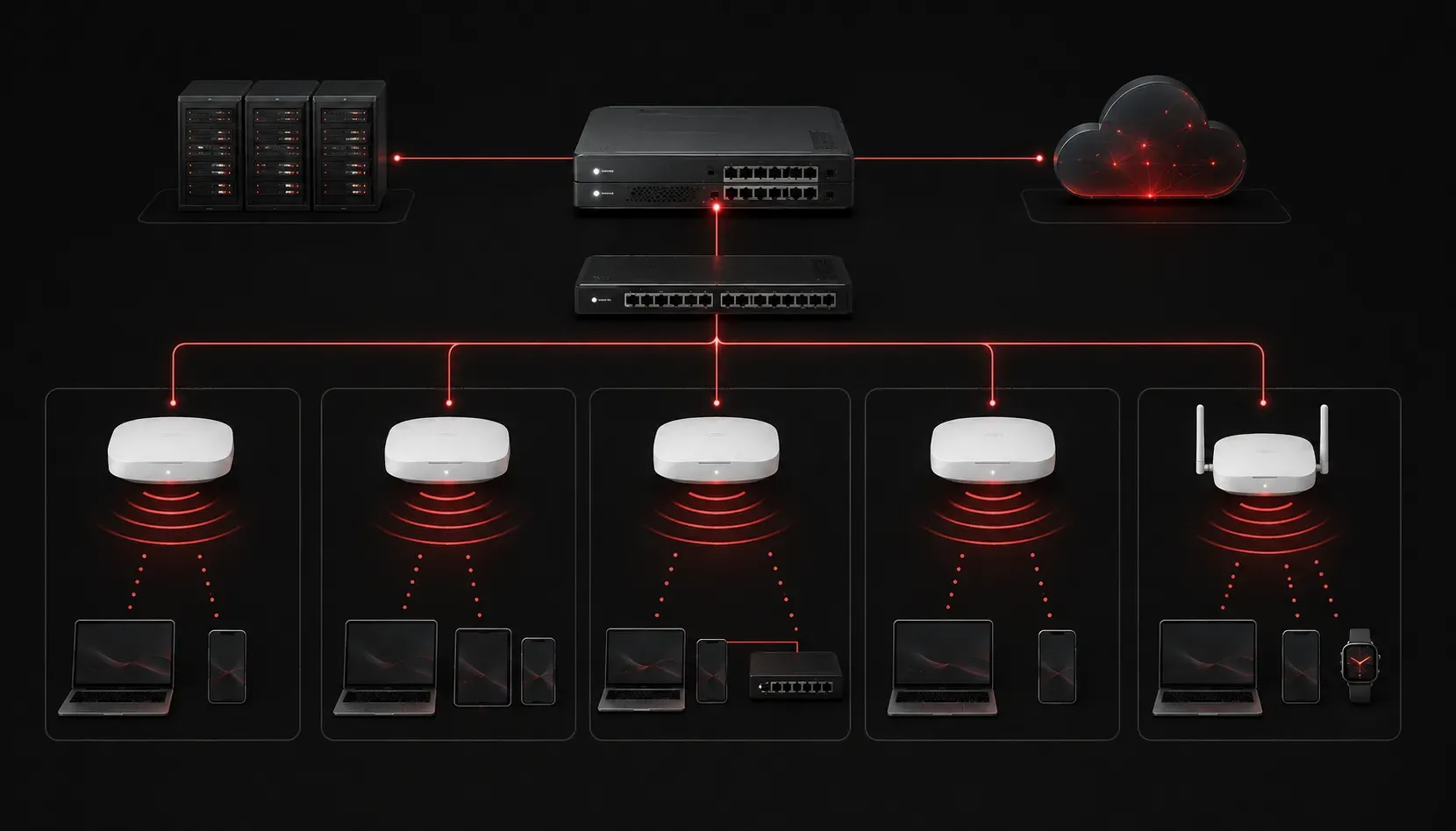
When working with Cisco wireless networks, understanding Access Point (AP) modes is crucial for both the CCNA exam and real-world deployments. Access Points can operate in several different modes, each designed for specific functions and network requirements. Let's explore the most common AP modes you'll encounter and when to use each one.
What Are Access Point Modes?
Access Point modes determine how a Cisco AP functions within your wireless network infrastructure. Think of these modes as different "jobs" an AP can perform - from providing standard wireless access to monitoring network security or extending connectivity to remote locations.
The mode you choose depends on your network requirements, security needs, and infrastructure design. Each mode has specific capabilities and limitations that make it suitable for particular scenarios.
Common Cisco AP Mode Types
Local Mode
Local mode is the default and most commonly used AP mode. In this mode, the Access Point provides standard wireless access to clients while performing real-time packet processing.
Key characteristics of Local mode:
- Processes all client traffic locally on the AP
- Provides wireless access on configured SSIDs
- Performs encryption/decryption of wireless frames
- Can scan for rogue devices when not serving clients
Ideal scenarios for Local mode:
- Corporate headquarters with reliable, high-bandwidth network connections
- Campus environments where all APs have stable connectivity to the WLC
- Environments requiring centralized policy enforcement and monitoring
Local mode works seamlessly with all wireless security protocols, including WPA2/WPA3-Personal and Enterprise, with authentication handled by the WLC or redirected to external RADIUS servers.
FlexConnect Mode
FlexConnect mode is designed for branch offices and remote locations where the connection to the central WLC may be unreliable or have limited bandwidth.
FlexConnect mode benefits:
- Can operate independently when the WLC connection is lost
- Switches client traffic locally instead of tunneling to WLC
- Reduces WAN bandwidth requirements
- Maintains wireless services during WAN outages
- Supports local authentication using local user databases or local RADIUS servers
To configure an AP in FlexConnect mode, you would use commands like:
(WLC) config ap mode flexconnect AP-NAMEPerfect use cases for FlexConnect:
- Retail stores with limited WAN bandwidth to headquarters
- Remote manufacturing facilities where network reliability is inconsistent
- Branch offices that need to maintain wireless services during WAN outages
FlexConnect supports both centralized and local authentication modes. For security protocols, it can handle WPA2/WPA3 authentication locally when configured with local user databases or authenticate against local RADIUS servers when the WLC connection is unavailable.
Monitor Mode
Monitor mode dedicates the AP exclusively to wireless security monitoring and intrusion detection. APs in monitor mode don't provide client access - they focus entirely on scanning all wireless channels for security threats.
Monitor mode functions:
- Scans all available channels continuously
- Detects rogue access points and clients
- Identifies wireless attacks and anomalies
- Provides detailed RF analysis and reporting
Optimal deployment scenarios:
- High-security environments like government facilities or financial institutions
- Areas with high wireless interference where dedicated monitoring is needed
- Large venues where you need comprehensive wireless security coverage
Monitor mode APs work independently of wireless security protocols since they don't handle client authentication, but they can detect and analyze all types of wireless security implementations in the environment.
Rogue Detector Mode
Rogue Detector mode is specialized for detecting unauthorized wireless devices. Unlike monitor mode, rogue detector APs connect to the wired network to correlate wireless and wired device information.
This mode helps identify whether a detected wireless device is actually connected to your corporate network (making it a true security threat) or is just a neighboring network that happens to be within range.
Best suited for:
- Environments where you need to distinguish between internal rogue devices and external networks
- Locations where physical security is paramount and unauthorized wireless devices pose significant risks
Security Protocol Compatibility
Different AP modes interact with wireless security protocols in specific ways:
- Local Mode: Supports all WPA/WPA2/WPA3 variants with full 802.1X integration
- FlexConnect: Handles WPA2/WPA3 authentication both centrally and locally, crucial for branch office resilience
- Monitor Mode: Analyzes all security protocols passively without participating in authentication
- Rogue Detector: Identifies security misconfigurations and unauthorized security implementations
Choosing the Right Mode
Selecting the appropriate AP mode depends on several factors:
- Network topology: Central office vs. branch office deployments
- WAN reliability: Stable high-bandwidth vs. unreliable connections
- Security requirements: Standard access vs. dedicated monitoring needs
- Client density: High-density areas may benefit from dedicated monitor APs
- Business continuity needs: Whether wireless services must remain available during WAN outages
For most CCNA scenarios, you'll primarily work with Local mode for standard deployments and FlexConnect mode for branch office scenarios. Understanding when and why to use each mode is key to designing effective wireless networks.
What's Next
Now that you understand the different Access Point modes and their functions, the next step is learning about wireless security protocols like WPA3 and how they integrate with these various AP modes to protect your wireless infrastructure.
Tools and resources for this topic
- CCNA Official Cert Guide (Wendell Odom) — The definitive CCNA study resource. Both volumes cover the 200-301 exam blueprint in full.
- Wendell Odom CCNA Vol 1 — Covers networking fundamentals, switching, and routing basics.
- Wendell Odom CCNA Vol 2 — Covers advanced routing, WAN, infrastructure services, and security.