
Understanding Linux Hypervisors: QEMU and KVM
Learn about QEMU and KVM, the two primary hypervisor technologies in Linux systems. Understand their individual roles, how they work together, and when to use each for optimal virtualization performance.

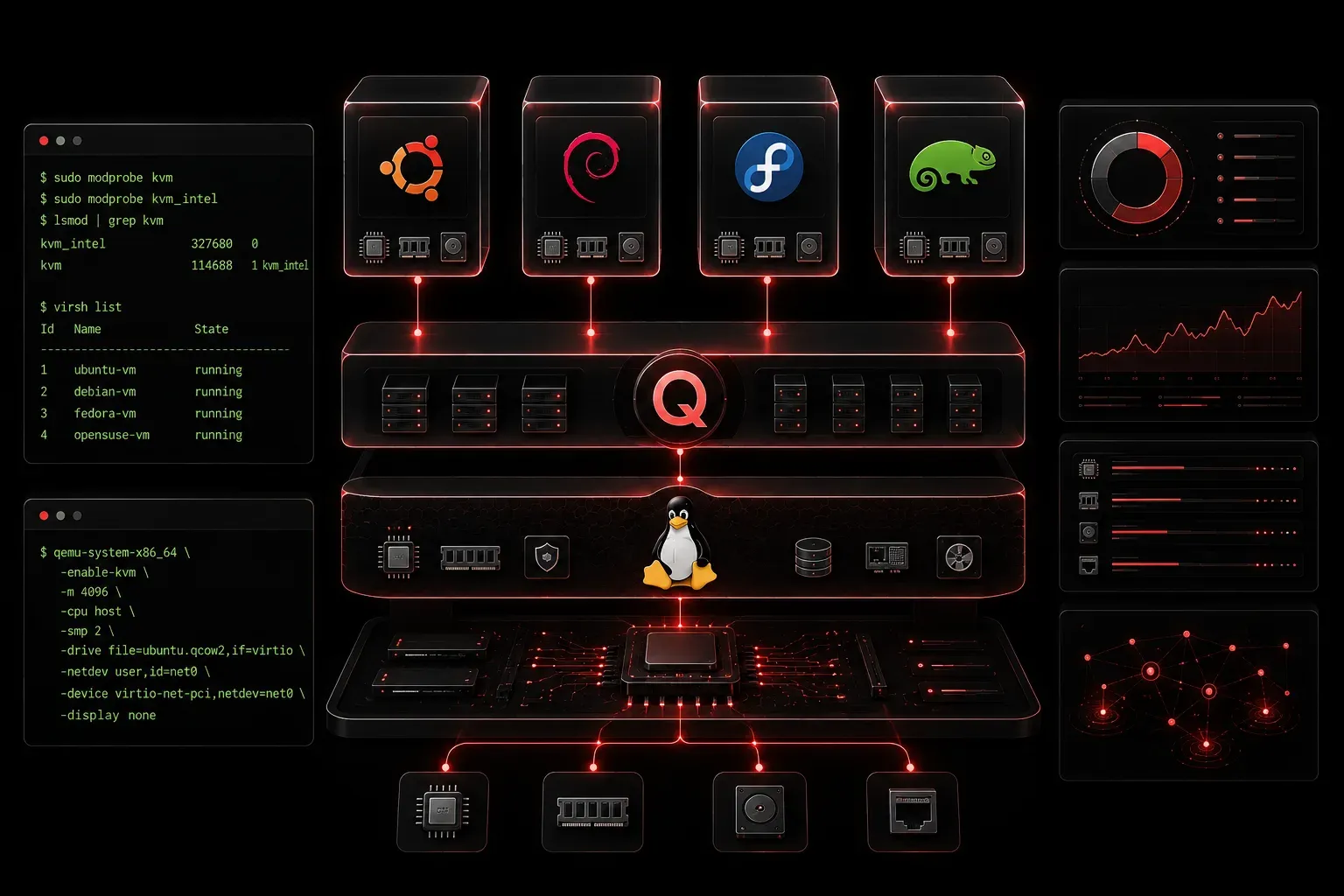
Linux virtualization relies on powerful hypervisor technologies that enable multiple operating systems to run simultaneously on a single physical machine. Two key components dominate the Linux virtualization landscape: QEMU and KVM. Understanding how these technologies work together and independently is essential for anyone managing Linux systems in modern environments.
What Are Hypervisors?
A hypervisor is software that creates and manages virtual machines (VMs). It sits between the hardware and the guest operating systems, allocating resources like CPU, memory, and storage to each VM. Hypervisors are traditionally classified as Type 1 (bare-metal), which run directly on hardware without a host OS, or Type 2 (hosted), which run on top of an existing operating system. However, this classification becomes nuanced with technologies like KVM that blur the lines between these categories.
Understanding KVM (Kernel-based Virtual Machine)
KVM is a unique hypervisor solution that transforms the Linux kernel into a virtualization platform. While KVM is technically classified as a Type 2 hypervisor because it requires a host operating system (Linux), it provides near bare-metal performance by leveraging hardware virtualization extensions and tight kernel integration.
Key characteristics of KVM:
- Hardware acceleration: Requires CPU virtualization extensions (Intel VT-x or AMD-V)
- Kernel integration: Built into the Linux kernel since version 2.6.20
- Memory management: Leverages Linux's memory management for efficient resource allocation
- Security: Each VM runs as a separate Linux process with its own security context
To check if your system supports KVM, run:
lscpu | grep Virtualization
cat /proc/cpuinfo | grep -E "(vmx|svm)"
If you see output indicating virtualization support, your CPU can run KVM.
Understanding QEMU (Quick Emulator)
QEMU is a complete machine emulator and virtualizer. Unlike KVM, QEMU can run entirely in software without requiring hardware virtualization support, though it performs much better when combined with KVM.
QEMU's capabilities include:
- Full system emulation: Can emulate different CPU architectures (ARM on x86, for example)
- Device emulation: Provides virtual hardware devices like network cards, storage controllers, and graphics adapters
- Standalone operation: Works without hardware acceleration, though slowly
- Multiple guest support: Runs various operating systems including Windows, Linux, and BSD variants
You can install QEMU on most Linux distributions:
# Ubuntu/Debian
sudo apt install qemu-system

# CentOS/RHEL/Fedora
sudo yum install qemu-kvm  # or dnf on newer systems
QEMU and KVM: Better Together
While both can operate independently, QEMU and KVM form a powerful partnership in Linux hypervisors. KVM provides hardware-accelerated virtualization capabilities, while QEMU handles device emulation and VM management.
Here's how they work together:
- KVM handles: CPU and memory virtualization with hardware acceleration
- QEMU provides: Device emulation, VM lifecycle management, and the user interface
- Result: High-performance virtualization with comprehensive hardware support
When you run a VM using both technologies, KVM accelerates the CPU-intensive operations while QEMU manages everything else. This combination delivers performance close to running directly on physical hardware.
Real-World Applications and Use Cases
Understanding when to use each technology depends on your specific requirements:
Use KVM alone when:
- You need maximum performance for Linux guests
- Hardware acceleration is available
- You're building custom virtualization solutions
Use QEMU alone when:
- Hardware acceleration isn't available
- You need to emulate different CPU architectures
- Running legacy systems or testing scenarios
Use QEMU + KVM when:
- You want the best balance of performance and flexibility
- Running production virtualization workloads
- Need comprehensive device emulation with hardware acceleration
Common enterprise scenarios include:
- Server consolidation: Running multiple web servers on a single physical machine
- Development environments: Testing applications across different OS versions without multiple physical machines
- Cloud infrastructure: Providing virtual instances in private or public cloud environments
- Security isolation: Separating different services or clients in isolated virtual environments
Getting Started
To verify both technologies are available on your system:
lsmod | grep kvm
qemu-system-x86_64 --version
Most modern Linux distributions include both QEMU and KVM, making it straightforward to begin experimenting with virtualization.
What's Next
Now that you understand the foundation of Linux hypervisors, the next step is to explore libvirt—the virtualization management library that provides a unified interface for controlling QEMU, KVM, and other hypervisors. We'll also cover practical VM creation and management techniques using these powerful tools.
Tools and resources for this topic
- CompTIA Linux+ Study Guide — Comprehensive Linux+ exam preparation covering system administration, security, and scripting.