
RDP, SSH, and Telnet: Basic Tools for Network Access
Learn the differences between RDP, SSH, and Telnet - three essential remote access tools for network professionals. Understand when to use each protocol and their security implications for accessing network devices.

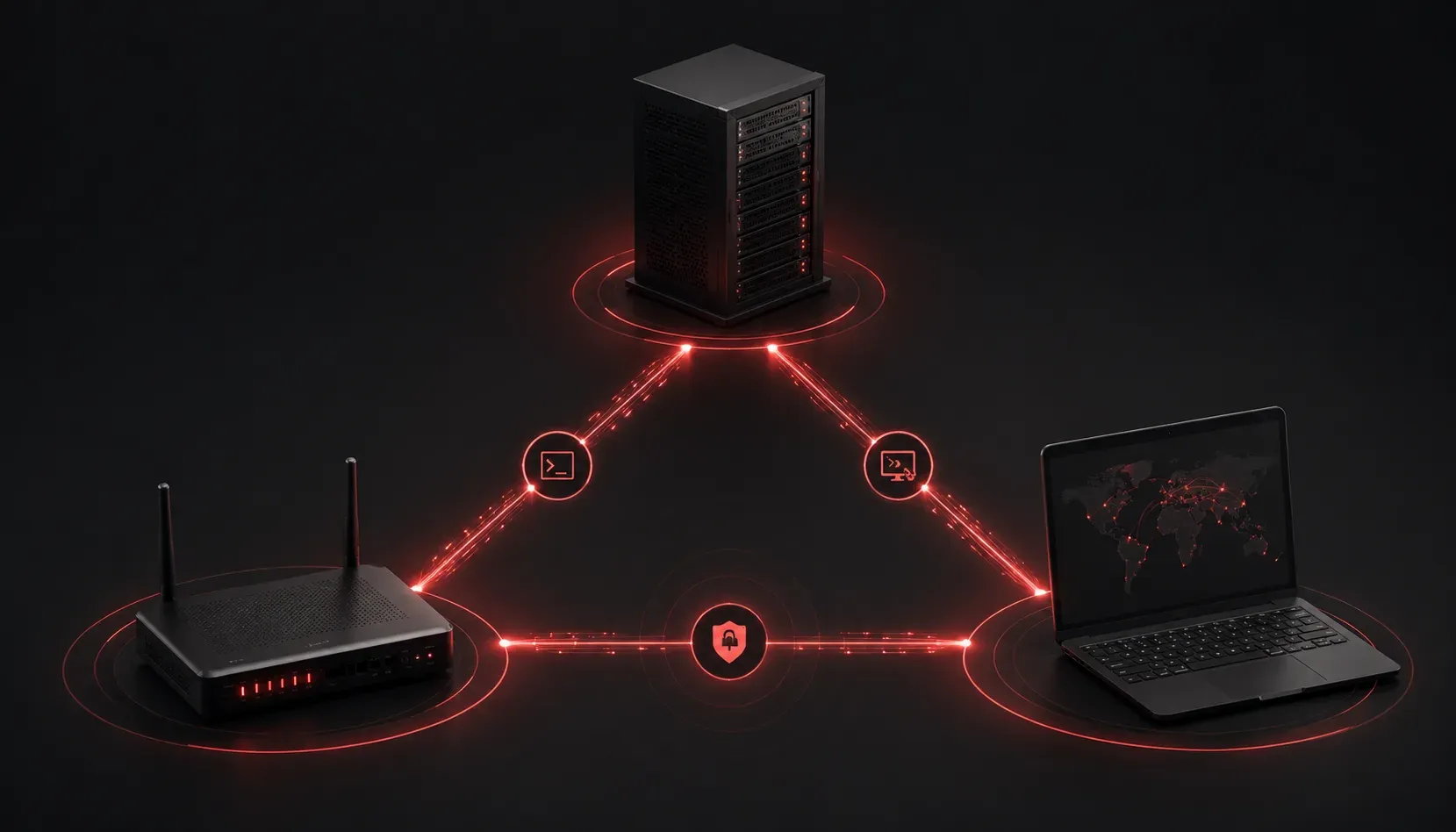
When working with network devices and systems, you'll often need to access them remotely rather than being physically present at each location. Three fundamental remote access tools dominate the networking world: RDP, SSH, and Telnet. Understanding when and how to use each tool is essential for any network professional.
These remote access tools serve different purposes and offer varying levels of security and functionality. Let's explore each one and understand their proper applications in modern networking.
Telnet: The Original Remote Access Tool
Telnet was one of the first remote access protocols, with the protocol specification developed in 1969 and becoming widely implemented in the early 1970s. It provides a simple command-line interface for connecting to remote devices over TCP port 23.
To connect via Telnet, you simply use:
telnet 192.168.1.1Key characteristics of Telnet:
- Unencrypted communication - all data travels in plain text
- Simple text-based interface
- Widely supported on older network devices
- Default port: TCP 23
While Telnet is still found on many legacy systems, its lack of encryption makes it unsuitable for production networks where security matters. However, it remains useful for initial device configuration in isolated lab environments. Once SSH is configured on a device, Telnet should be disabled for security reasons.
SSH: The Secure Shell Standard
SSH (Secure Shell) emerged as the secure replacement for Telnet. It provides encrypted communication and strong authentication mechanisms, making it the preferred choice for remote command-line access.
Basic SSH connection syntax:
ssh [email protected]SSH advantages include:
- All communication is encrypted
- Public key authentication support
- Port forwarding capabilities
- Default port: TCP 22
SSH has become the standard for accessing network devices like routers, switches, and Linux servers. Modern network equipment supports SSH version 2, which offers significant security improvements over the original SSH version 1. SSH version 1 is largely deprecated due to security vulnerabilities and should be avoided.
SSH Key Authentication:
SSH supports public key authentication, which is more secure than password-based authentication. This method uses a pair of cryptographic keys: a private key kept secret by the user and a public key stored on the server. When connecting, the SSH client uses the private key to prove identity without transmitting the key itself over the network.
When connecting to Cisco devices, you'll typically see output like this:
Router1> enable
Router1# configure terminal
Router1(config)#
RDP: Remote Desktop Protocol
RDP (Remote Desktop Protocol) takes a completely different approach. Instead of providing command-line access, RDP gives you full graphical desktop access to Windows systems.
RDP characteristics:
- Full graphical user interface access
- Encrypted connections (when properly configured)
- Supports audio, clipboard, and file sharing
- Default port: TCP 3389
While RDP is primarily designed for Windows environments, you can use third-party RDP clients to connect from non-Windows systems including Linux, macOS, and mobile devices. This makes RDP a versatile solution for accessing Windows servers and workstations from various platforms.
Choosing the Right Access Method
The choice between these remote access tools depends on your specific needs:
Use SSH when:
- Configuring network devices (routers, switches, firewalls)
- Managing Linux/Unix servers
- Security is a priority
- You need command-line access
Use RDP when:
- Managing Windows servers
- Running GUI applications remotely
- Users need full desktop experience
- Troubleshooting requires visual interface
Use Telnet when:
- Working in isolated lab environments
- Dealing with legacy equipment that doesn't support SSH
- Initial configuration of devices before SSH is enabled
Security Considerations
Never use Telnet over untrusted networks. The unencrypted nature means passwords and sensitive configuration data travel in plain text, making them easily interceptable.
For SSH, always use strong passwords or preferably SSH keys for authentication. Many organizations disable password authentication entirely, relying solely on key-based authentication.
When using RDP, ensure Network Level Authentication is enabled and consider using VPN connections for additional security when accessing systems over the internet.
What's Next
Now that you understand these fundamental remote access tools, the next step is learning how to properly configure and secure these services on your network devices. We'll explore SSH configuration on Cisco devices and best practices for implementing secure remote access policies in your network infrastructure.